26
The Switch can be configured through the Web Browser. A network
administrator can manage, control and monitor the switch from the
local LAN. This section indicates how to configure the Switch to
enable its smart functions
Login
Before you configure this device, note that when the Web Smart
Switch is configured through an Ethernet connection, make sure the
manager PC must be set on same the IP network. For example, when
the default network address of the default IP address of the Web Smart
Switch is 192.168.0.1, then the manager PC should be set at
192.168.0.x (where x is a number between 2 and 253), and the default
subnet mask is 255.255.255.0.
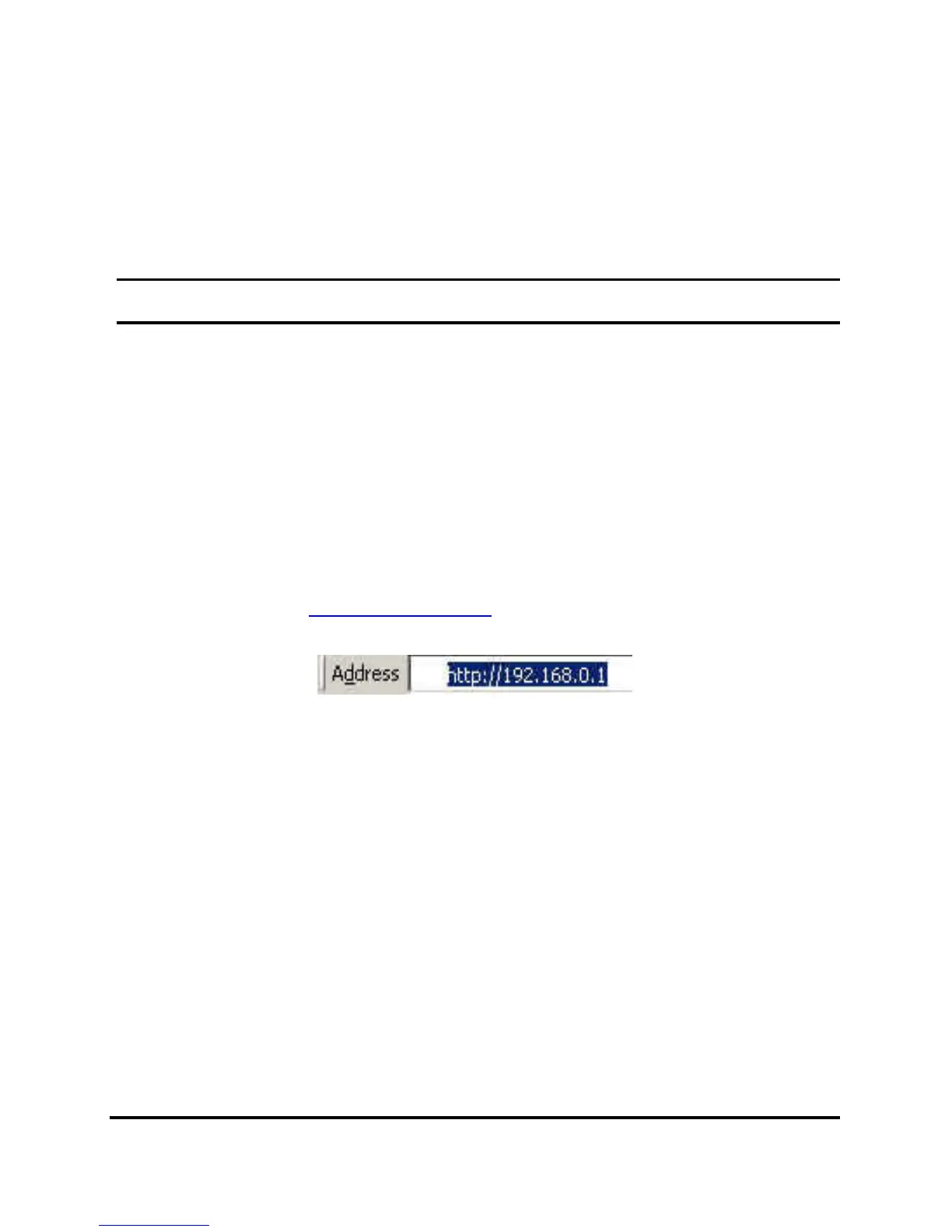
Open Internet Explorer 5.0 or above Web browser.
Enter IP address http://192.168.0.1
(the factory-default IP address
setting) to the address location.
Figure 14.
Or through the Web Management Utility, you do not need to
remember the IP Address, select the device shown in the Monitor List
of the Web Management Utility to settle the device on the Web
Browser. When the following dialog page appears, remain enter the
default password "admin" and press Login to enter the main
configuration window.











 To Next Page