19
CONFIGURATION
Through the Web Browser you can configure the Switch such as
VLAN, Port Trunking, Jumbo Frame… etc.
With the attached Web Management Utility, you can easily discover
all the Web Management Switch, assign the IP Address, changing the
password and upgrading the new firmware.
Installing the Web Management Utility
The following are step-by-step instructions for installing the Web
Management utility.
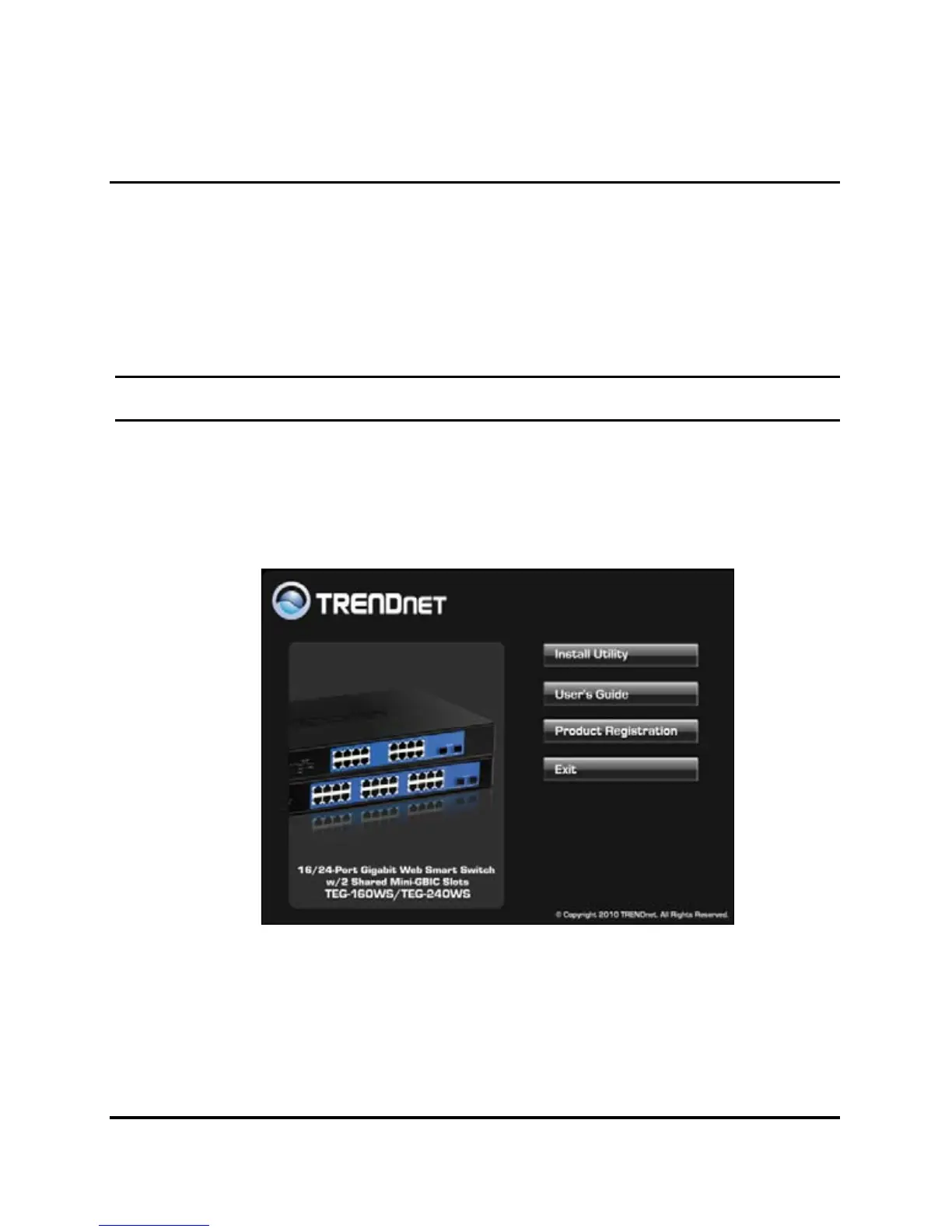
1. Insert the Utility CD in the CD-ROM Drive.
2. Click Install Utility icon to start
Figure 7
3. Follow the on-screen instructions to install the utility.
4. Upon completion, go to Program Files Æ TRENDnetÆ Web
Smart Switch Management Utility and open the Web
Management utility.











 To Next Page