27
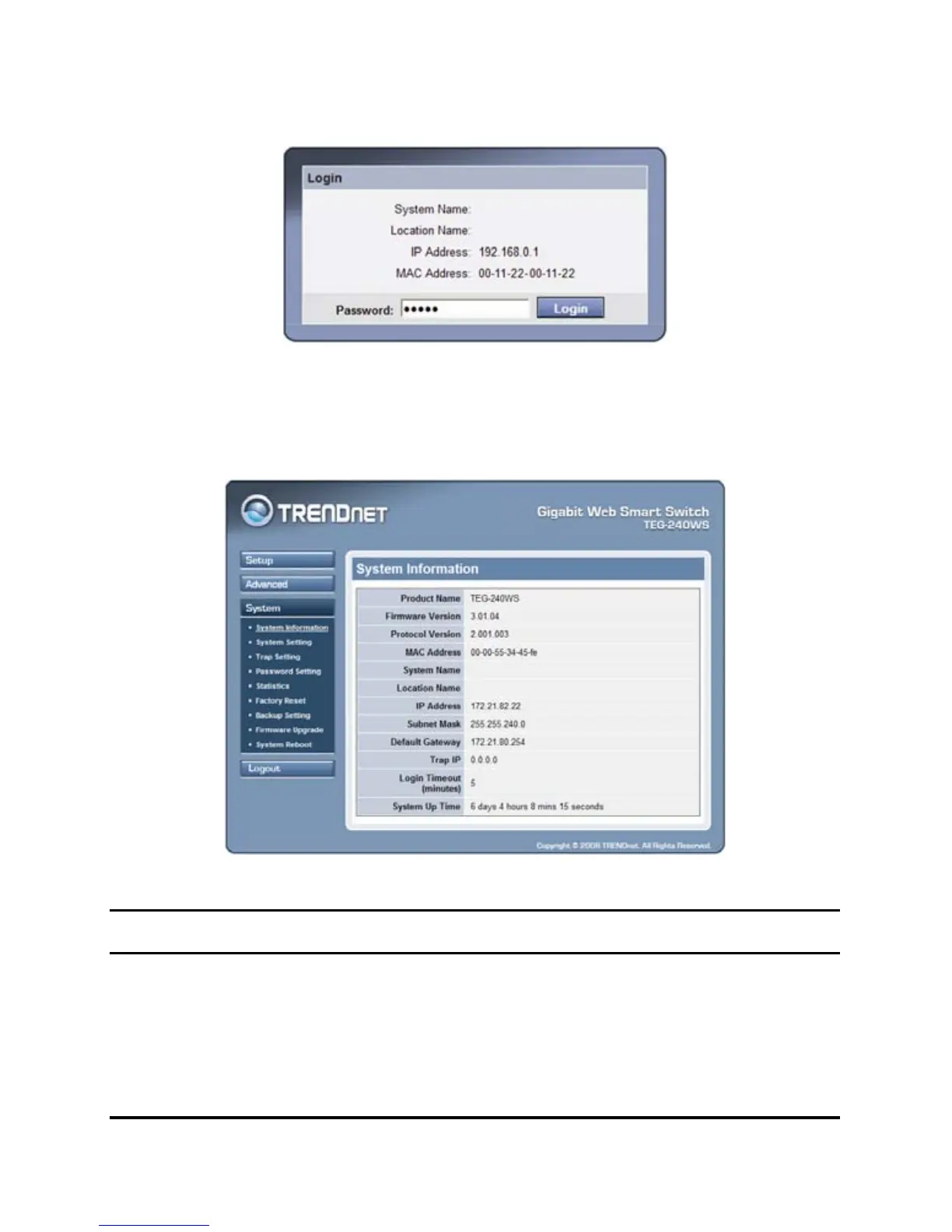
Figure 15.
After entering the password, the main page comes up, the screen will
display the device status.
Figure 16. System Information
Setup Setting
Find that there are seven items, including Port Setting, IEEE 802.1Q
VLAN Settings, Trunk Setting, Mirror Setting, IEEE 802.1p Default
Priority, Broadcast Strom Control Setting, Jumbo Frame Setting in











 To Next Page