20
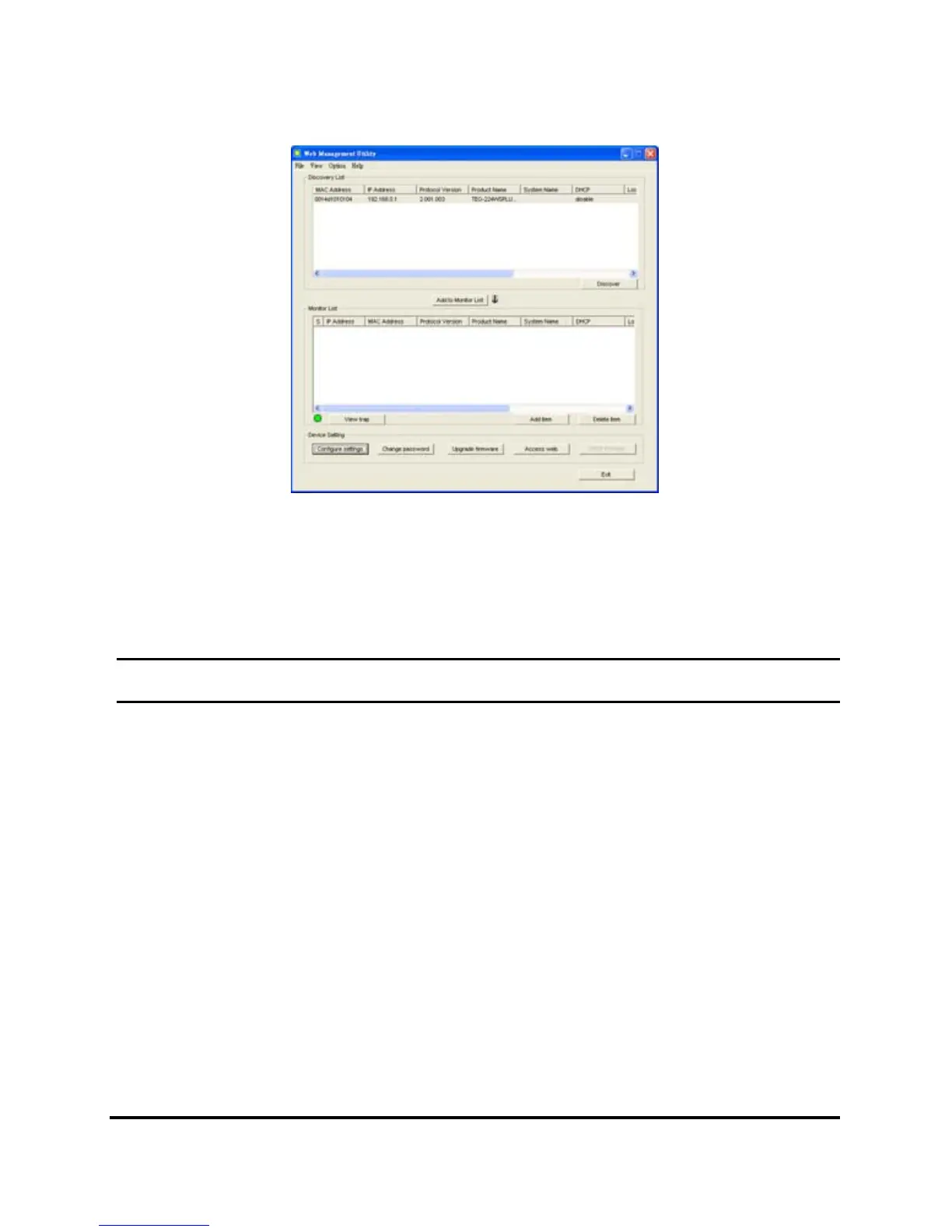
Figure 8. Web Management Utility
The Web Management Utility is divided into four sections, Discovery
List, Monitor List, Device Setting and Toolbar function, for details
instruction, follow the below section.
Discovery List
This is the list where you can discover all the Web management
devices in the entire network.
By pressing the “Discover” button, you can list all the Web
Management devices in the discovery list.
Double click or press the “Add to monitor list” button to select a
device from the Discovery List to the Monitor List.











 To Next Page