57
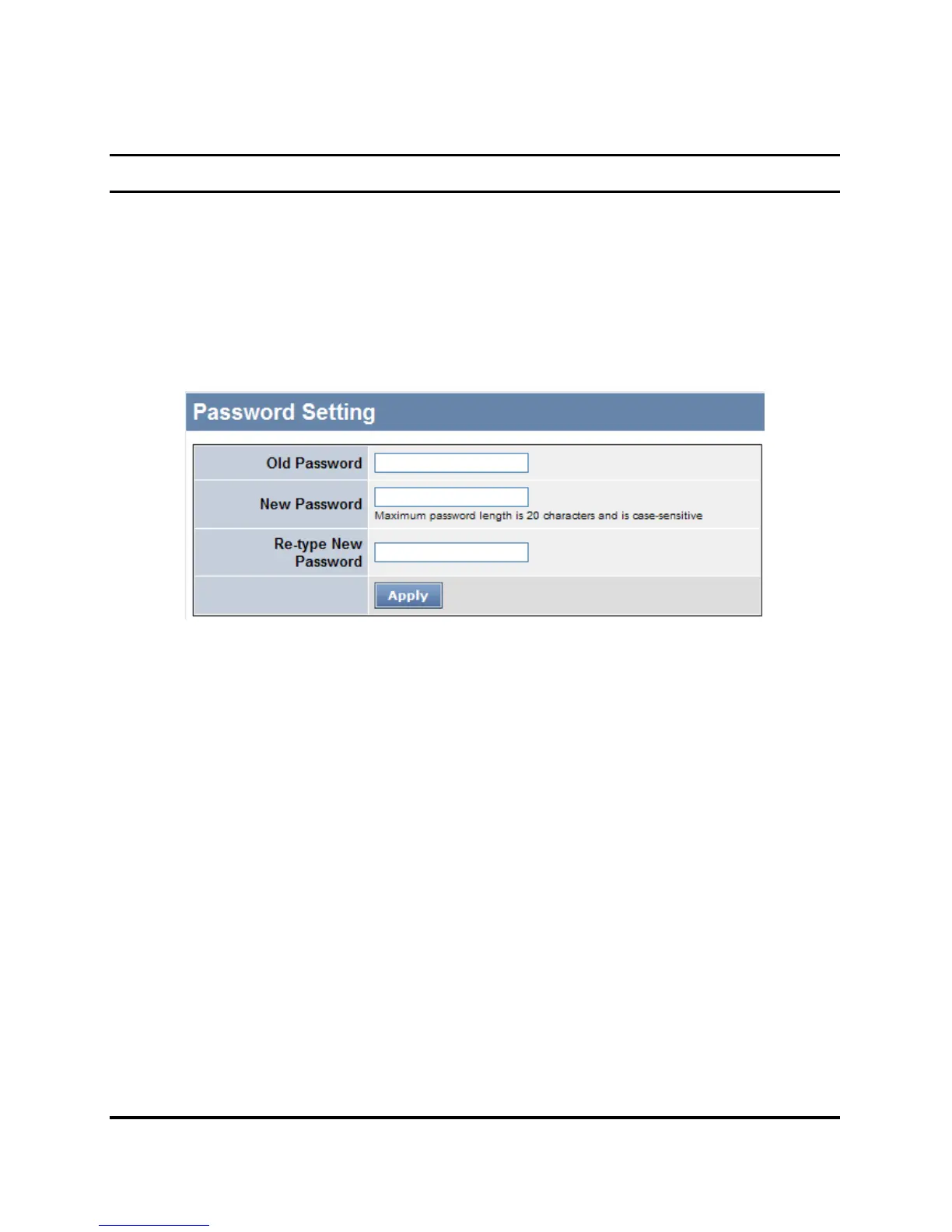
Password Setting
Setting a password is an invaluable tool for managers to secure the
Web Smart Switch. After entering the old password and the new
password two times, press Apply for the changes to take effect.
If you forget the password, press the “Reset” button in the front panel
of the Switch. Note: All current settings will be erased when pressing
the “Reset” button.
Figure 30. Password Setting











 To Next Page