39
Trunk Setting
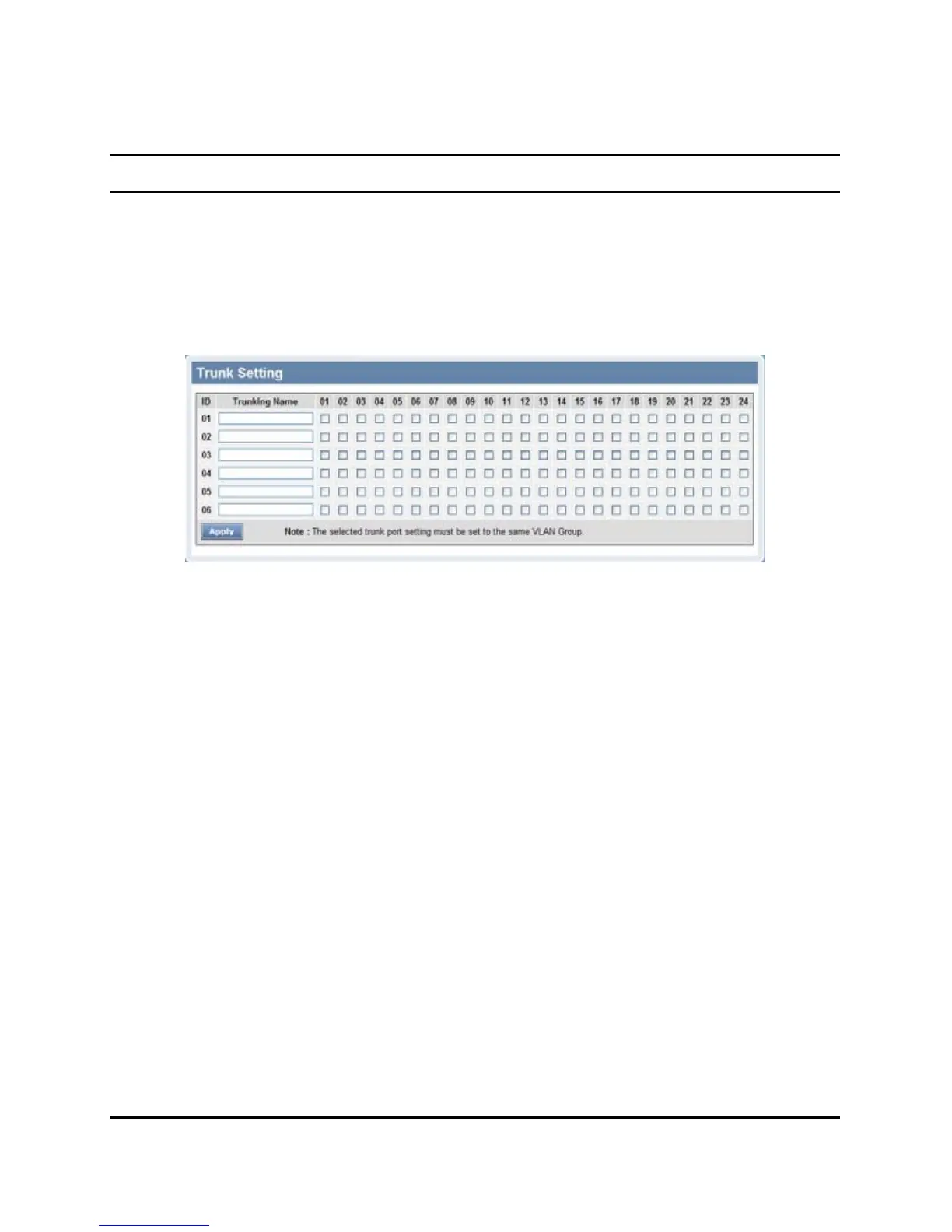
The Trunking function enables the cascading of two or more ports for
a combined larger bandwidth. Up to six Trunk groups may be created,
each supporting up to 8 ports. Add a Trunking Name and select the
ports to be trunked together, and click Apply to activate the selected
Trunking groups.
Figure 38. Trunk Configuration
Be sure that the selected trunk setting port must connect to the device
with a same VLAN group.











 To Next Page