28
Setup menu.
Port Settings
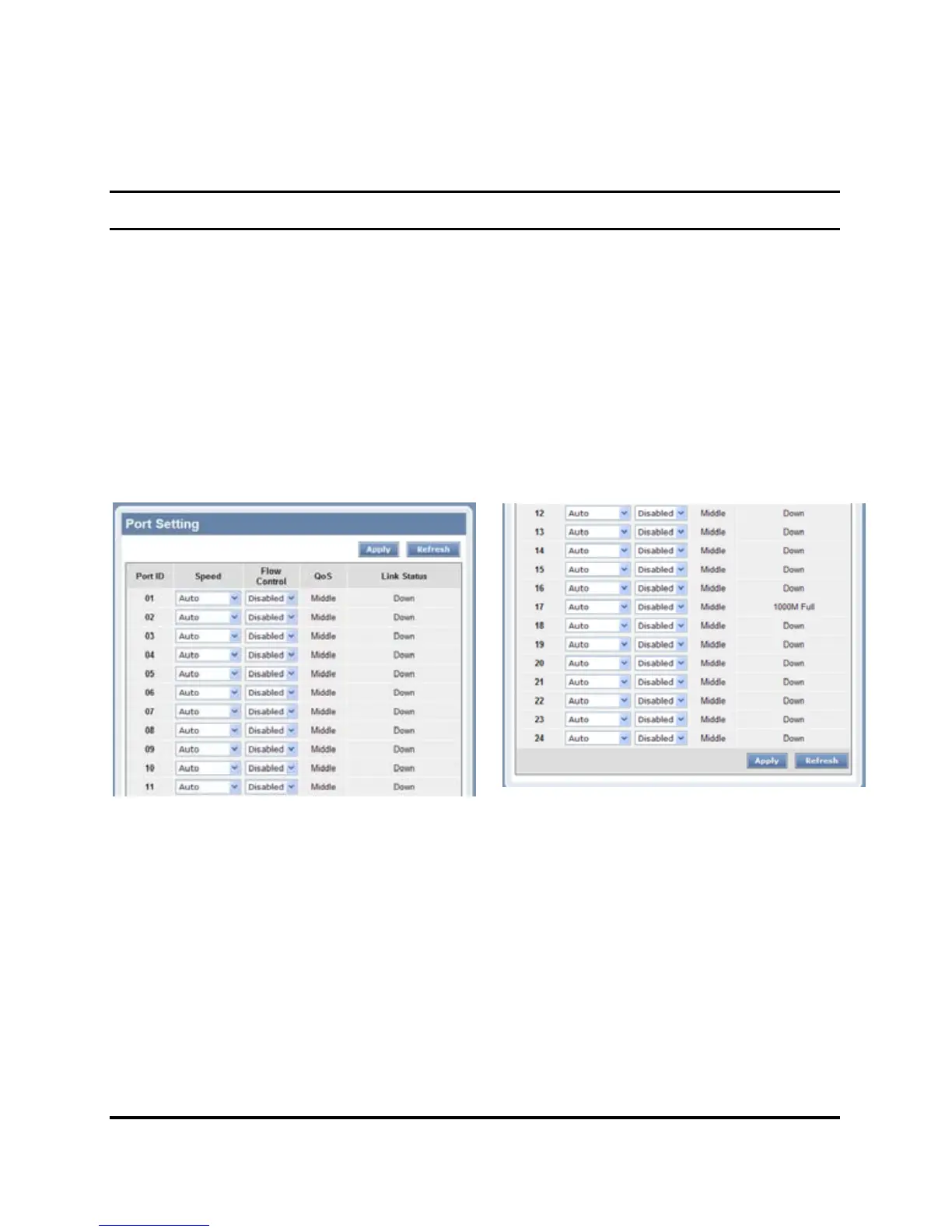
In Port Settings menu (Figure 17), this page will show each port’s
status, selected drop down menu to set each port’s Speed, and QoS
priority then press “Apply” button to activate changes. To refresh the
information table to view the latest port setting and Link Status, press
the Refresh button.
The Link Status in the screen will show the connection speed and
duplex mode; else this dialog box will show Down when the port is
disconnected.
Figure 17. Port Setting
Note: The priority of Gigabit Fiber port is higher than Copper.
Speed:
The 1000BASE-T connections can operate in Forced Mode settings
(1000M Full, 100M Full, 100M Half, 10M Full, 10M Half), Auto, or
Disable. The default setting for all ports are Auto. The mini-GBIC
(Gigabit Fiber) connections can operate in Forced Mode settings
(1000M Full), Auto, or Disable











 To Next Page