EasyManua.ls Logo

Troxler 3440 - Viewing Drift Test Data

Troxler 3440
212 pages
Print Icon
To Next Page IconTo Next Page
To Previous Page IconTo Previous Page
Loading...
6–6
********************************
Statistical Stability Test
********************************
Gauge
Serial #: 18326
5/04/2000 7:21 AM
READING |
COUNTS
# | DENSITY MOISTURE
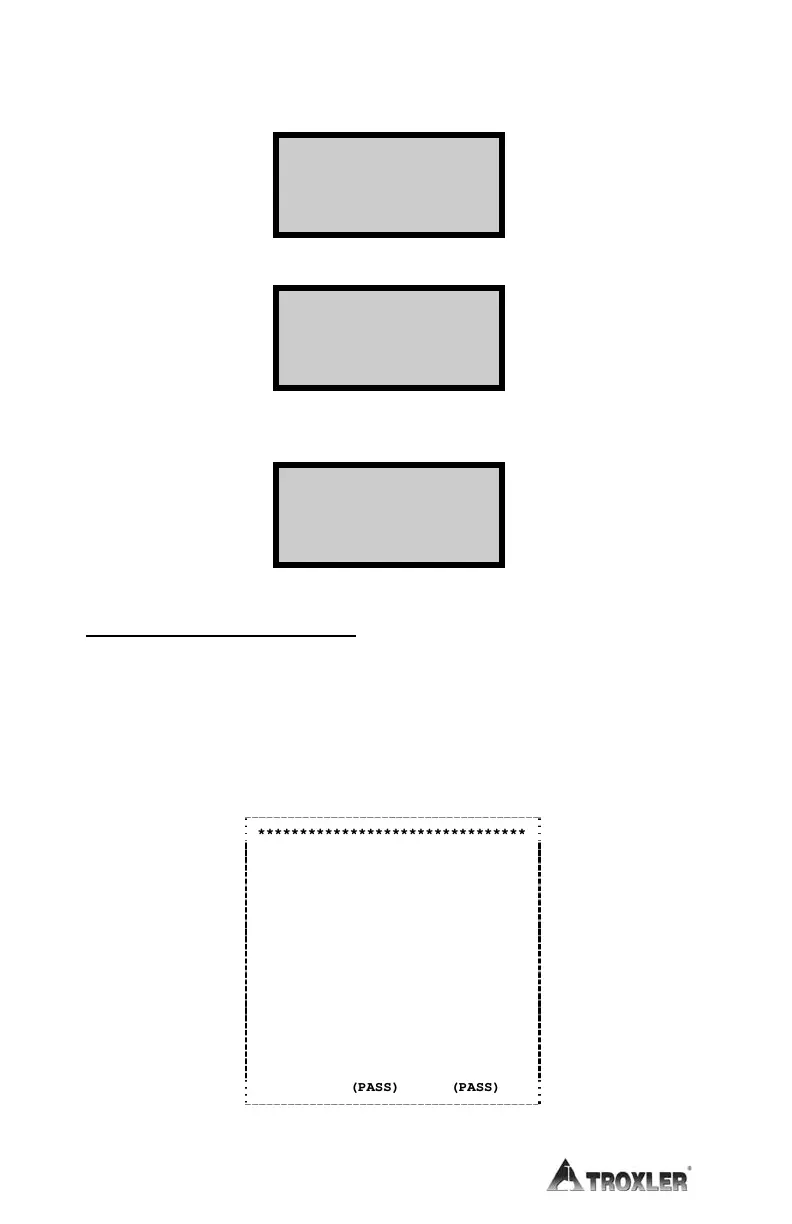
PRINTING STAT TEST DATA
From the Select method of viewing... screen on page 6–4, press 2 for
the display:
After connecting the printer to the serial connector on the gauge, press
START/ENTER for the following display. Figure 61 shows a sample
stat test printout.
If the printer is not connected properly, an error message will be displayed.
1
3721
617
2
3725
639
3
3746
624
4
3740
617
5
3737
616
6
3744
628
7
3687
621
8
3748
628
9
3735
627
10
3737
623
11
3711
621
12
3729
622
13
3757
619
14
3732
602
15
3734
630
16
3749
623
17
3729
618
18
3726
619
19
3742
618
20
3743
618
Average:
3734
622
Ratio:
0.252
0.292
(PASS)
(PASS)
Figure 61. Stat Test Printout Sample
- STAT TEST -
Downloading
data!
Connect Printer
& press START

Table of Contents

Other manuals for Troxler 3440

Related product manuals