8
Chapter 1 : Overview of Your Equipment
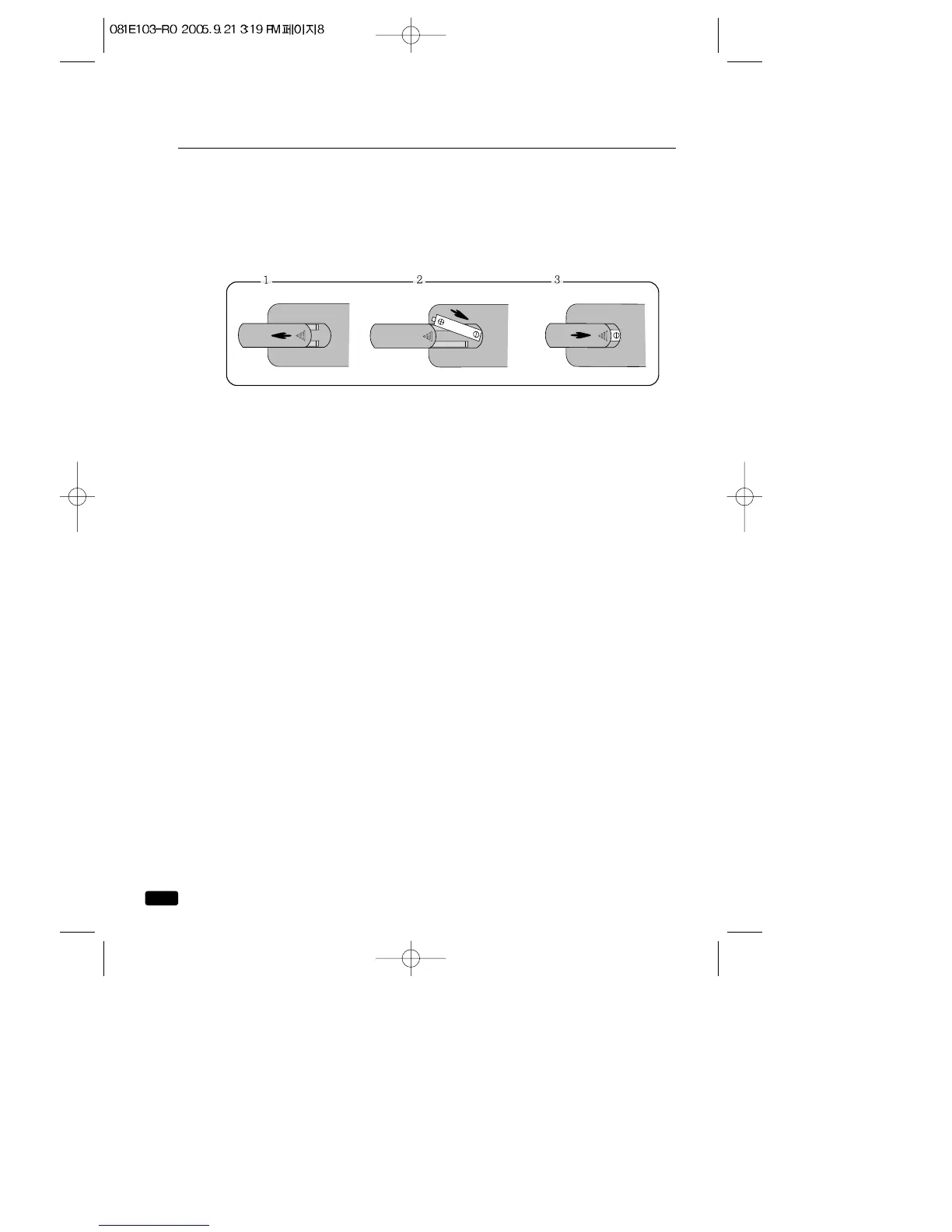
Installing Your Remote Control Batteries
1 Open the battery compartment on the back of the remote control.
2 Install two AAA-size batteries (not included) as shown. Make sure the
“+”and “-”terminals are oriented correctly.
3 Replace the cover.
Notes
Do not mix different types of batteries, or mix an old and a new battery.
Remove and replace weak batteries. Weak batteries can leak and dam-
age your controller. Dispose of batteries properly; never throw them
into a fire.
Point your remote at the receiver on the center of the front of the
TV/VCR. Make sure the receiver is not blocked.
The remote control can operate up to 30 feet away from the TV/VCR, if
you are directly facing the front of the TV/VCR. Operating distance
diminishes as you move to the sides of the TV/VCR.



 To Next Page