16
Chapter 3 : Operating Your TV
Adjusting Video Settings
You may wish to adjust the video settings (e. g. contrast or color) to
obtain the most pleasing picture. To do so, follow these directions:
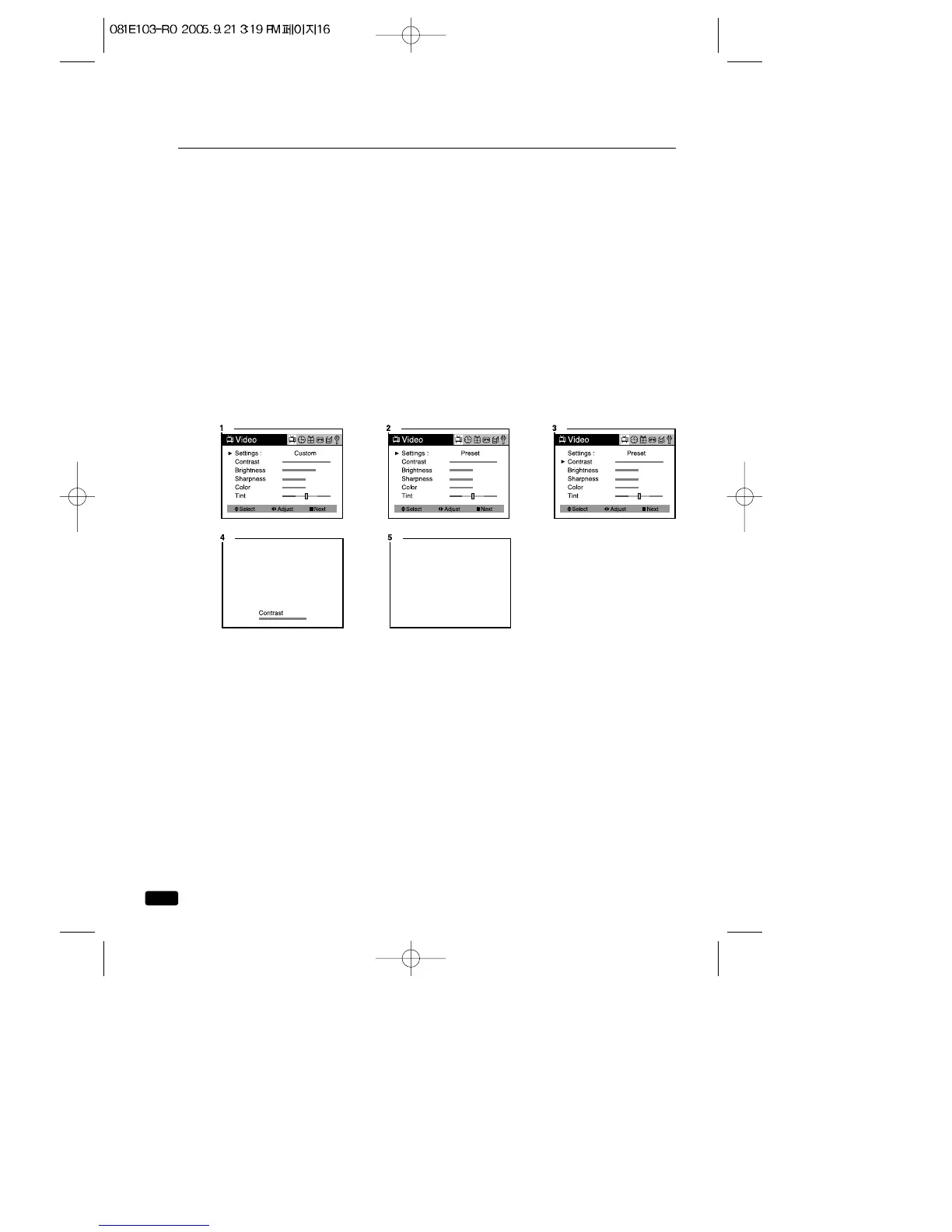
1.With the TV/VCR on, press the MENU button, then “Video”menu will
appear.
2.The “Settings”item will be selected. Use the ◀VOL▶ buttons to turn
Settings to Preset or Custom.
3.Use the ▲CH▼ buttons to select the video setting you wish to adjust.
Descriptions of the video settings are on the next page.
4.Use the ◀VOL▶ buttons to adjust the video setting to the level you
prefer.
5.When you are finished, press the MENU button until menu OSD will
be disappeared.



 To Next Page