22
Chapter 4 : Operating Your VCR
Displaying the TV/VCR’s Status during VCR Operation
If you have a tape in the TV/VCR’s cassette compartment, you can dis-
play the following information.
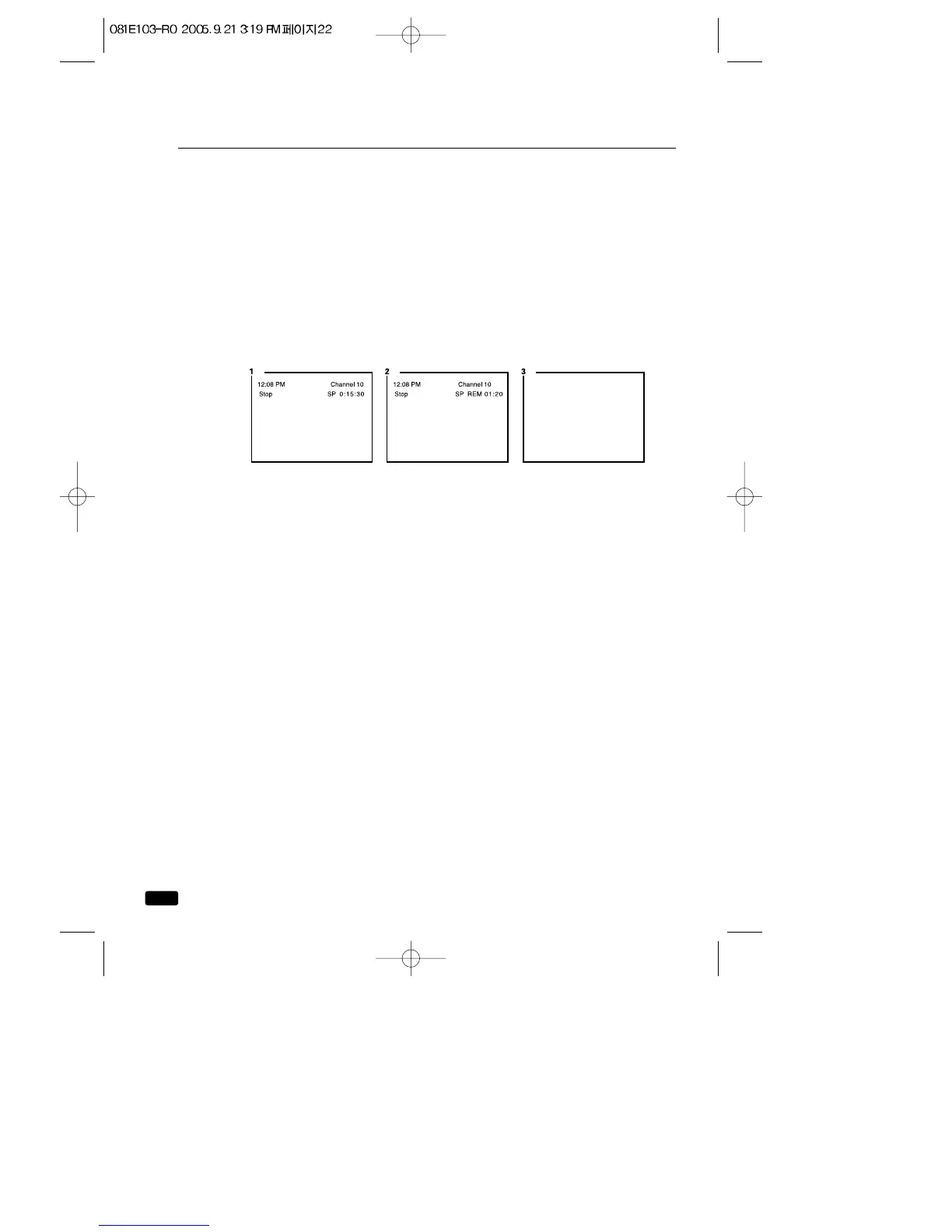
1.Press the RECALL button. The current time, the current channel,
the tape statue (STOP, PLAY, REC, etc.), the tape speed, and the
tape counter will be displayed.
2.Press the button a second time to see the current time, the current
channel, the tape status, the tape speed, and the tape remain will be
displayed. If the tape is playing, the current channel will not be dis-
played
3.Press the button a third time to return to normal viewing.



 To Next Page