37
Chapter 7 : Additional VCR Features
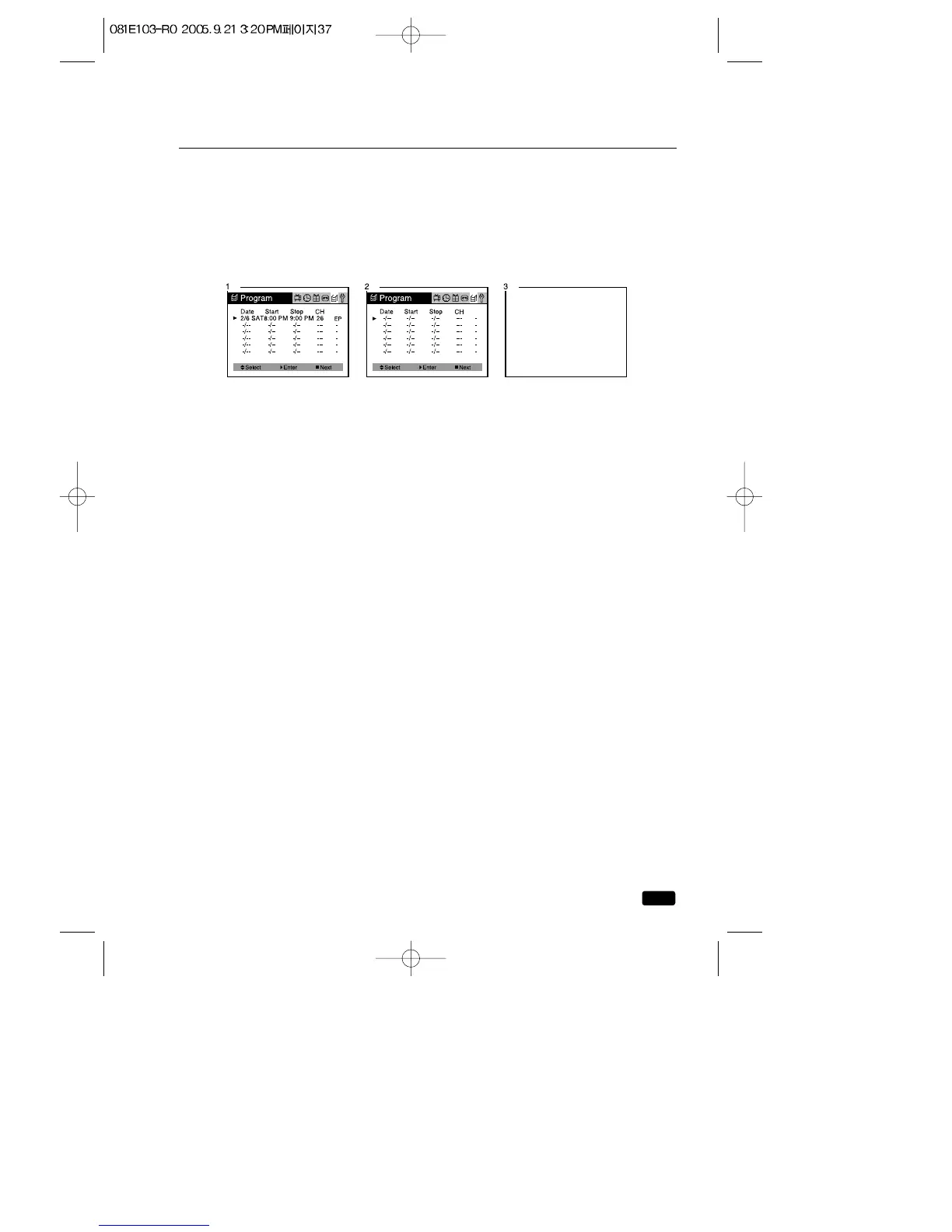
Canceling the Program Record Settings
1.With the TV/VCR turn on, press the MENU button until “Program”
menu will be displayed.
2.Using the ▲CH▼ buttons select the Program setting which you want
to stop recording and press the CANCEL button.
3.Press the MENU button to exit the “Program” menu.



 To Next Page