14
Chapter 3 : Operating Your TV
Changing Channels
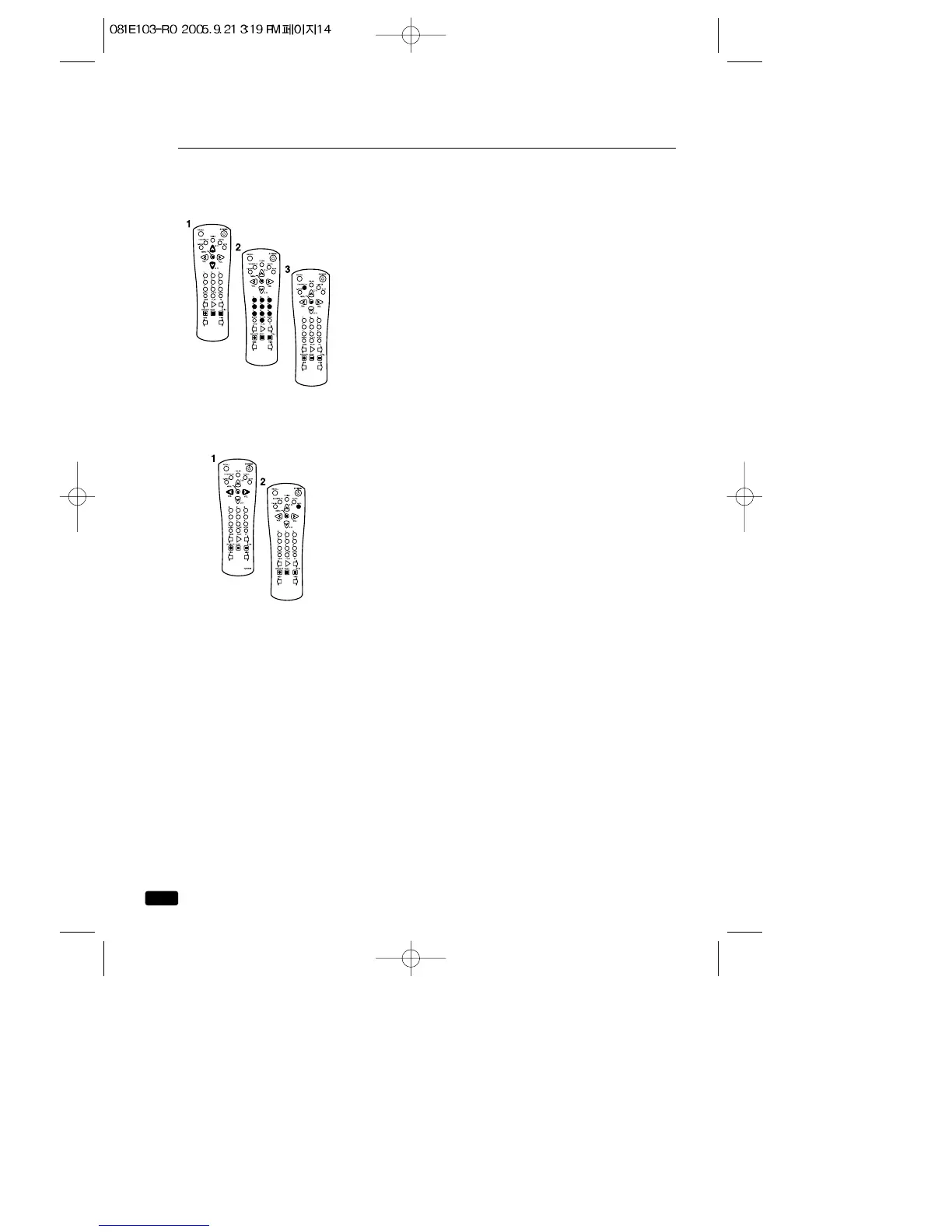
You can change channels in three ways:
1.
The ▲CH▼ buttons will take you through all mem-
orized channels, one by one. The ▲CH▼buttons
will not access channels that have not been pro-
grammed into the TV's memory. For more infor-
mation about programming channels into memo-
ry, see the section “Programming your TV/VCR's
Channel Memory”on the previous page.
2. The number buttons (0-9) will take you to any
channel, even if it has not been memorized. To
change to a channel, enter its number; the
TV/VCR will tune to the new channel when you
enter the second digit of the channel.
3. The FAVORITE CH button will take you instantly to
the last channel you were watching.
Changing the Volume
1. To change the volume of the TV/VCR set, use
the ◀VOL▶ buttons on the remote or on the
front panel.
2. To quickly turn off the sound, press the MUTE
button on the remote. The ‘MUTE’will appear on
screen, colored green. To return the volume to
its previous level, press MUTE again.



 To Next Page