38
Chapter 7 : Additional VCR Features
Displaying the Tape Counter
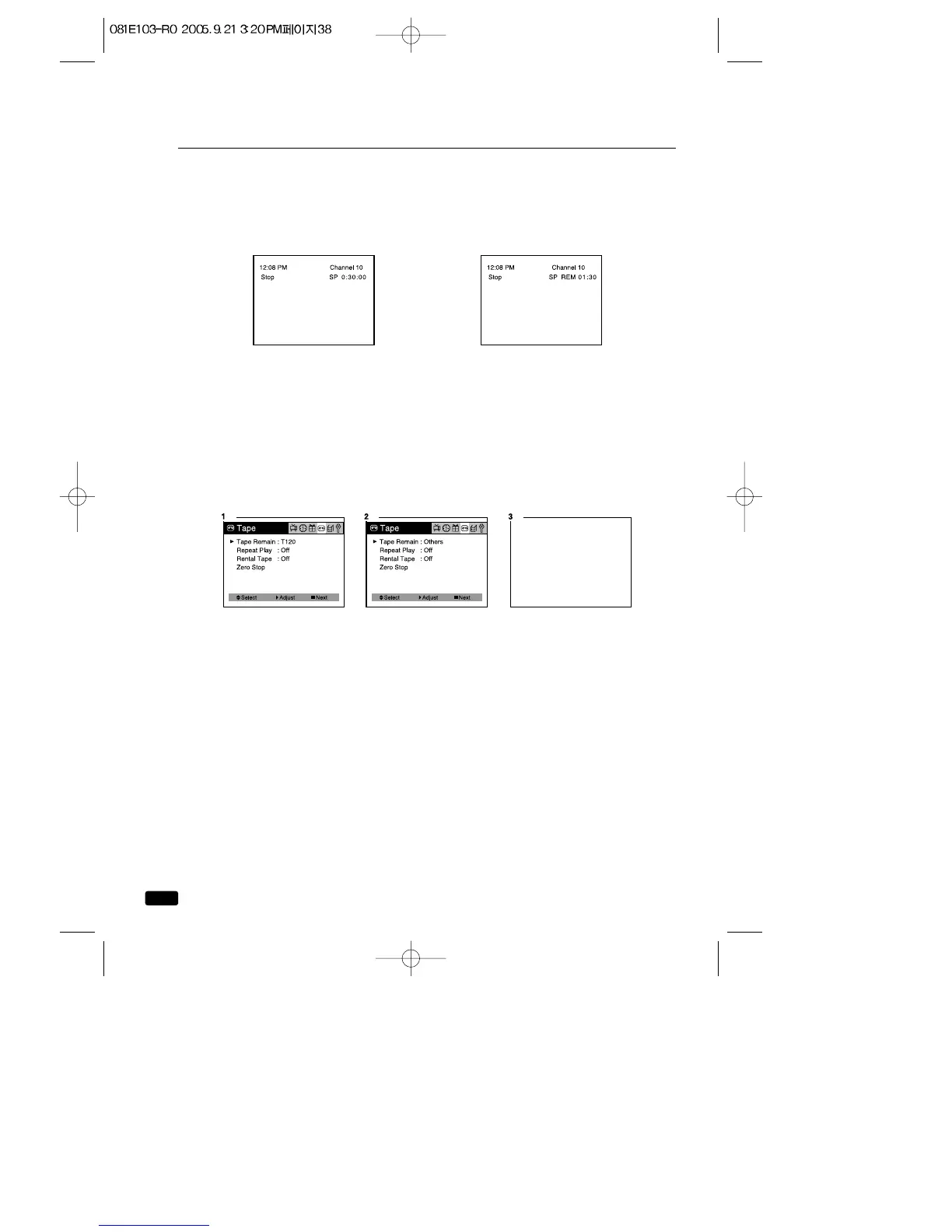
Press the RECALL button to display the tape counter. The tape
counter shows the tape travel time in hours, minutes and seconds dur-
ing recording or playback. Each time you press the RECALL button, the
time counter and the remaining tape time counter appears alternately.
Time counter Remaining tape time counter
When you use a tape shorter than 120 minutes, set Tape Remain to
T120. When you use a tape longer than 120 minutes, set Tape Remain
to Others.
1.Press the MENU button until “Tape” menu will be displayed.
2.The “Tape Remain” item will be selected.
Press the VOL▶ button to select “T120” or “Others”.
3.Press the MENU button until menu OSD will be disappeared.



 To Next Page