4
Chapter 1 : Overview of Your Equipment
CHAPTER 1
Overview of Your Equipment
Your TV/VCR’s comes with a remote control. The section below summa-
rizes the buttons, controls, and terminals that will use with your TV/VCR’s.
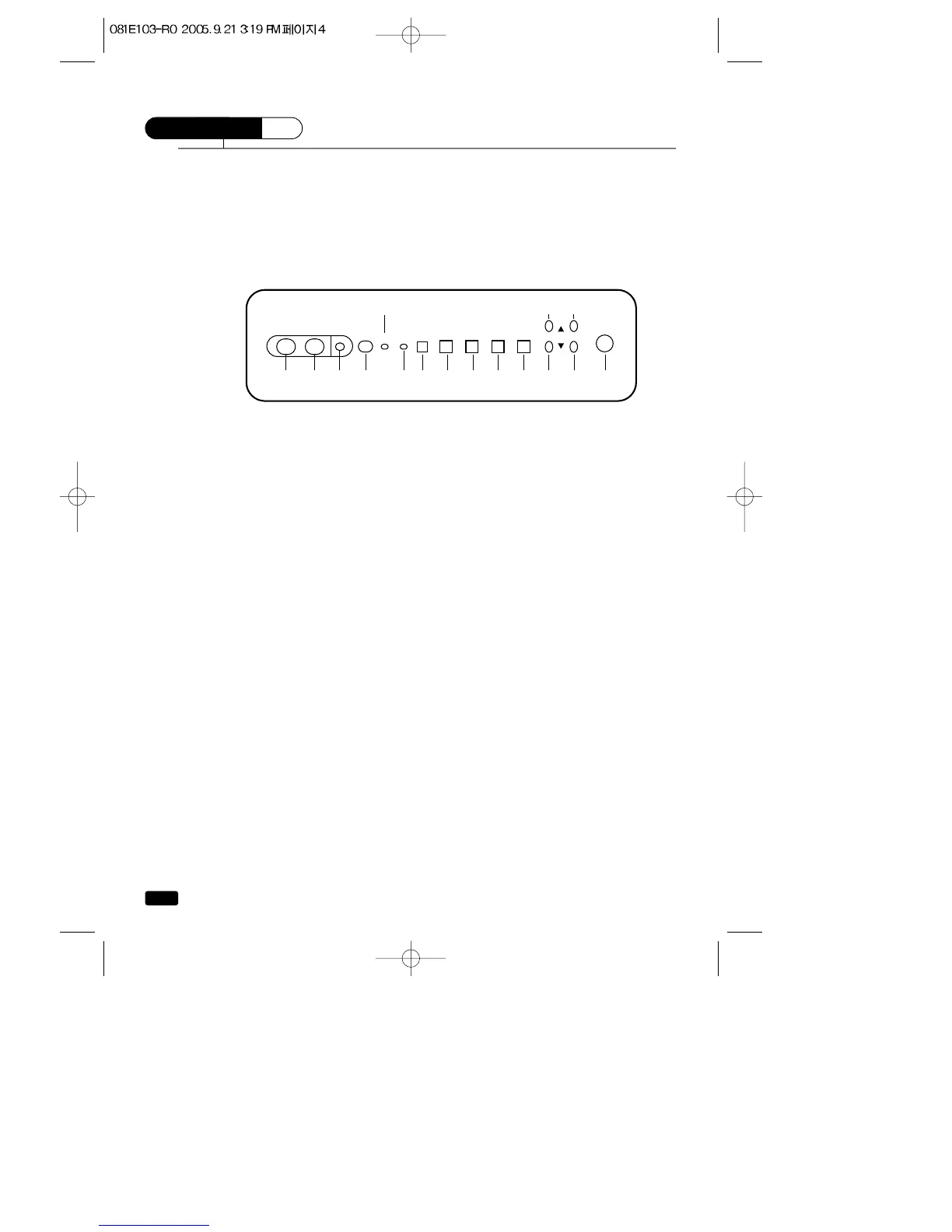
Your TV/VCR's Front Panel
Below you will find short description of the buttons and indicators on the
front panel. These are use following functions.
1 VIDEO in jack
Use this jack to receive a video signal from another A/V component.
2 AUDIO in jack
Use this jack to receive a audio signal from another A/V component.
3 EAR PHONE jack
Use this jack to the earphone (not supplied). The sound from the
speaker is turned off.
4 Remote control receiver
This receiver receives a signal from your remote control. Do not
block it.
5 STAND-BY(red) indicator
This indicator light up when the power is off.
6 REC (red/green) indicator
This indicator light up red when recording and light up green when
timer program operating.
7 REC button
Press this button to begin recording. Press repeatedly to set a
recoding time using One-Touch Recording (OTR).
8 REW button
Press this button to rewind the tape.
9 PLAY button
Press this button to begin normal palyback of the tape
10 FF button (Fast Forward)
Press this button to fast forward the tape.



 To Next Page