36
Chapter 7 : Additional VCR Features
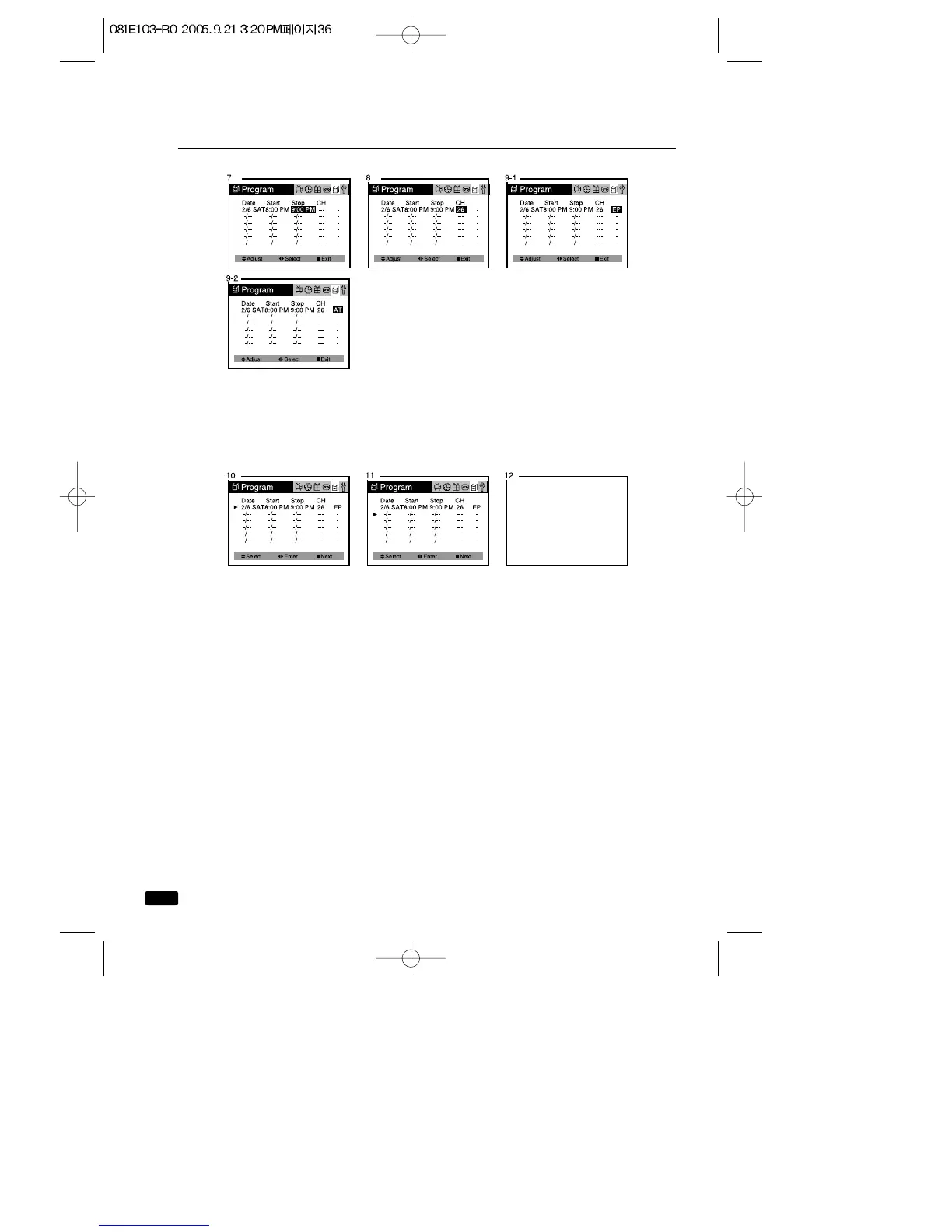
12. Press MENU to Exit the “Program” menu.
13. Press POWER to turn off the TV/VCR.
The REC lamp on the front of the TV/VCR lights up to Green and the
TV/VCR enters recording stand-by mode.
The TV/VCR turn on automatically and start recording at the preset
start time, and the REC lamp on the front of the TV/VCR changed from
Green to Red.
10. Press the VOL ▶ button, then the cursor(▶) appears at the left
margin.
11. When you want to set other program, the CH▼ button to move the
cursor(▶) to next line, then repeat step 2 through 10.



 To Next Page