17
Chapter 3 : Operating Your TV
Returning to the factory settings
If you would like to return to the original video settings, as they were cali-
brated at the factory, follow these steps :
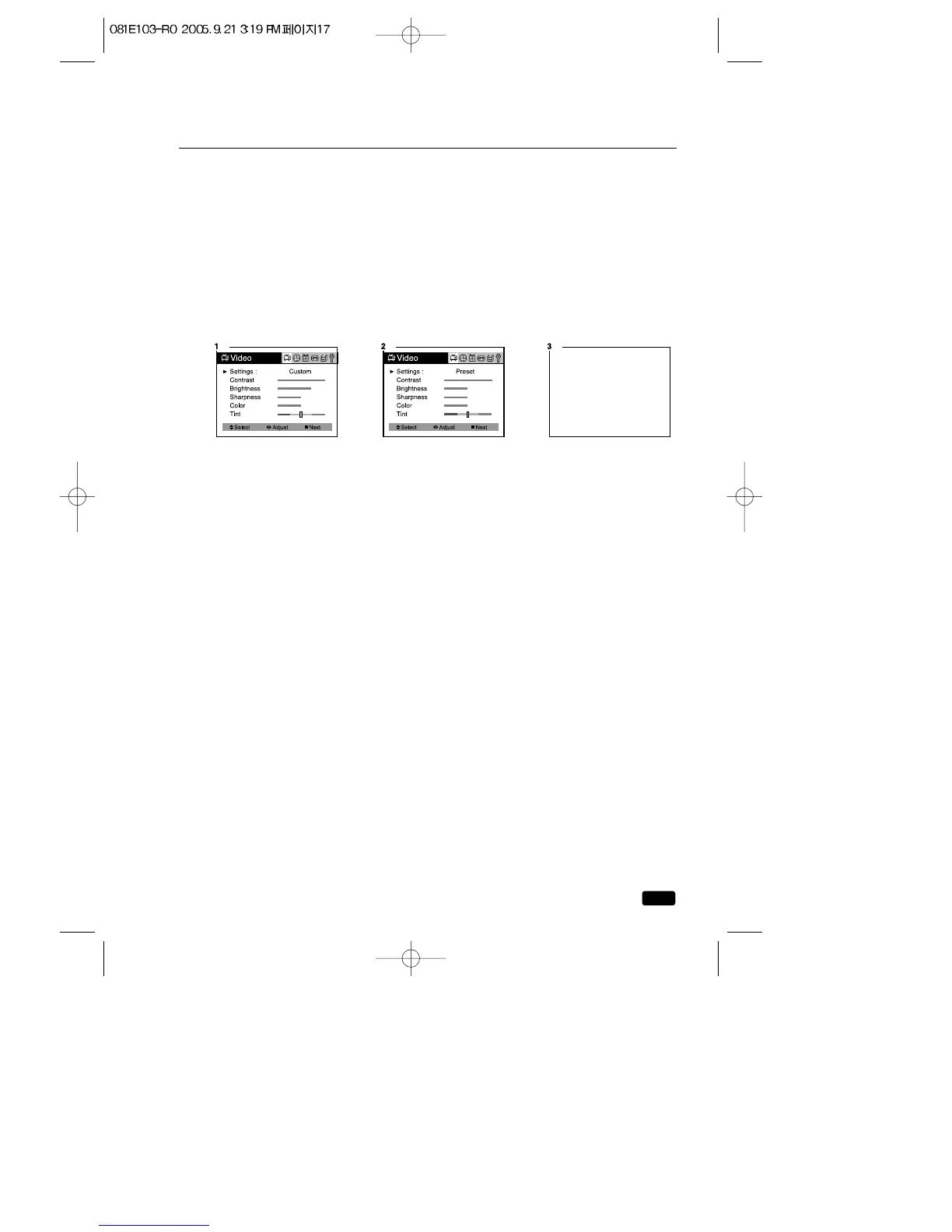
1.With the TV/VCR on, press the MENU button, then “Video”menu will
appear.
2.Press the ◀VOL▶ buttons to set the “Settings”to ‘Preset’.
The TV/VCR will remember the ‘Custom’settings you had previously
chosen. When you set “Settings”to ‘Custom’again, your previous cus-
tom settings will be restored.
Descriptions of video settings
The contrast setting controls the relation between the light and black
areas of the screen. If the light areas are too bright and are losing
details, press the ◀VOL button; if the picture is gray and lacks contrast,
press the VOL▶ button.
The brightness settings controls the overall amount of light in the pic-
ture. If the picture is too bright, press the ◀ VOL button; if the picture is
too dark, press the VOL ▶ button.
Sharpness controls how the TV displays edges of objects on-screen. If
the TV shows multiple vertical lines at the edges of an object, press the
◀VOL button; if the vertical edges of on-screen objects are fuzzy, press
the VOL ▶ button.
The color setting controls the intensity of color. If the color is over-satu-
rated, press the ◀VOL button; if the color is washed out, press the
VOL ▶ button.
The tint setting controls the relationship of red and green in a picture.
Tint is especially noticeable in flesh tones. If flesh tones seem too red or
purple, press the ◀VOL button; if flesh tones are too green, press the
VOL▶ button.



 To Next Page