MAN205-0195042EN Rev. A Aug. 2011
Page 95 of 137 pages
9.7 Generator Maintenance
9.7.1 Generator Pressure Switches
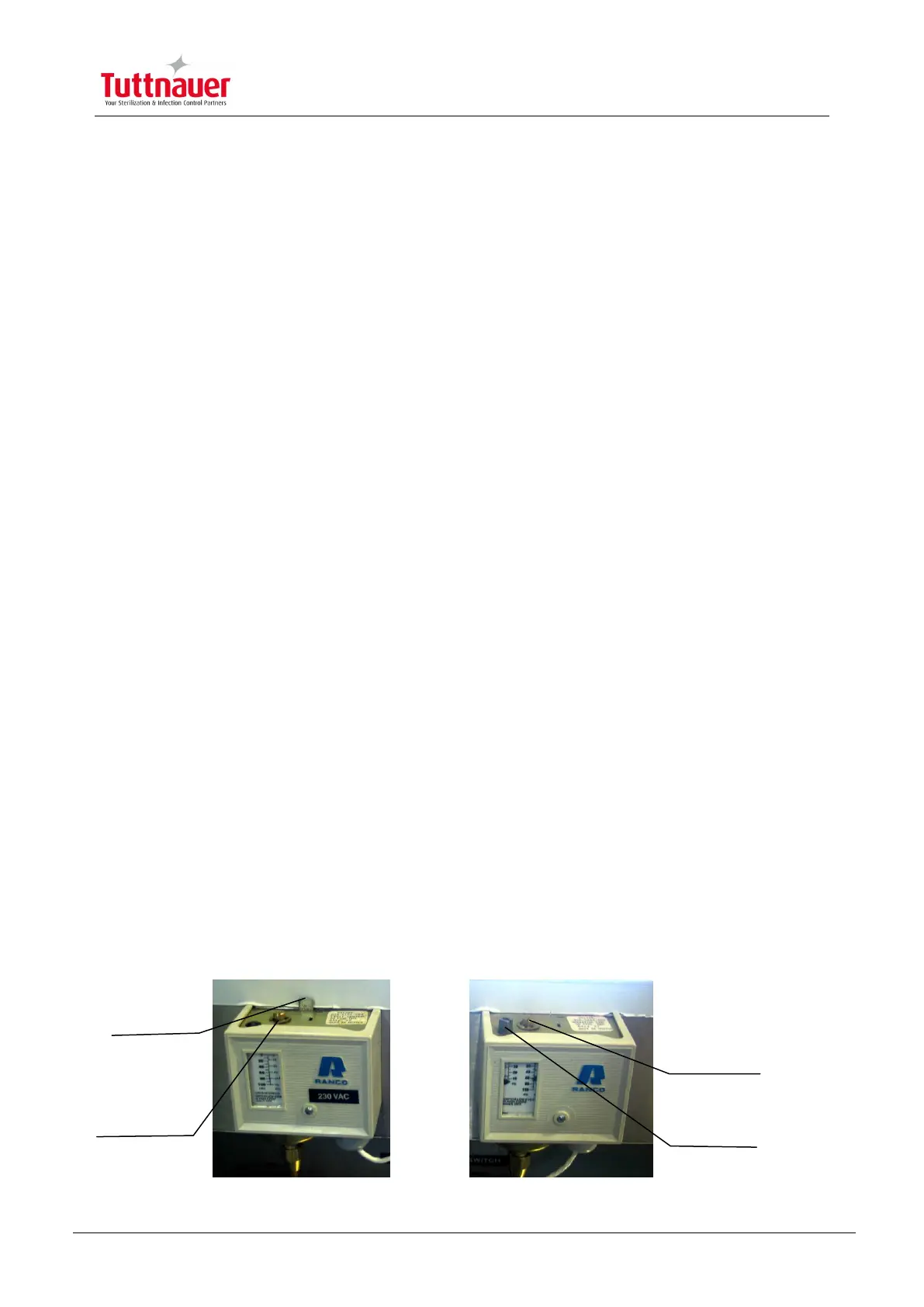
The generator is equipped with two pressure switches:
1. Operating Control Pressure Switch -This switch sets the nominal working
pressure and the upper and lower pressure in which the generator turns ON
and OFF.
2. Limit Control Pressure Switch -This switch sets the cut-off pressure of the
generator. If the pressure in the generator increases above the pre-set cut-off
pressure the switch is activated and the power supply to the heating elements
is terminated. To reactivate the generator, press the reset lever located on the
upper part of the pressure switch.
Adjusting the Pressure Switches
The pressure switches are factory regulated, however, in order to adjust the steam
pressure, follow this procedure:
Operating Control Pressure Switch
To set the pressure in which the heating elements turn OFF, turn the bronze
color knob. Turn it clockwise to decrease pressure and counterclockwise to
increase the pressure.
To set the pressure in which the generator restarts (i.e. the pressure
differential between the turn-off and the turn-on pressures) turn the black color
pressure switch knob. Turn it clockwise to decrease pressure and
counterclockwise to increase the pressure.
The pressure switch will be set to an output steam pressure of 3.5 -4 bar.
Limiting Control Pressure Switch
To set the cut-off pressure, turn the bronze-colored pressure switch knob. Turn
it clockwise to decrease pressure and counter-clockwise to increase the
pressure.
The pressure switch will be set to a cut-off pressure of 5 bar.



 To Next Page