MAN205-0195042EN Rev. A Aug. 2011
Page 38 of 137 pages
4.1 Description of Panel CAT 2007
The Operation Panel consists of the following parts:
4 rows display, 20 characters in each row.
17 keys
2 LEDs (Fail, Run)
1 locking key
4.1.1 KeyPad
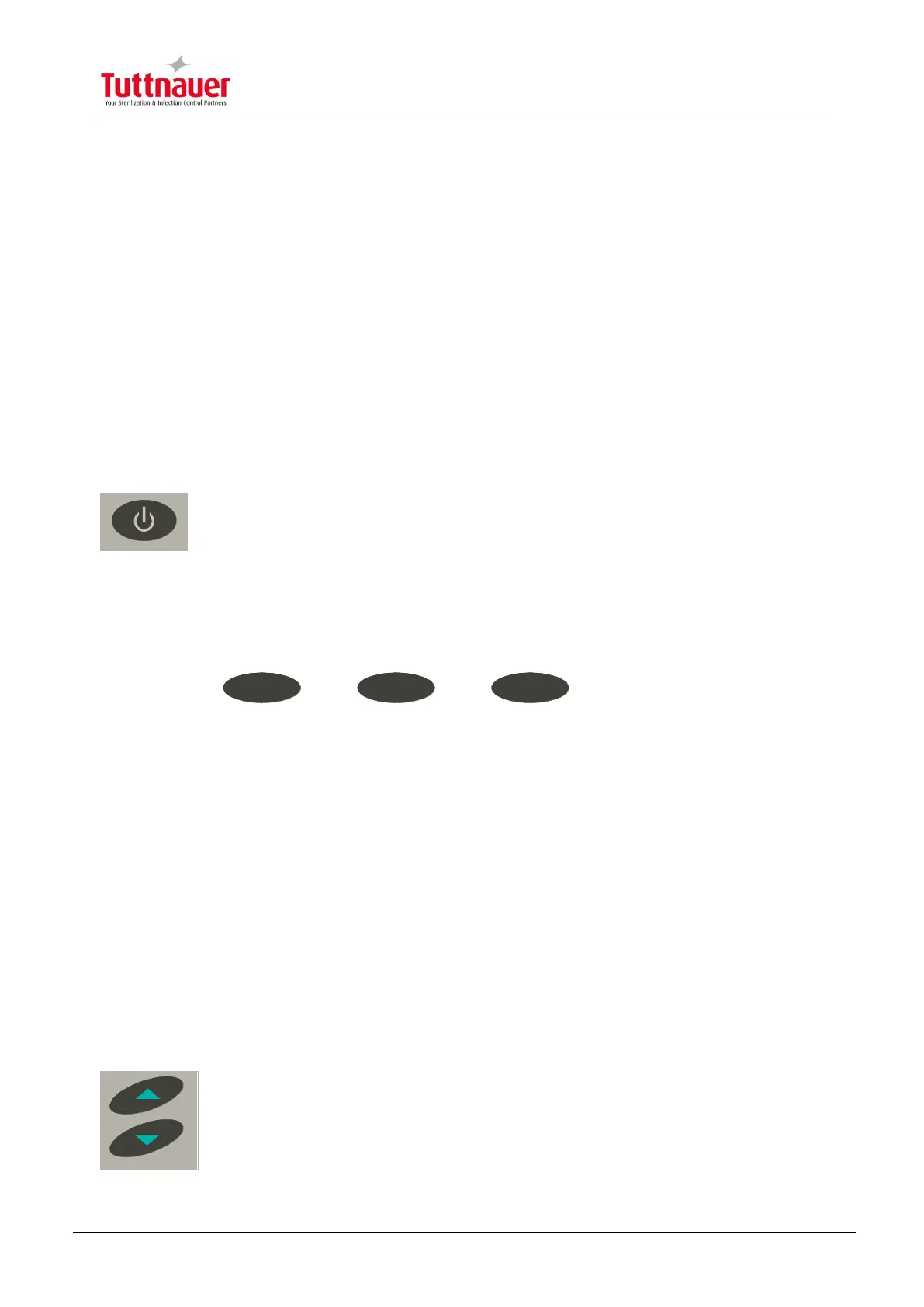
STANDBY
The ON/ST.BY key is located on the top right side of the panel. Press this
key to light up the operation panel. When there are 2 panels, both light up
even though only one was operated.
3 Command Keys
F1- 3: Functions 1- 3
F1 F2 F3
These keys are found under the display. The function to be performed is displayed
above each key.
10 Digit keys
These keys are used for 2 purposes:
Under normal working conditions the program option is used. Press on the number key.
For example, no. 3 selects program 3.
Under the display mode, the keys are used as number keys to enter a code or a
number.
UP/DN Keys
Under normal working conditions, they are used to browse through the
different cycles.
Under set-up mode they change numeric value or move the display to the
next screen.



 To Next Page