MAN205-0195042EN Rev. A Aug. 2011
Page 52 of 137 pages
4.3.4 Changing Cycle Parameters
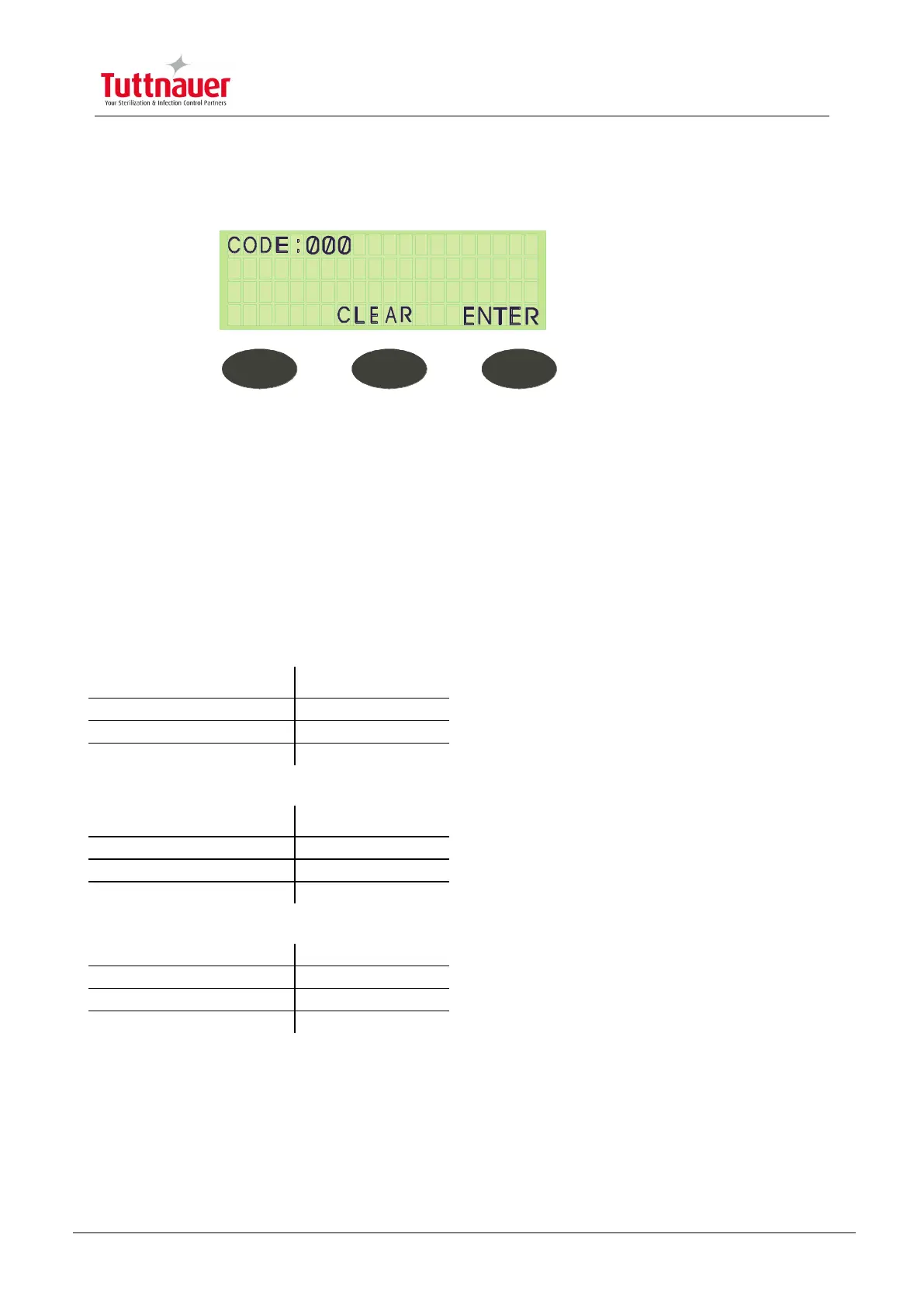
The screen that allows for parametric changes appears as follows:
1. Press CLEAR or ENTER before entering the code to return to the Stand By
screen; the RUN & FAIL LEDs are lit.
2. Enter the correct code via the UP/DN keys.
3. Press ENTER to proceed to the next screen.
4. Press the UP/DN keys to change all parametric values.
Cycle Setup Parameters
CODE 1 OR 11 PARAMETERS
STE Temp – Required sterilization temperature for the process
STE Time – Required sterilization time for the process
Dry Time – Required drying time for the process



 To Next Page