MAN205-0195042EN Rev. A Aug. 2011
Page 44 of 137 pages
4.3 Operating the Control Panel
4.3.1 Starting Up the System
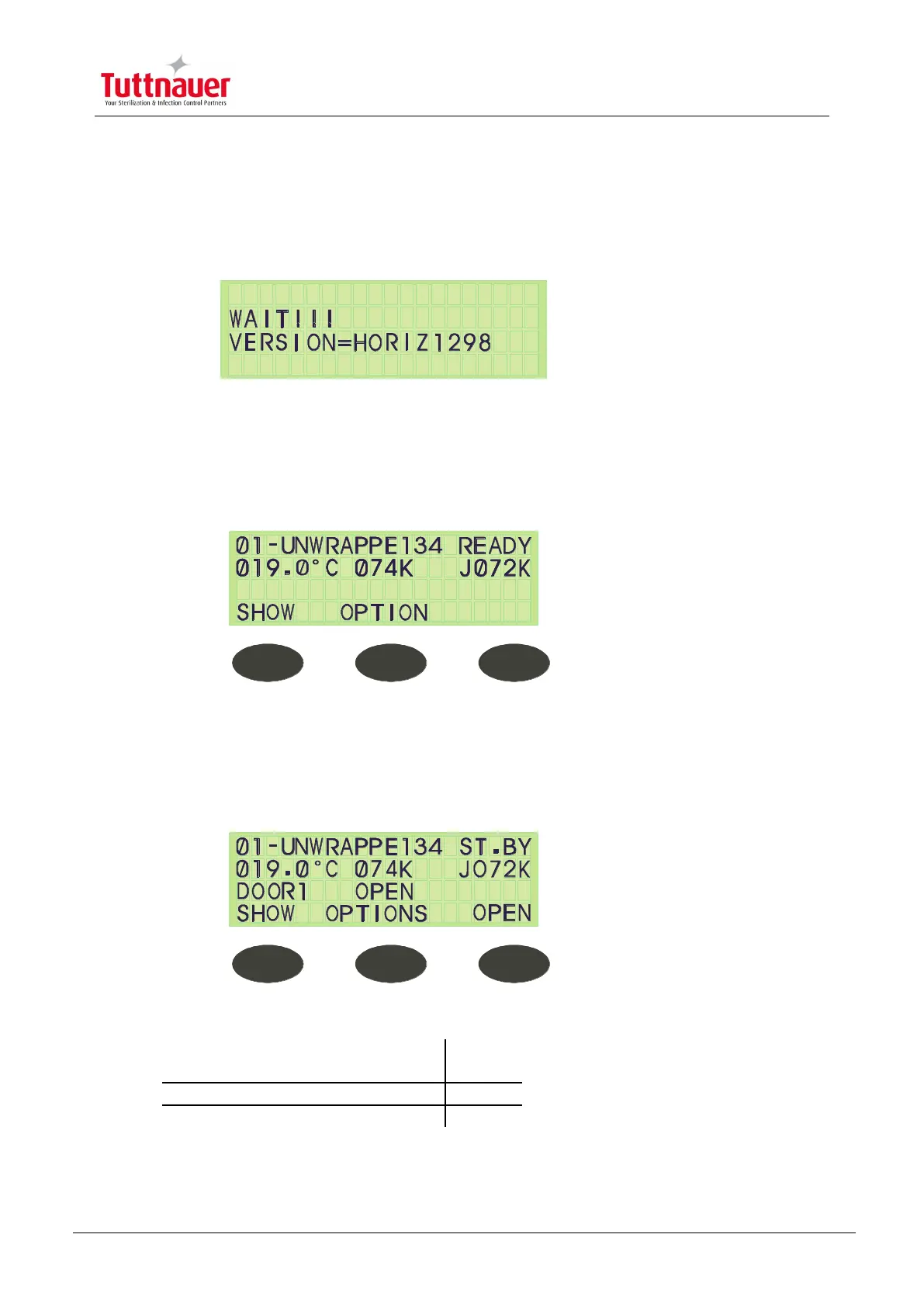
After turning ON the system, the following screen is displayed for a few seconds:
After a few seconds the Stand By screen is displayed.
This is the central screen from which all operations are performed.
It is also the ―Ready‖ screen from where all cycles can be started, when relevant conditions
are met.
If the system is ready the display appears as follows:
If the system is not ready it will not allow you to start a cycle.
If, for example, Door1 is open when the system is turned ON, the display will warn the
operator of this in the 3rd row of the display allocated to messages, and the following screen
appears:
The 3 command keys on the Stand By screen are:
Above the middle key (F2)



 To Next Page