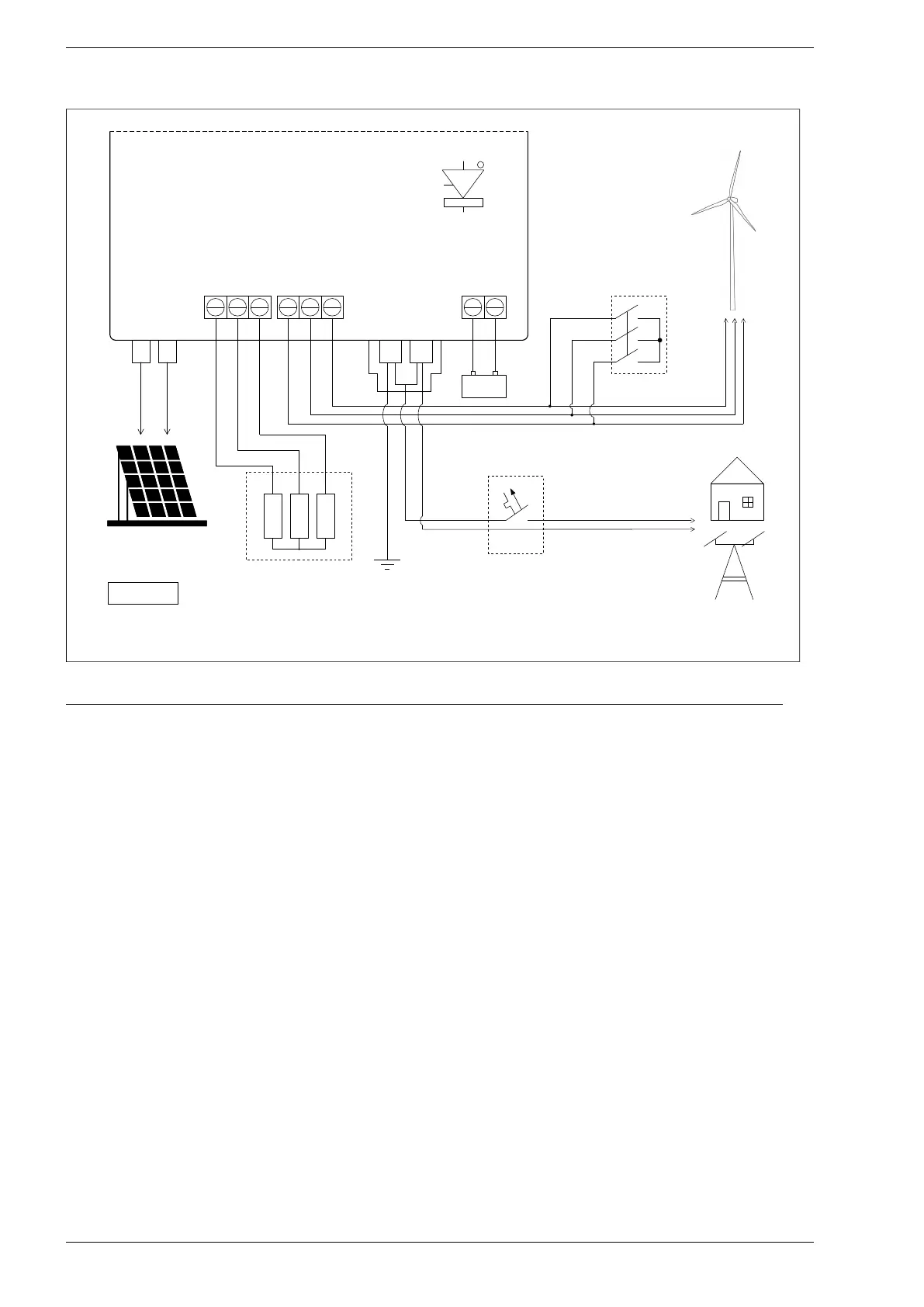
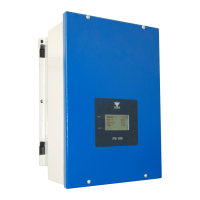
Fig. 6.3. Power circuits wiring diagram for PS100-H+BC inverter
When connecting solar panels and a synchronous generator, the following sequence should be followed:
1. Short the generator windings through an external emergency stop.
2. Set the PV switch to OFF.
3. Remove the 4 screws securing the inverter cover.
4. Connect the generator cables to the terminals described GENERATOR.
5. Connect the leads of the generator braking resistors to the terminals described RESISTORS in
emergency situations.
6. Connect electrical loads to terminals L, N, PE.
7. Connect the earth electrode to the PE terminal and connect the N and PE terminals together.
8. Connect the battery observing the safety rules described in section 12 describing the charger module.
9. Set operating mode 0: "Off-grid" or 2: "auto on-off-grid" in parameter 1.1.
Note: for operation in mode 2: "auto on-off-grid" it is required to connect the PS100-INT module.
10. Set the system parameters: load characteristics in group 3, braking parameters in group 10 and
specify the generator's starting and stopping load in parameters: 2.1, 1.20 and 1.21. A detailed
description of the inverter operation is in chapter 8.
11. Screw the cover of the inverter.
12. Measure the voltage of solar panels and their polarization.
13. Connect the solar panels to the dedicated PV connectors.
14. Turn off the generator emergency stop.
15. Set the PV switch to ON.
16. Wait a moment to check that the device is not detecting a failure.
30 PS100 – User manual


 To Next Page