Chapter 7. Built-in control panel
• COMMUNICATION menu - users able to set RS485 and Ethernet communication settings
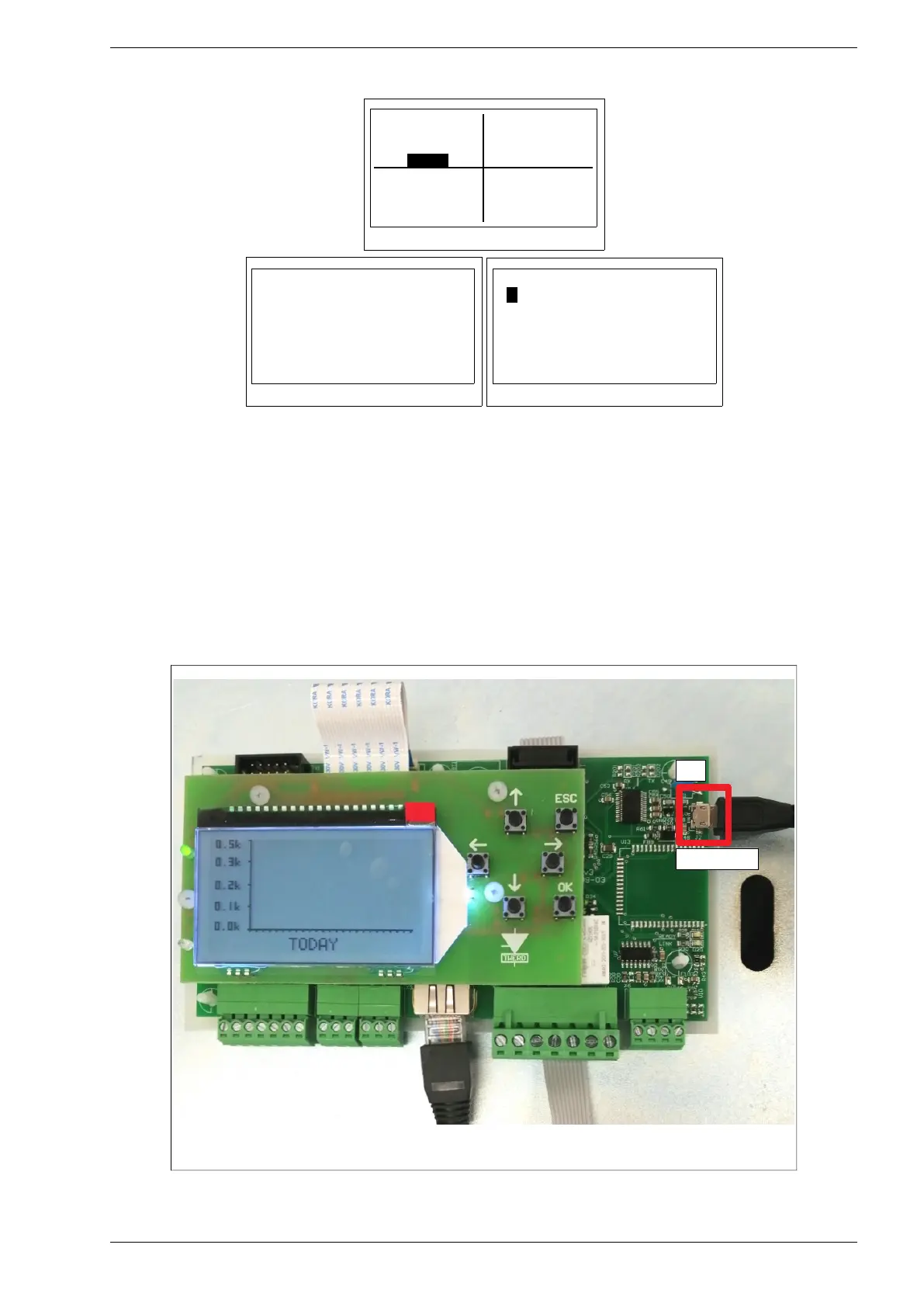
Fig. 7.15. COMM menu
Fig. 7.16. RS485 menu
Fig. 7.17. ETHERNET menu
• SERVICE menu - users and authorized technical service members could enter access codes
and get access to related secured levels.
7.3. Updating the Control panel software
1. Disconnect the inverter from the renewable energy source (photovoltaic panels, wind generator).
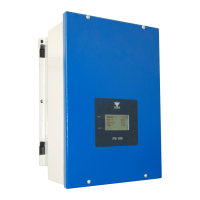
Connect the USB micro cable to the J2 USB micro connector. Connect the other end of the cable to
your computer. Supply the inverter from the 230V 50 Hz network via terminals L, N, PE
(see Fig. 4.1).
Fig. 7.18. View of the Control Panel prepared for software update


 To Next Page