Chapter 7. Built-in control panel
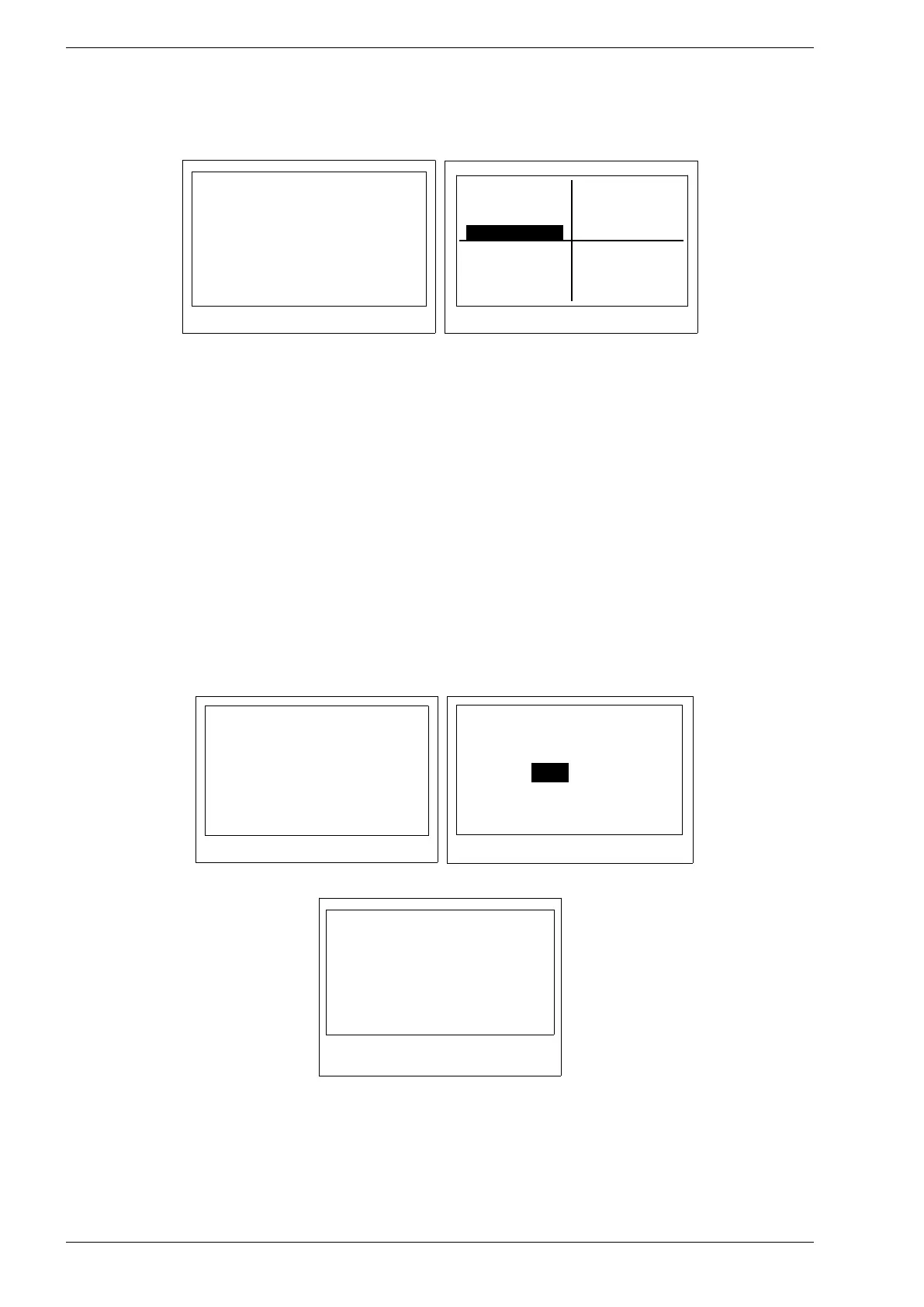
• Chart menu - users could enter any specific date than check on the graphics input and output power
values for that day.
• Settings menu - there is a four submenus: PARAMETERS, CLOCK, COMMUNICATION, SERVICE.
Fig. 7.10. Menu „Chart”
Fig. 7.11. Menu „Settings”
• PARAMETERS - users are able to see and set value of parameters - except group 0 which
shows read-only parameters. Rest of the parameters are secured by access code. To
access these protected parameters enter the 123321 access code in SETTINGS →
SERVICEmenu, than choose again SETTINGS → PARAMETERS menu.
A full list of parameters is listed in chapter 13. Groups of parameters on page 53.
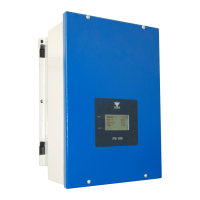
• CLOCK menu - settings related to date and time settings:
◦ Manual / ntp: set time and date manually "Manual" or automatically "ntp".
The "ntp" automatic setting requires access to the Internet.
◦ Time zone
◦ Summer time: EU – automatic summer / winter time change
none – no summer / winter time change
◦ Ntp update h: time of the day at which inverter will synchronize once a day the date and
time with the Ntp server
◦ Set clock: available when the Manual/ntp setting is set to Manual
◦ Ntp server – allows to enter the Ntp server address
◦ Ntp force - immediate force synchronization of date and time
Fig. 7.12. CLOCK Menu
Fig. 7.13. Setting time and date
Fig. 7.14. Ntp server address


 To Next Page