Chapter 7. Built-in control panel
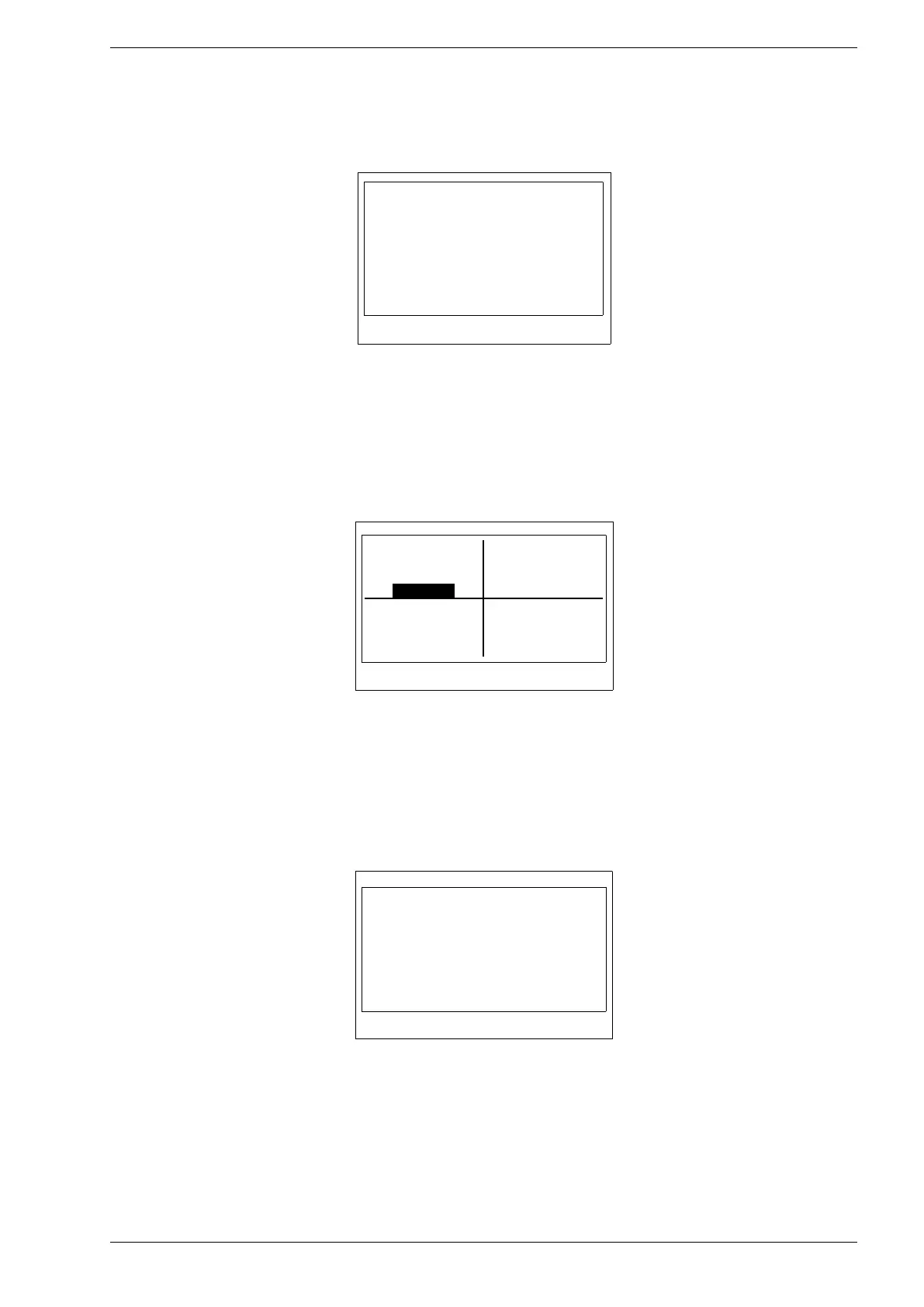
• Screen 6 – inverters with build-in battery charger module:
• Battery voltage.
• Battery current.
• Temperature of battery charging module.
Fig. 7.7. Screen 6
7.2. Operating the control panel using buttons
After removing the cover, the buttons are accessed.
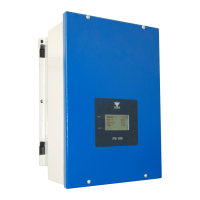
To enter the „Main menu”, press the <OK> key. To navigate in the „main menu”, use the <up> <down> and
<right> <left> keys. The highlighted option is selected by pressing the <OK> key, the return to the „main
menu” is done by pressing the <ESC> key.
Fig. 7.8. Main menu
If it is necessary to change the parameter settings from password protected groups, first select: Settings →
Service and enter the code: 123321.
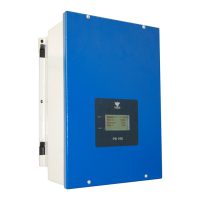
• Energy menu
◦ "Total" - total energy generated since the inverter was connected to the grid
◦ "Now" - instantaneous power generated
Fig. 7.9. „Energy” menu
Bat. vol. 48.9 V
Bat. current
0.0 A
Bat. temp 25 C


 To Next Page