Chapter 10. Communication parameters setting
10.1. Connecting the inverter to the Internet
Parameters configuring the connection of the inverter to the Internet are presented in Table 10.1. The
inverter can work with dynamic DHCP address assignment enabled or disabled. The changes are made in
the Settings → Communication → Ethernet menu:
a. DHCP enabled: configuration parameters (IP address, subnet mask and gateway address)
will be assigned automatically by an external DHCP server.
b. DHCP disabled: parameters configuring the inverter to work on the Internet must be entered
manually:
IP: IP address
SubN: subnet mask address
GW: gateway address
Current settings of the parameters configuring the inverter's work in the Internet are also available for
reading in 0 group of parameters (menu: SETTINGS → PARAMETERS) - Table 10.1.
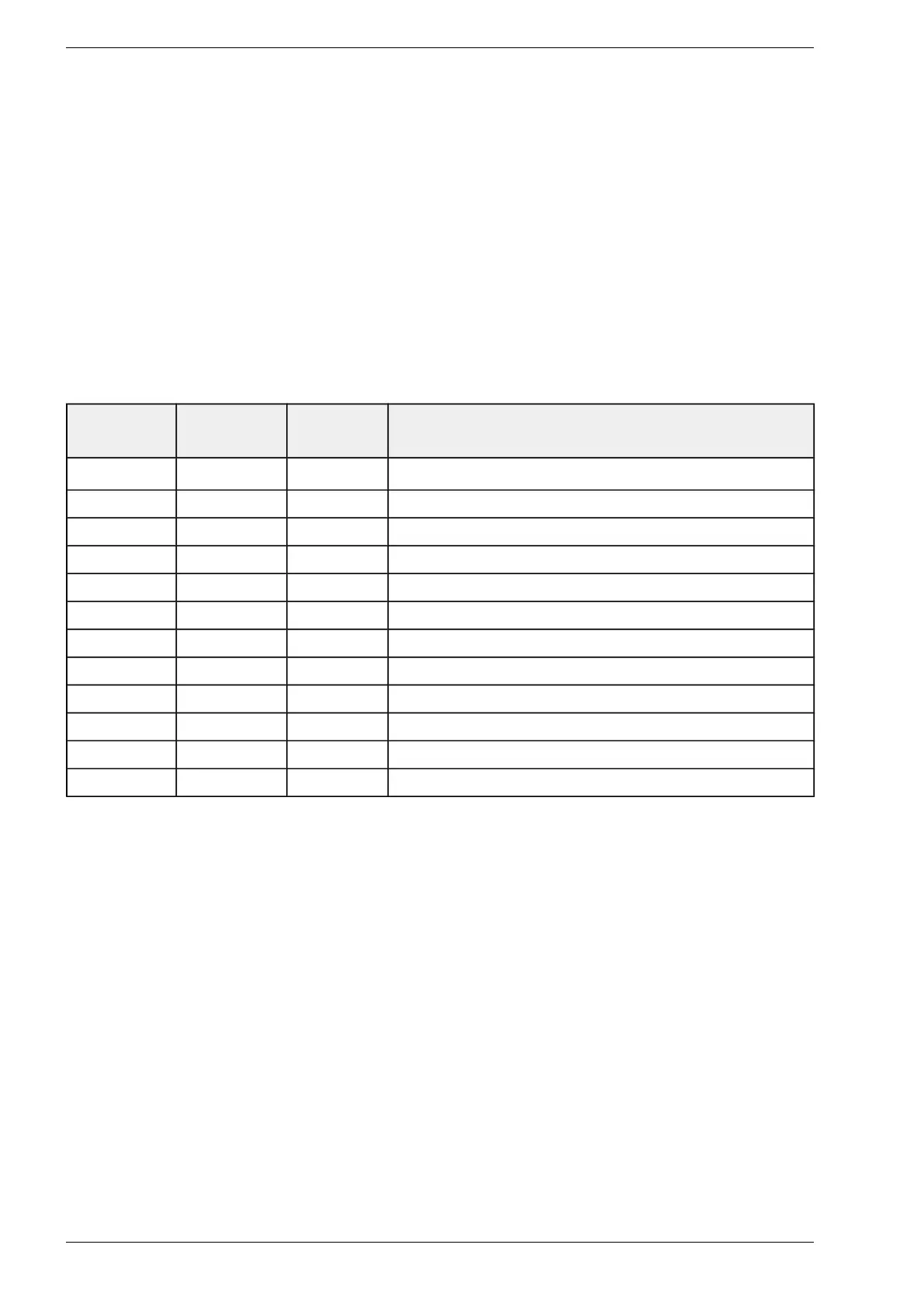
Table 10.1. Control of the dump load resistors - group 10 (service group, password protected)
Parameter No Parameter
name
Access level Description
0.80 Eth. IP 1 O IP Address
0.81 Eth. IP 2 O IP Address
0.82 Eth. IP 3 O IP Address
0.83 Eth. IP 4 O IP Address
0.84 Eth. MASK 1 O Subnet Mask
0.85 Eth. MASK 2 O Subnet Mask
0.86 Eth. MASK 3 O Subnet Mask
0.87 Eth. MASK 4 O Subnet Mask
0.88 Eth. GW 1 O Gateway
0.89 Eth. GW 2 O Gateway
0.90 Eth. GW 3 O Gateway
0.91 Eth. GW 4 O Gateway
10.2. Communication via Json file
Inverter parameters can be presented in JSON file format and used for data presentation in other monitoring
systems. To obtain data in JSON format, send a request to the inverter in the form:
htttp://Inverter_ip_address/command.
Below is a list of available commands:
http://IP_Address/dataNow – realtime inverter parameter values read from group 0,
http://IP_Address/plotNow – data for the chart from today,
http://IP_Address/plotPrev – data for the chart from the previous day.
Data available on the charts are recorded at 15-minute intervals.
Due to the necessity of querying the inverter's ip address, it is recommended to set a static IP address - see
chapter 10.1 Connecting the inverter to the Internet page 44.
44 PS100 – User manual


 To Next Page