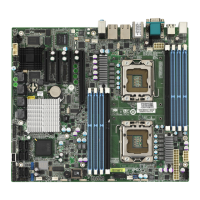
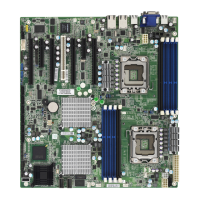
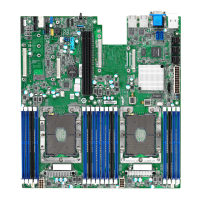
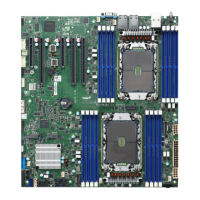
http://www.TYAN.com
51
2.10 - Installing Add-In Cards
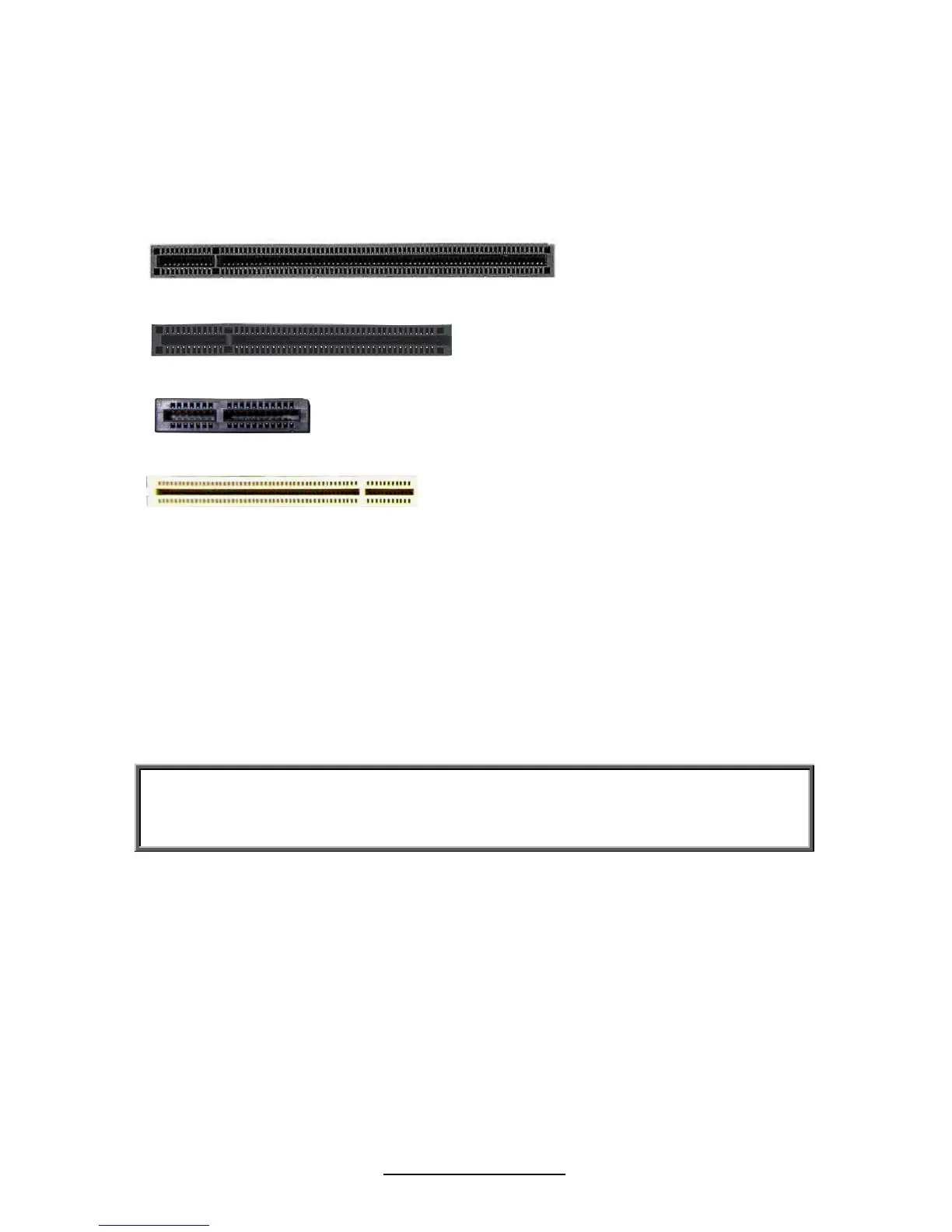
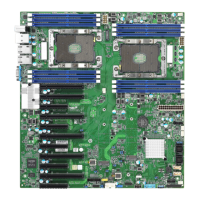
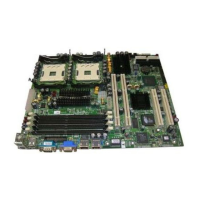
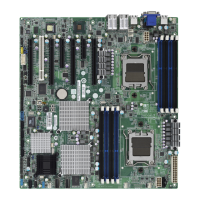
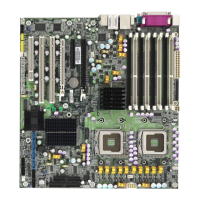
Before installing add-in cards, it’s helpful to know if they are fully compatible
with your motherboard. For this reason, we’ve provided the diagrams below,
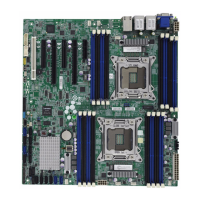
showing the slots that may appear on your motherboard.
PCI-E x 16 slot (w/ x16 link from CPU0 or w/ X8 link from CPU0)
PCI-E x 8 slot (w/ x8 link from CPU0 or No function)
PCI-E x 4 slot (w/ x4 link from CPU0)
PCI slots
Simply find the appropriate slot for your add-in card and insert the card firmly. Do
not force any add-in cards into any slots if they do not seat in place. It is better to
try another slot or return the faulty card rather than damaging both the
motherboard and the add-in card.
TIP: It’s good practice to install add-in cards in a staggered manner rather than
making them directly adjacent to each other. Doing so allows air to circulate
within the chassis more easily, thus improving cooling for all installed devices.
NOTE: YOU MUST ALWAYS unplug the power connector to the motherboard
before performing system hardware changes to avoid damaging the board or
expansion device.


 To Next Page