http://www.TYAN.com
52
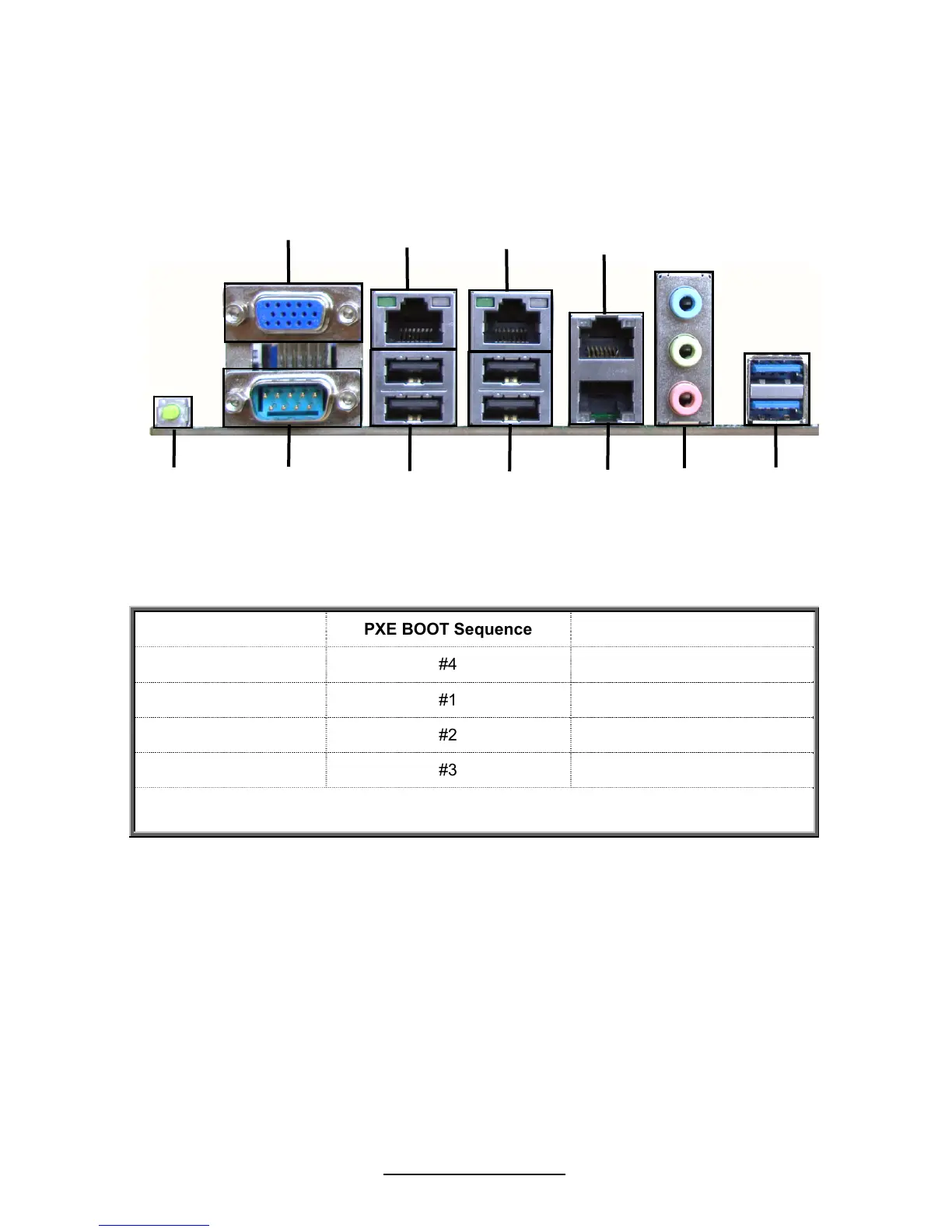
2.11 - Connecting External Devices
Your motherboard supports a number of different interfaces through connecting
peripherals. See the following diagrams for the details.
S7050WAGM4NRF
PXE BOOT Sequence BIOS definition
LAN1 #4 Intel I350 PORT0
LAN2 #1 Intel I350 PORT1
LAN3 #2 Intel 82574L LAN0
LAN4 #3 Intel 82574L LAN1
NOTE: Peripheral devices can be plugged straight into any of these ports but
software may be required to complete the installation.
VGA



 To Next Page