m90User’s Guide
20 © 2007 Unication Co., Ltd.
4.5 Main Menu Options
The Main Menu options menu lets you quickly access the different features of the M90. You can
quickly change your alert sound to vibrate or silent, turn off message transmission, and view device
status information.
To change your alert sound:
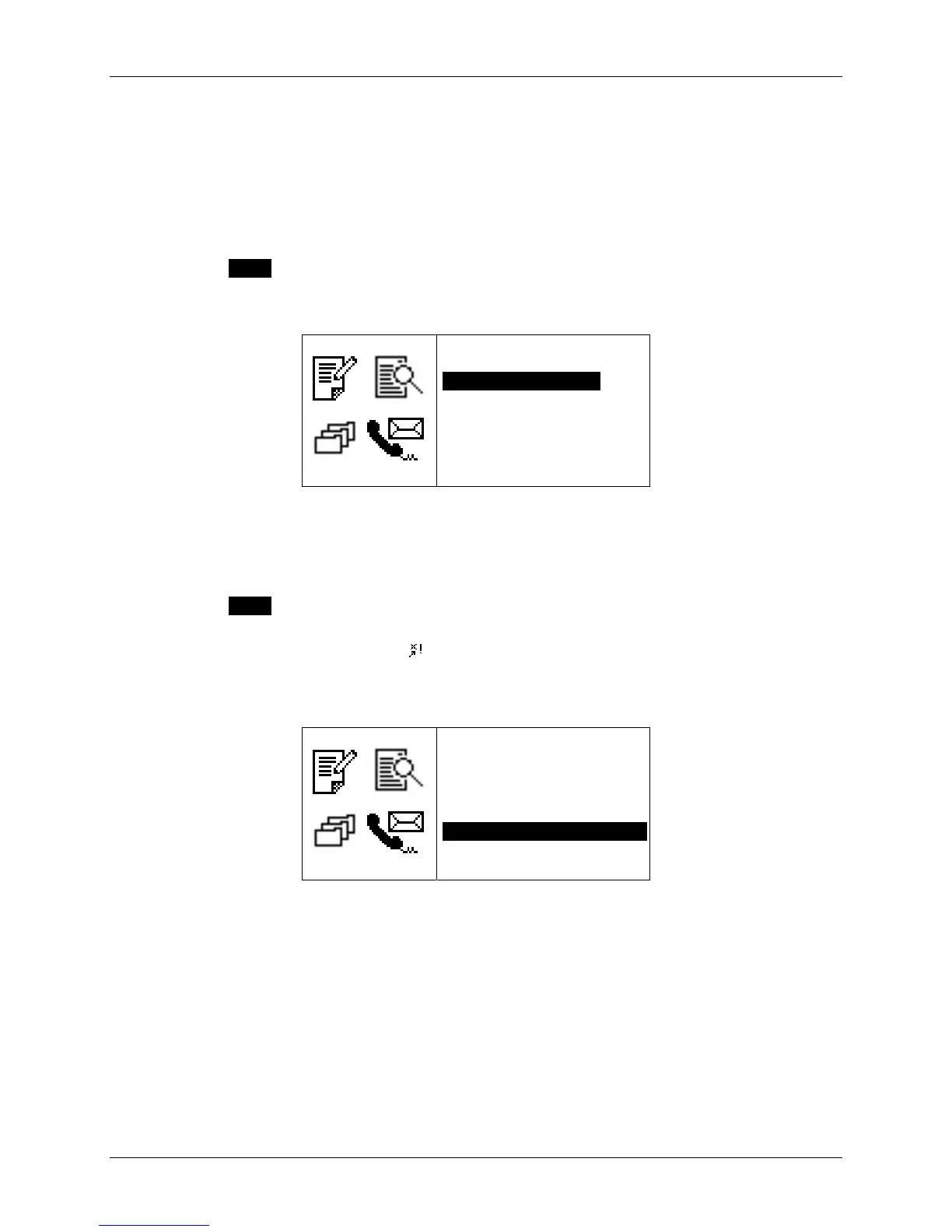
1. Press MENU and select:
• Silence Alerts to turn off your alert sound (Note: alarm alerts are not affected)
• Vibrate Alerts to change your alert sound to vibrate (Note: alarm alerts are not affected).
06:16PM Th
OPTIONS
`Go To Status Icons
`Silence AlertsOO
`Vibrate Alerts
`Alerts On
`Transmitter Off
`Power Off
`Keyboard Lock
2. Return to your default alert setting by selecting Alerts On (Note: alarm alerts are not affected).
To turn off message transmission:
1. Press MENU and select Transmitter Off.
You can receive messages, but will not be able to send messages until you turn message
transmission on again. The icon
will display on the Main Menu screen when the transmitter
is off. Your device will not transmit when the transmitter is off!
2. Turn message transmission back on by selecting Transmitter On.
06:16PM Th
OPTIONS
`Go To Status Icons
`Silence Alerts
`Vibrate Alerts
`Alerts On
`Transmitter OnOOOOOOO
`Power Off
`Keyboard Lock



 To Next Page