m90User’s Guide
56 © 2007 Unication Co., Ltd.
2. Make changes in the Options submenu as desired. Press the up or down ARROW keys to
move from field to field, and press ENTER to change options in each field.
• Font Size: Set to “5-line” for larger font or “8-line” (default) for smaller font.
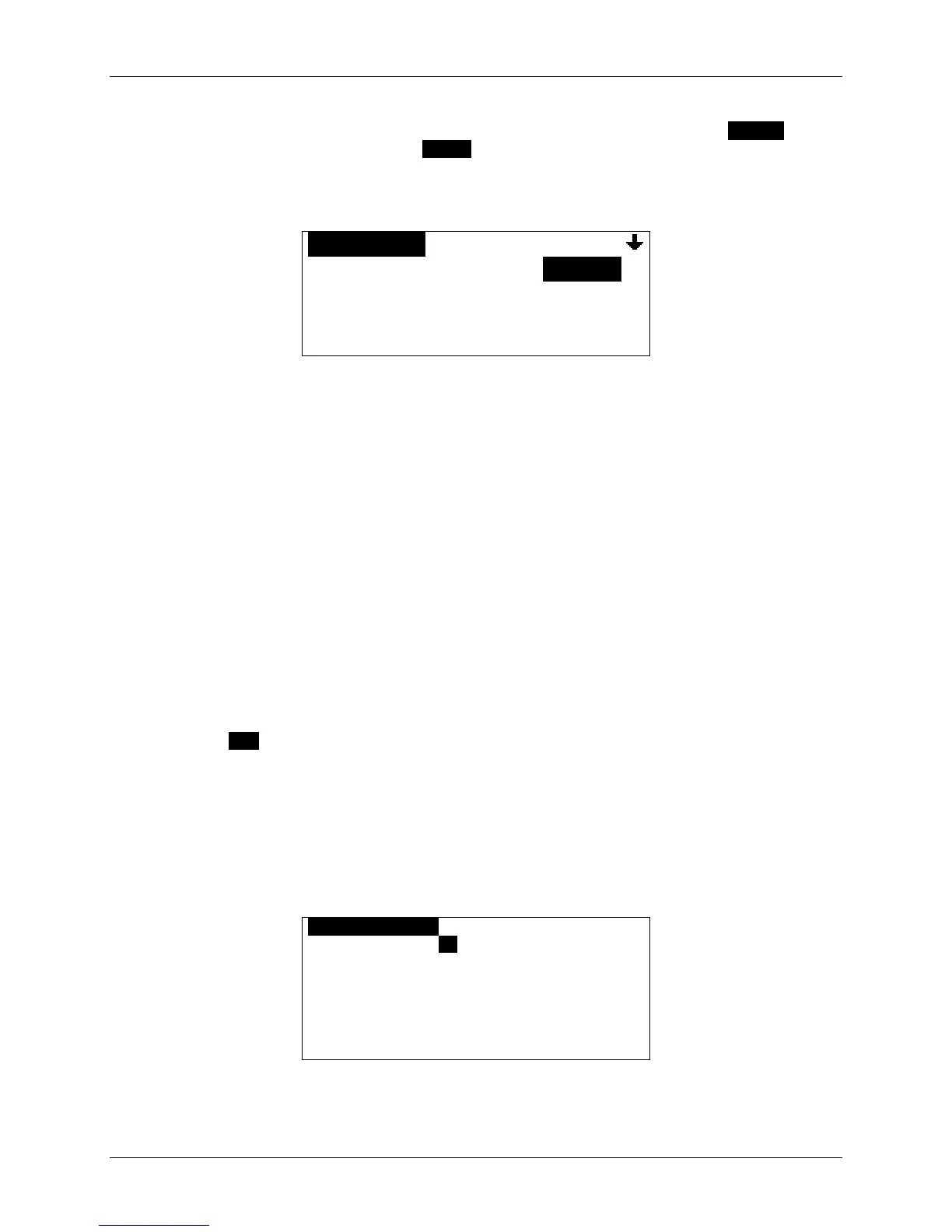
OOPTIONSOOOOOOOOOOOOOOOO
Font Size: 5-line
Contrast: 5
Confirm Delete: Yes
Keyclick: No
Display screen with 5-line font selected
• Contrast: Set the LCD display contrast to a number from 1 (low) to 10 (high).
• Confirm Delete: for a confirmation message whenever you delete a message/memo/text,
set to “Yes”, or “No” (no confirmation message will be displayed).
• Keyclick: Set to “Yes” for an audible click whenever any key is pressed, or “No” for no
click.
• Screen Timeout: Set to “30 sec”, “60 sec” or “Off”.
After the M90 has been idle for the selected length of time, the LCD screen will go blank
to conserve energy. If the back light is on, it will turn off.
If set to “Off”, then the screen will remain on until the device is turned off.
• Message Privacy: If your M90 is enabled for Message Privacy, then you can set this
option to “Yes”. This means that if the network requests the “read” status of a message
sent to you, the device will inform the network that the device is currently set to private.
If set to “No”, or if Message Privacy is not enabled for your device, then the device will
respond to any network “read” status requests.
3. Press ESC to save and exit from Options.
13.4 Setting Private Time
Private Time allows you to turn off Inbox and News Message Alerts for a specified period of time
every day (for example, when you are asleep at night). To configure Private Time:
1. Go to PREFERENCES
→ Private Time.
OPRIVATE TIMEO
Private Time: No
Start Time: [HH]:[MM] [AM]
End Time: [HH]:[MM] [AM]
Alert at End: Yes
2. Set Private Time to “Yes” to turn on Private Time.


 To Next Page