m90User’s Guide
© 2007 Unication Co., Ltd.
43
10. Reading News
If you are subscribed to one or more news services, you can receive news messages.
Note: For shortcuts see Shortcuts for Navigating on page 14.
10.1 Reading a News Message
You can read a News message in the same way that you can read Inbox messages (see Reading
a Message on page 27).
If a Quickview popup is displayed, then select “Yes” to view a new (unread) News message.
Or:
1. Select NEWS
in the Main Menu.
2. Select a News folder in the News submenu.
3. Highlight the message you wish to read and press ENTER to display it.
10.2 Forwarding News
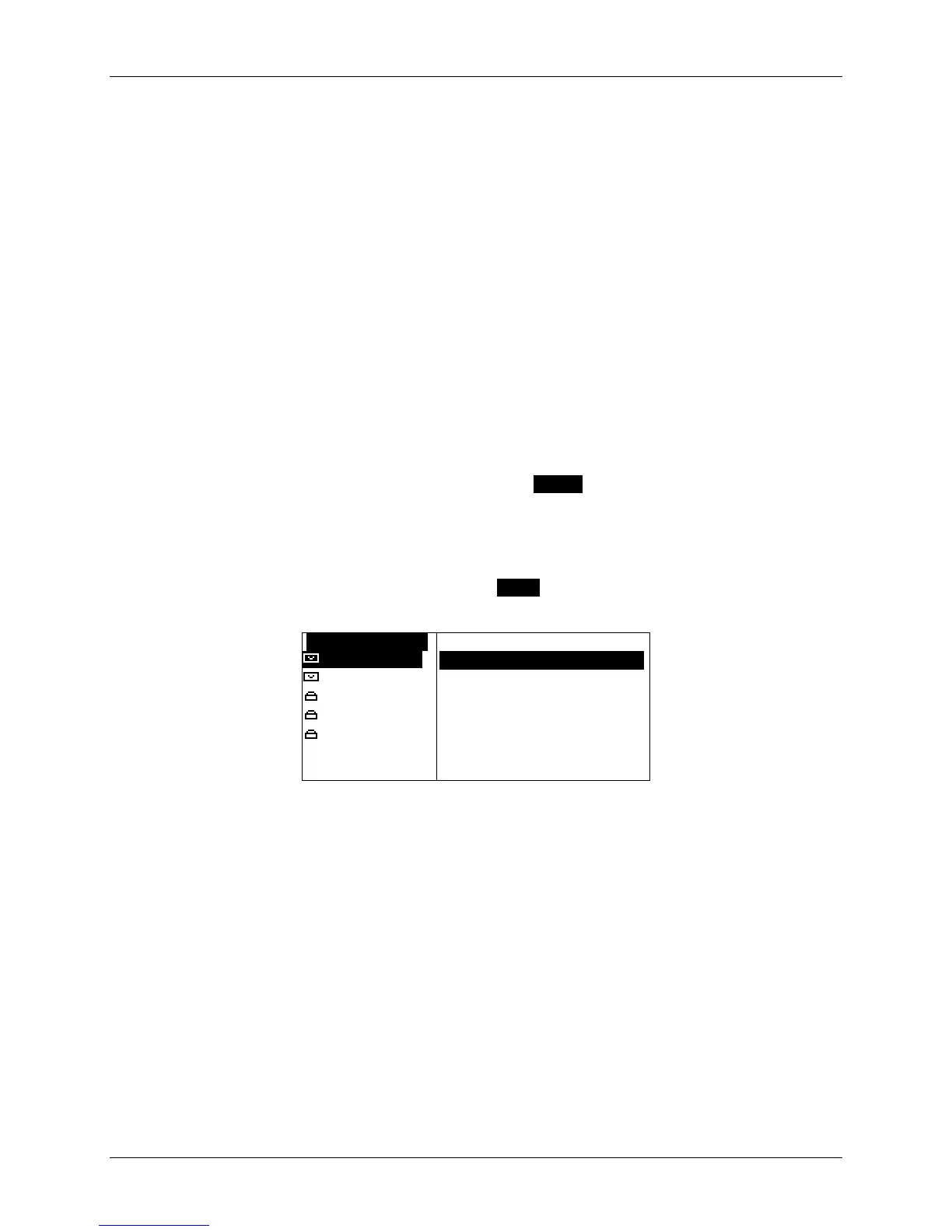
1. While the News message is displayed, press MENU to open the News Options popup menu
and select Forward Message.
OSTOCK MARKET OPTIONS
*Market Upd
`Forward 0000000OOOOOO
Market Upd
`Delete
Market Up
`Move to Folder
Market Upd
`Delete All Read
Market Upd
[ate ---Dow
[Indu 2293.90
`Delete All Msgs
Status icons for News messages are the same as
the status icons for Inbox messages.
The Forward A Message screen is displayed.
2. Follow the instructions for Forwarding a Message on page 29.



 To Next Page