m90User’s Guide
50 © 2007 Unication Co., Ltd.
7. Press MENU to open the Folder Options popup menu again and select Save.
The New Folder submenu closes and the new subfolder appears in the Personal folder
submenu.
OPERSONALO
`Default Folder
`Home
`Business
`AppointmentsOOOOOOOOOOOOOOOOOOOOOO
Or, press ESC (or select Cancel from the Options popup menu) to exit without saving.
12.2 Editing a Subfolder Name
You can change any subfolder name by selecting it in the Folders menu, pressing MENU to open
the Folder Options popup menu, and selecting Rename Folder.
12.3 Deleting Subfolders
You can delete a subfolder by selecting Delete Folder in the popup menu. Note that you cannot
delete the Default Folder.
12.4 Managing Draft Messages
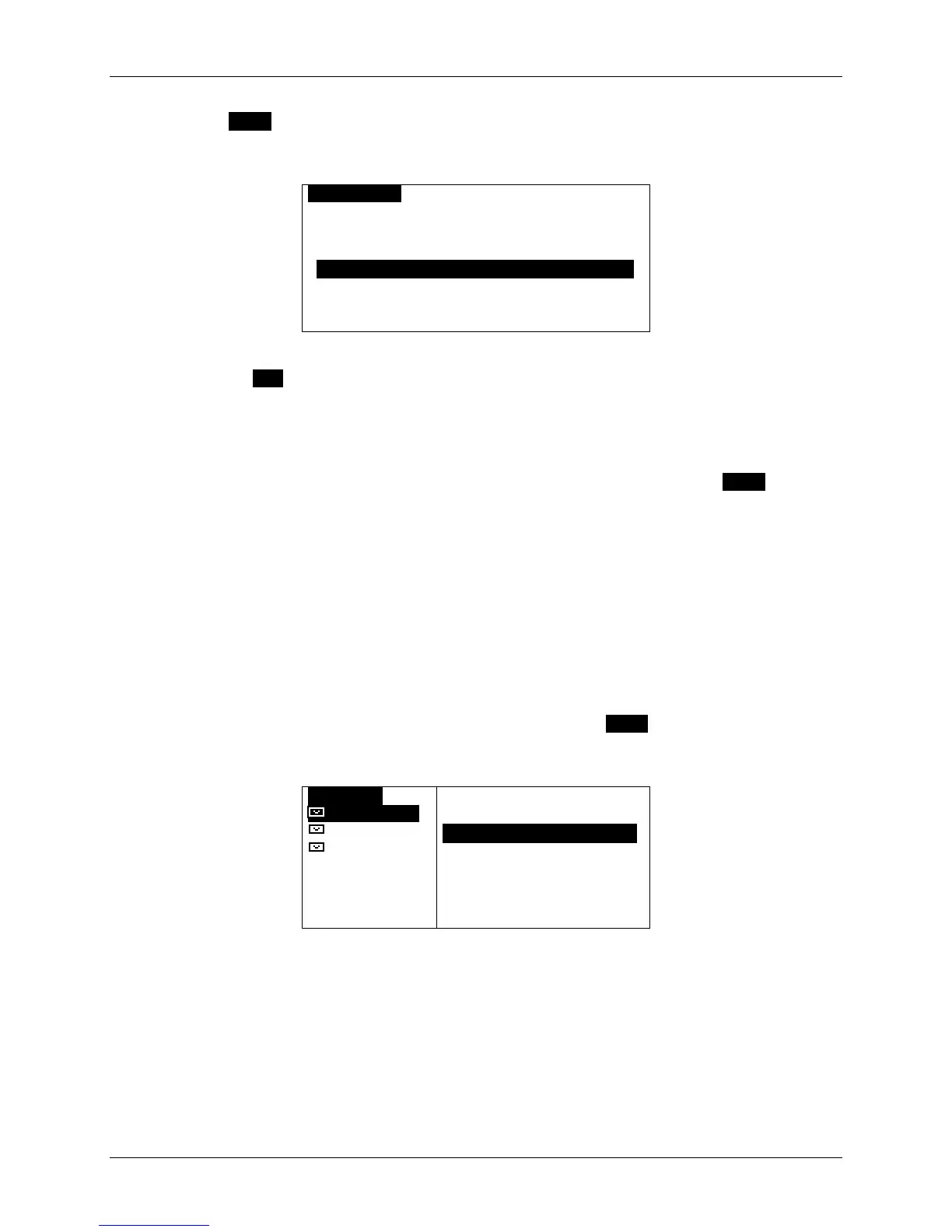
You can delete messages saved in the Drafts folder, by pressing MENU to open the Folder Options
popup menu, and then selecting Delete to delete the highlighted message or Delete All Msgs to
delete all messages in the folder.
ODRAFTSO
Please mee
Pick up gr
I will mee
OPTIONS
`Resume Composition
`DeleteOOOOOOOOOOOOOO
`Delete All Msgs



 To Next Page