m90User’s Guide
© 2007 Unication Co., Ltd.
35
4. Select Inbox.
The Inbox Alert submenu is displayed.
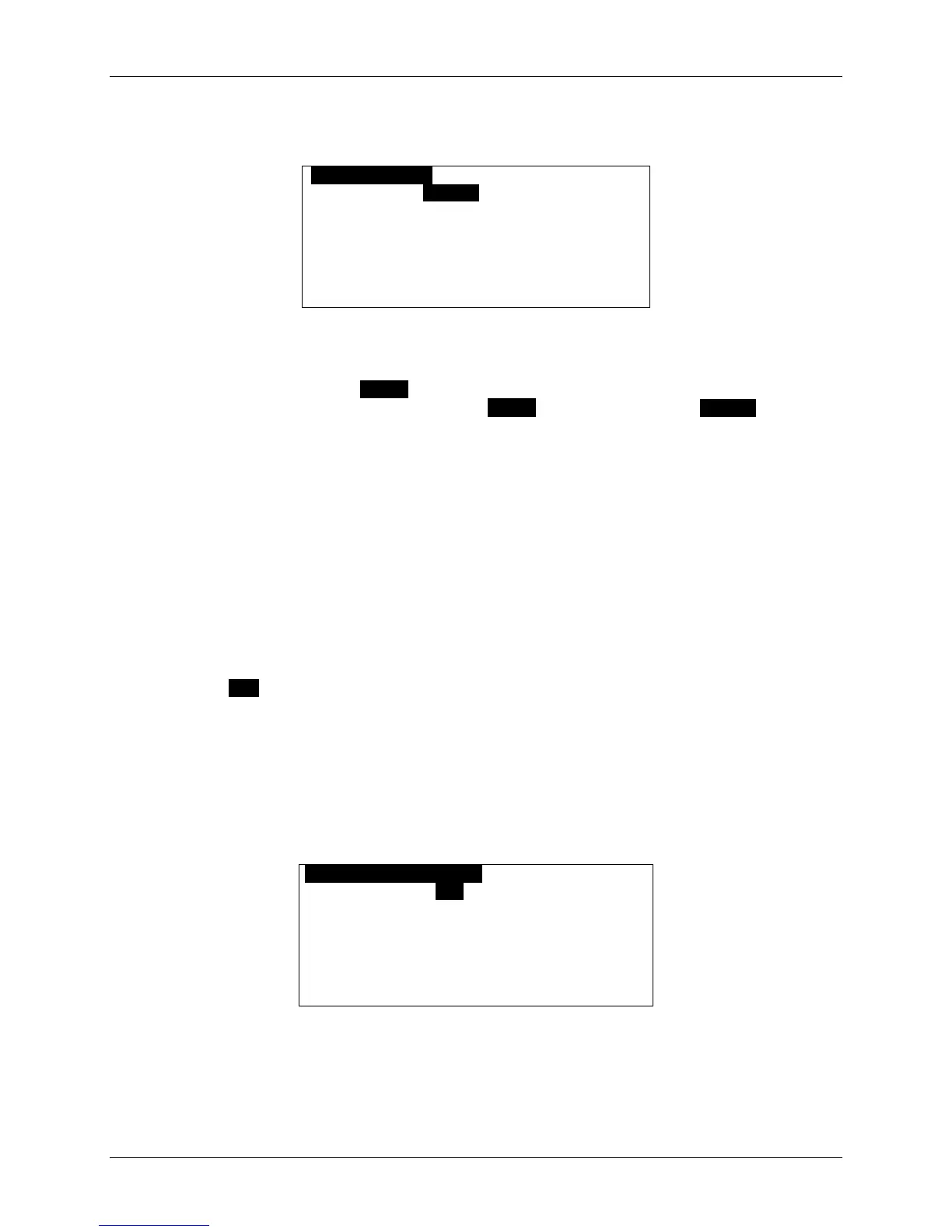
OINBOX ALERTO
Type: 1 Beep
Rebeep
Repeat: 2 times
Interval: 1 min
Quickview: Yes
5. Set Type to your desired option. This may be Silent, Vibrate, Short-Vibrate, Beep-Vibrate,
Beep 1, Double Beep, Chirp, Beethoven, Arpeggio, Attention, Wilhelm Tell, Dododo, Around,
or Up & Down. Press the SPACE key to play the alert; alternatively, you may play the alert
within the Options popup menu by pressing SPACE or pressing the right ARROW key.
6. Set Rebeep Repeat to either: “None”, a number from 1 to 5, or “Forever”.
The alert will repeat for the number of times selected; “None” means only the original alert will
sound (i.e. there is no rebeep).
7. Set Rebeep Interval to either: ”30 sec”, “1 min”, “2 min”, “5 min”, or “10 min”.
If the Rebeep Repeat option is set to 1 or more, then the alert will repeat at the interval
selected (every 30 seconds, 1 minute, 2 minutes, etc.).
8. Set Quickview to “Yes” or “No”.
If Quickview is set to “Yes”, then a New Message Received popup appears on the LCD display
when a new message arrives. This is a quick way to view incoming messages. You can open
the new message by selecting “Yes” in the popup, or you can close the popup by pressing any
key.
9. Press ESC to save and exit from Inbox Alert.
8.3 Setting a Message Timestamp
You can also have your M90 timestamp messages:
1. Go to PREFERENCES
→ Message Timestamp.
The Timestamp submenu is displayed.
OMESSAGE TIMESTAMPO
Timestamp: Yes
Time Format: 24hr
Date Format: Full
2. Set Timestamp to “Yes” (ON).
3. Set Time Format to “12hr” for 12-hour time format
or “24hr” for 24-hour time format.



 To Next Page