m90User’s Guide
© 2007 Unication Co., Ltd.
51
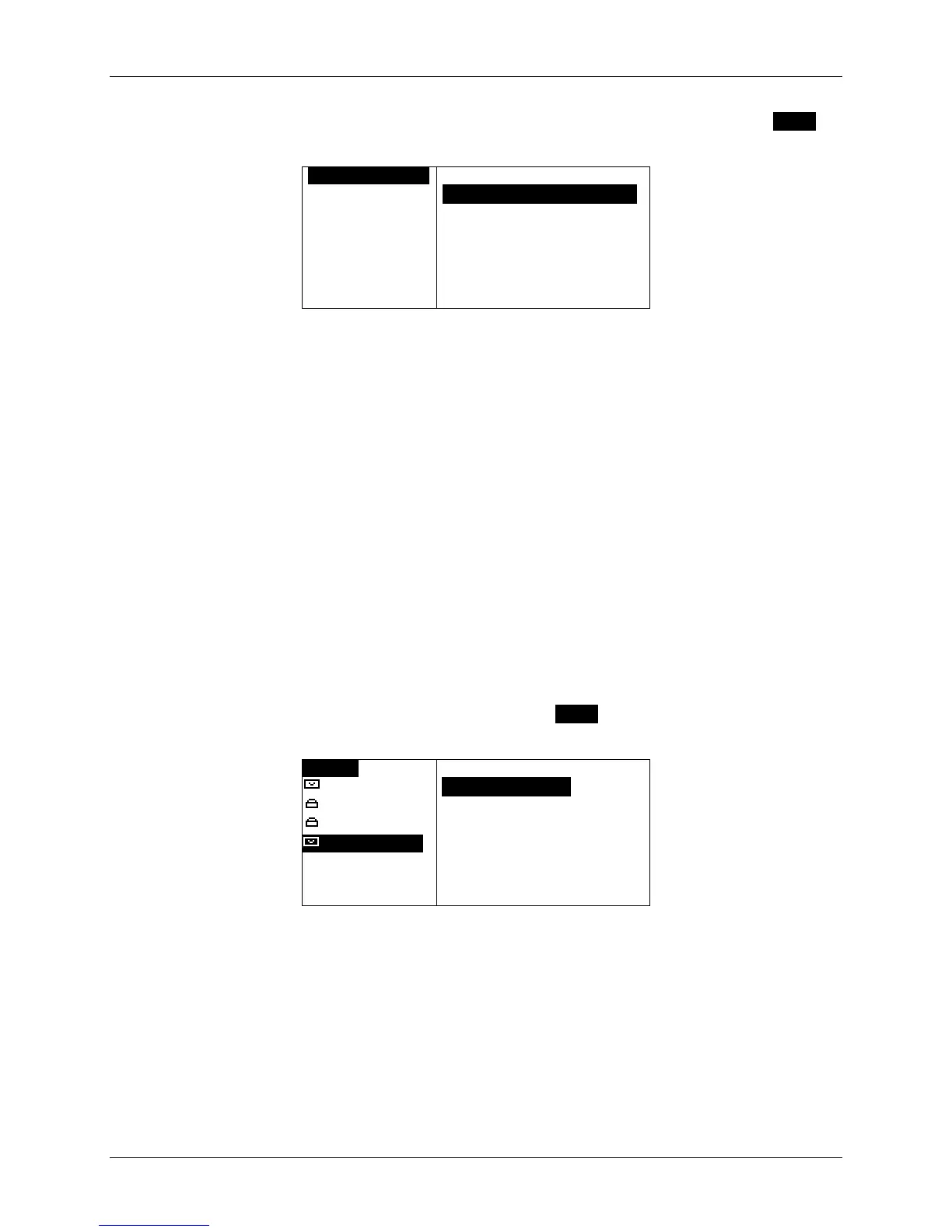
You can send messages saved in the Drafts folder, by viewing a draft message, pressing MENU to
open the Options popup menu, and then selecting Resume Composition.
ODRAFT MESSAO
Please meet m
OPTIONS
`Resume CompositionOO
`Delete
Resume Composition will move the message into the Send a Message application automatically.
You can continue composing your message and then send it.
12.5 Managing Personal Messages
Depending on the type of message, messages saved in your Personal folder can be Resent,
Forwarded, Replied To, Deleted or Moved to another folder.
• Messages saved from the Inbox can be Replied To and Forwarded
• Messages from the Outbox can be Forwarded and Resent
• Messages saved from News messages can be Forwarded.
All messages can be Deleted or Moved to another folder.
To Reply, Forward, Delete or Move a message:
1. Select FOLDERS
in the Main Menu, then select the Personal folder.
2. Select the appropriate subfolder.
3. Select the message you want to work with, and press MENU to open the Folder Options popup
menu.
OHome0 OPTIONS
Steve@infos
`ReplyOOOOoOOO
Ellie@home.
`Forward
Can you pic
`Delete
Tom@hotmail
[with you wh
[
`Move to Folder
`Delete All Msgs
Reply only appears for Received personal
messages
4. Select the desired option. For more information, see the same commands described in
Managing Incoming Messages on page 27, or Managing Outgoing Messages on page 31.



 To Next Page