To connect the
arm and Control
box
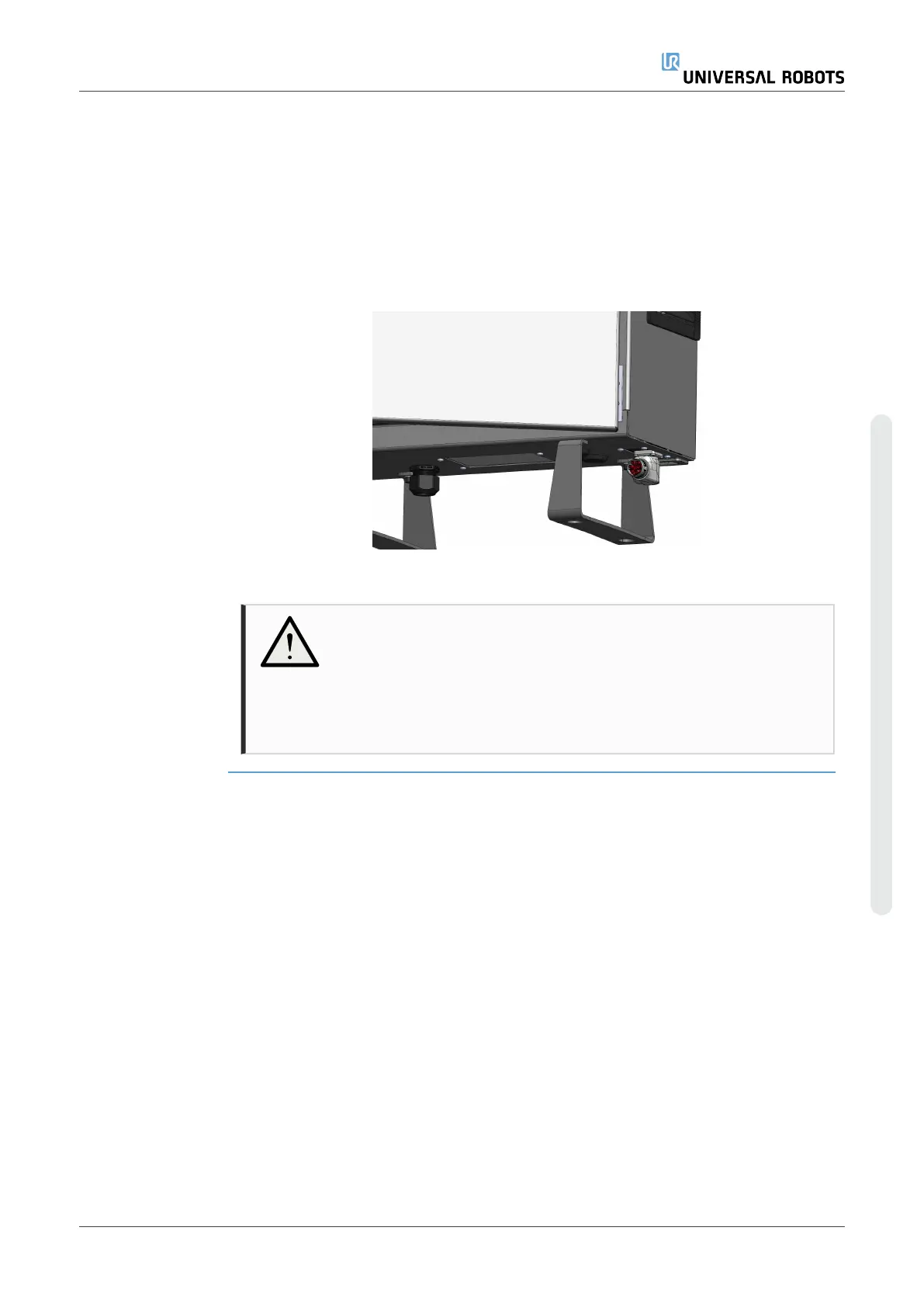
You can turn the connector to the right to make it easier to lock after the cable is
plugged in.
•
Establish the robot connection by connecting the robot arm to the Control Box
with the Robot Cable.
•
Plug and lock the cable from the robot into the connector at the bottom of the
Control Box shown below.
•
Twist the connector twice to ensure it is properly locked before turning on the
robot arm.
CAUTION
Improper robot connection can result in loss of power to the robot arm.
•
Do not disconnect the Robot Cable when the robot arm is
turned on.
•
Do not extend or modify the original Robot Cable.
User Manual 45 UR3e PolyScope X
5.Assembly
Copyright © 2009–2024 by UniversalRobotsA/S. All rights reserved.










 To Next Page