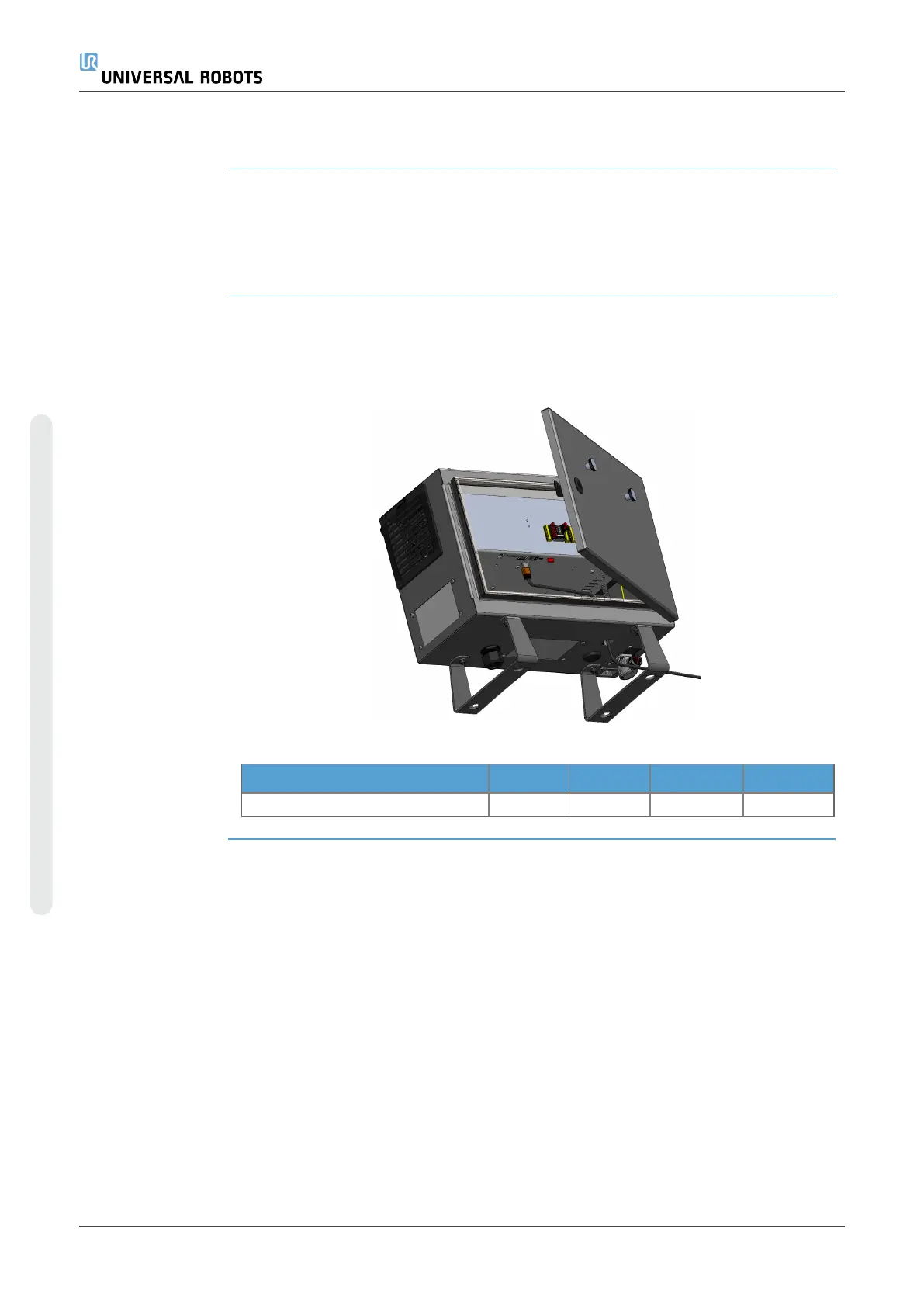
7.4.1. Ethernet
Description The Ethernet interface can be used for:
•
MODBUS, EtherNet/IP and PROFINET.
•
Remote access and control.
To connect the Ethernet cable by passing it through the hole at the base of the Control
Box, and plugging it into the Ethernet port on the underside of the bracket.
Replace the cap at the base of the Control Box with an appropriate cable gland to
connect the cable to the Ethernet port.
The electrical specifications are shown in the table below.
Parameter Min Typ Max Unit
Communication speed 10 - 1000 Mb/s
UR3e PolyScope X 62 User Manual
7.Installation
Copyright © 2009–2024 by UniversalRobotsA/S. All rights reserved.










 To Next Page