EasyManua.ls Logo

US Robotics COURIER - S-Register Summary

US Robotics COURIER
216 pages
Print Icon
To Next Page IconTo Next Page
To Previous Page IconTo Previous Page
Loading...
COURIER HIGH SPEED MODEMS
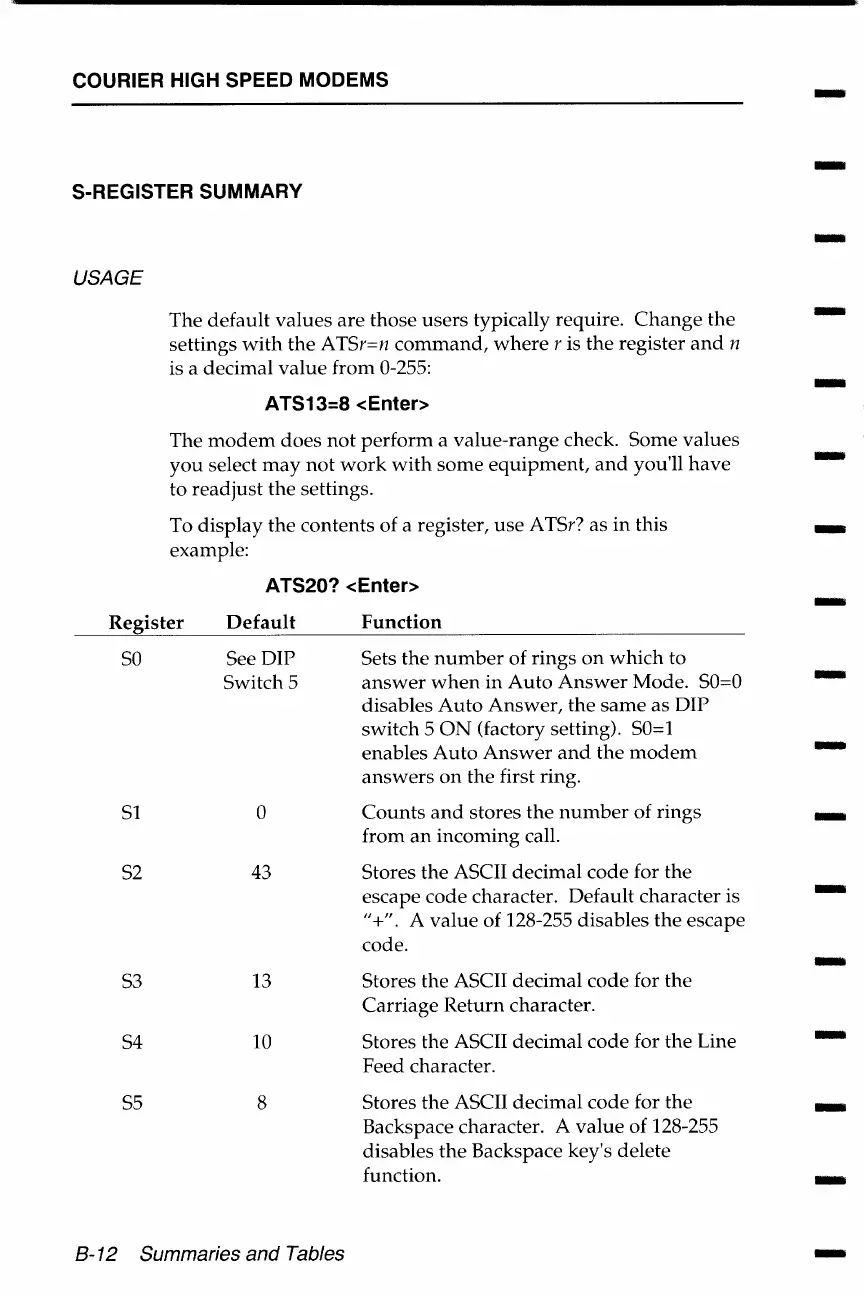
S-REGISTER SUMMARY
USAGE
The
default
values
are
those
users
typically require.
Change
the
settings
with
the
ATSr=n
command,
where
r is
the
register
and
n
is a decimal
value
from 0-255:
ATS13=8 <Enter>
The
modem
does
not
perform
a
value-range
check. Some
values
you
select
may
not
work
with
some
equipment,
and
you'll
have
to
readjust
the settings.
To
display
the contents of a register,
use
ATSr? as
in
this
example:
ATS20? <Enter>
Register
Default
Function
so
See DIP
Sets
the
number
of rings
on
which
to
Switch 5
answer
when
in
Auto
Answer
Mode.
SO=O
disables
Auto
Answer,
the
same
as DIP
switch 5
ON
(factory setting). SO=l
enables
Auto
Answer
and
the
modem
answers
on
the first ring.
Sl
0
Counts
and
stores
the
number
of
rings
from
an
incoming
call.
S2
43
Stores
the
ASCII
decimal
code
for
the
escape
code
character. Default character is
"+". A
value
of
128-255 disables
the
escape
code.
S3
13
Stores the ASCII
decimal
code
for the
Carriage
Return
character.
S4
10
Stores the ASCII decimal
code
for
the
Line
Feed character.
SS
8
Stores
the
ASCII decimal
code
for
the
Backspace character. A
value
of
128-255
disables
the
Backspace key's delete
function.
B-12 Summaries and Tables
-
-
-
-
-
-
-
-
-
-
-
-
-
-
-
-
-

Table of Contents

Related product manuals