EasyManua.ls Logo

US Robotics COURIER - Front Panel Status Indicator Lights; Modem Installation Guide

US Robotics COURIER
216 pages
Print Icon
To Next Page IconTo Next Page
To Previous Page IconTo Previous Page
Loading...
COURIER HIGH SPEED MODEMS
FRONT PANEL INDICATORS
Below is a list of
the
modem's
twelve
status
lights,
or
LEDs. See
Appendix
B for
descriptions
of
their
operations.
HS
AA
CD
OH
RD
SD
TR
MR
RS
cs
SYN
ARQ/FAX
High
Speed
Auto
Answer
Carrier
Detect
Off
Hook
Received
Data
Send
Data
Data
Terminal
Ready
Modem
Ready
(Power)
Request
to
Send
Clear
to
Send
Synchronous
Automatic
Repeat
Request
(Error Control) I
Fax
Mode
(Fax
modems
only)
INSTALLING THE MODEM
1.
Turn
off
the
computer
or
terminal
and
its
peripheral
devices.
2.
Examine
the
label
on
the
bottom
of
the
modem.
In
addition
to
the
summaries
and
other
information,
the
label contains
icons to
aid
in
modem
assembly.
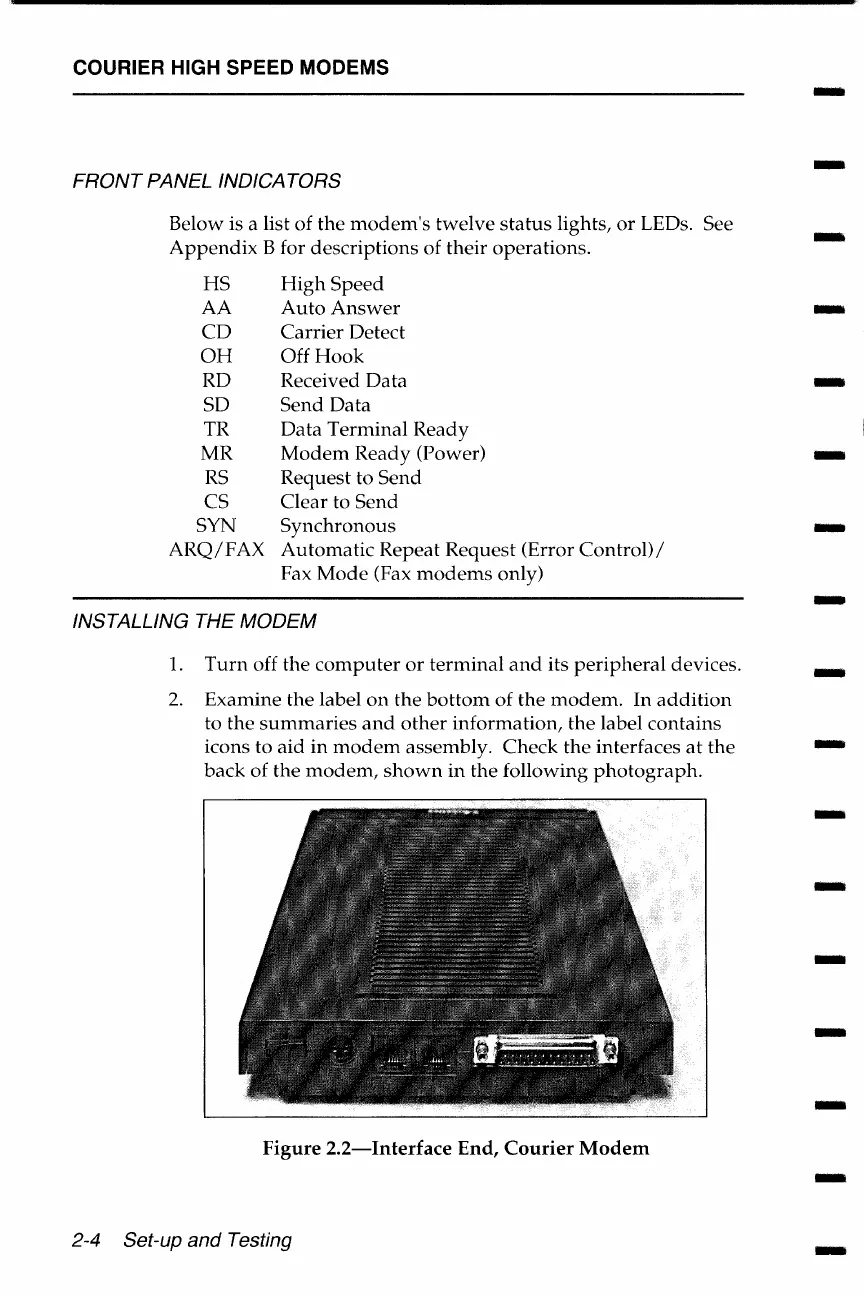
Check
the
interfaces
at
the
back
of
the
modem,
shown
in
the
following
photograph.
Figure
2.2-Interface
End,
Courier
Modem
2-4 Set-up and Testing
-
-
-
-
-
-
-
-
-
-
-
-
-
-
-
-
-

Table of Contents

Related product manuals