EasyManua.ls Logo

US Robotics COURIER - DTE Rate Selection (&Bn)

US Robotics COURIER
216 pages
Print Icon
To Next Page IconTo Next Page
To Previous Page IconTo Previous Page
Loading...
COURIER HIGH SPEED MODEMS
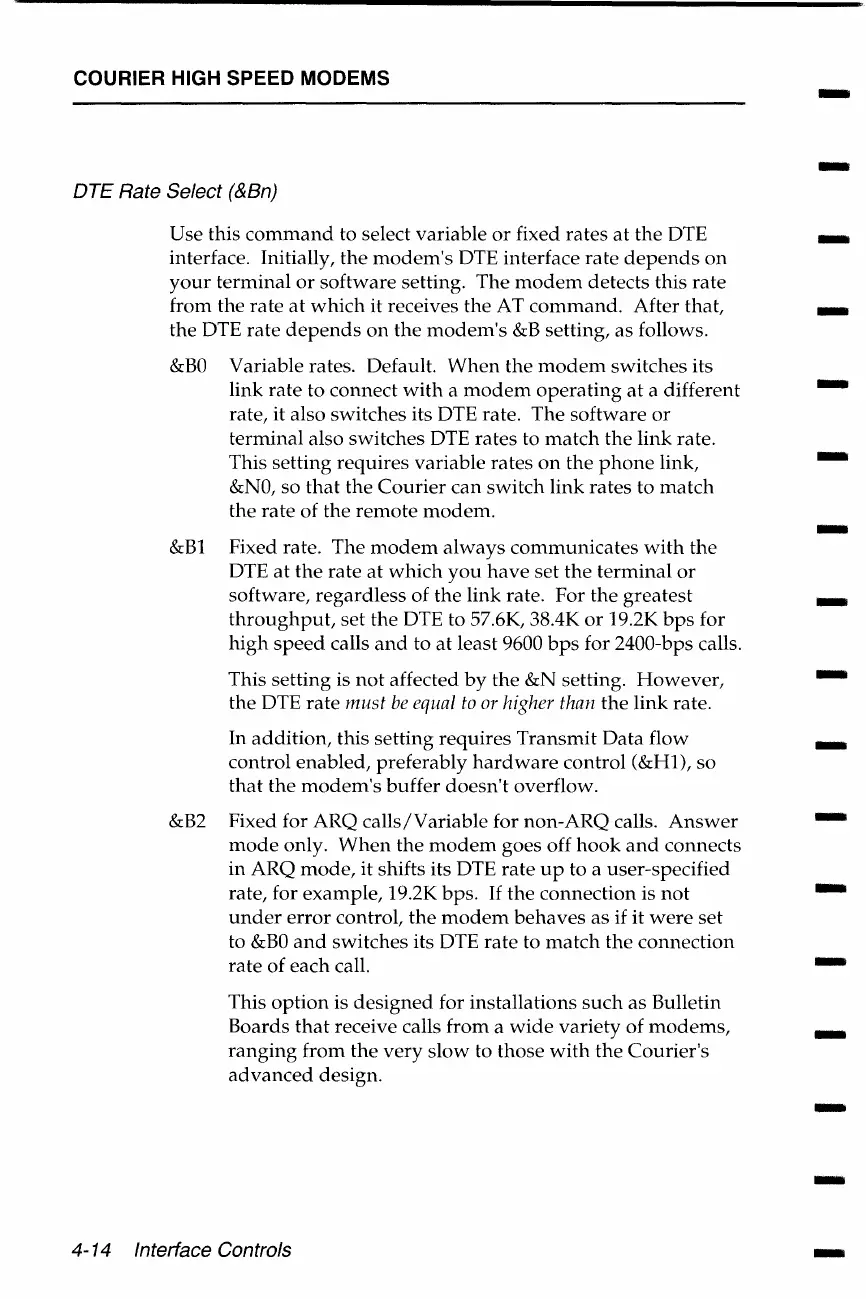
DTE Rate Select (&Bn)
Use this
command
to select variable
or
fixed rates
at
the
DTE
interface. Initially,
the
modem's
DTE interface
rate
depends
on
your
terminal
or
software
setting.
The
modem
detects this
rate
from the
rate
at
which
it receives
the
AT
command.
After that,
the
DTE
rate
depends
on
the
modem's
&B
setting,
as
follows.
&BO
&Bl
&B2
Variable rates. Default.
When
the
modem
switches its
link
rate
to connect
with
a
modem
operating
at
a different
rate, it also switches its DTE rate.
The
software
or
terminal also switches DTE
rates
to
match
the
link
rate.
This setting
requires
variable rates
on
the
phone
link,
&NO,
so
that
the
Courier
can
switch
link
rates
to
match
the
rate
of the
remote
modem.
Fixed rate. The
modem
always
communicates
with
the
DTE
at
the
rate
at
which
you
have
set
the
terminal
or
software,
regardless
of
the
link
rate. For
the
greatest
throughput,
set
the DTE to 57.6K, 38.4K
or
19.2K
bps
for
high
speed
calls
and
to
at
least 9600
bps
for 2400-bps calls.
This
setting
is
not
affected
by
the
&N setting.
However,
the
DTE
rate
must
be
equal
to
or
higher
than
the
link
rate.
In
addition,
this setting
requires
Transmit
Data
flow
control
enabled,
preferably
hardware
control
(&Hl),
so
that
the
modem's
buffer
doesn't
overflow.
Fixed for ARQ
calls/Variable
for
non-ARQ
calls.
Answer
mode
only.
When
the
modem
goes off
hook
and
connects
in
ARQ
mode,
it shifts its DTE
rate
up
to a user-specified
rate, for
example,
19.2K bps.
If
the
connection
is
not
under
error
control,
the
modem
behaves
as
if it
were
set
to
&BO
and
switches its DTE
rate
to
match
the
connection
rate
of
each
call.
This
option
is
designed
for installations
such
as
Bulletin
Boards
that
receive calls
from
a
wide
variety
of
modems,
ranging
from
the
very
slow
to
those
with
the
Courier's
advanced
design.
4-14 Interface Controls
-
-
-
-
-
-
-
-
-
-
-
-
-
-
-
-
-

Table of Contents

Related product manuals