EasyManua.ls Logo

US Robotics COURIER - Answering; Hanging up

US Robotics COURIER
216 pages
Print Icon
To Next Page IconTo Next Page
To Previous Page IconTo Previous Page
Loading...
COURIER HIGH SPEED MODEMS
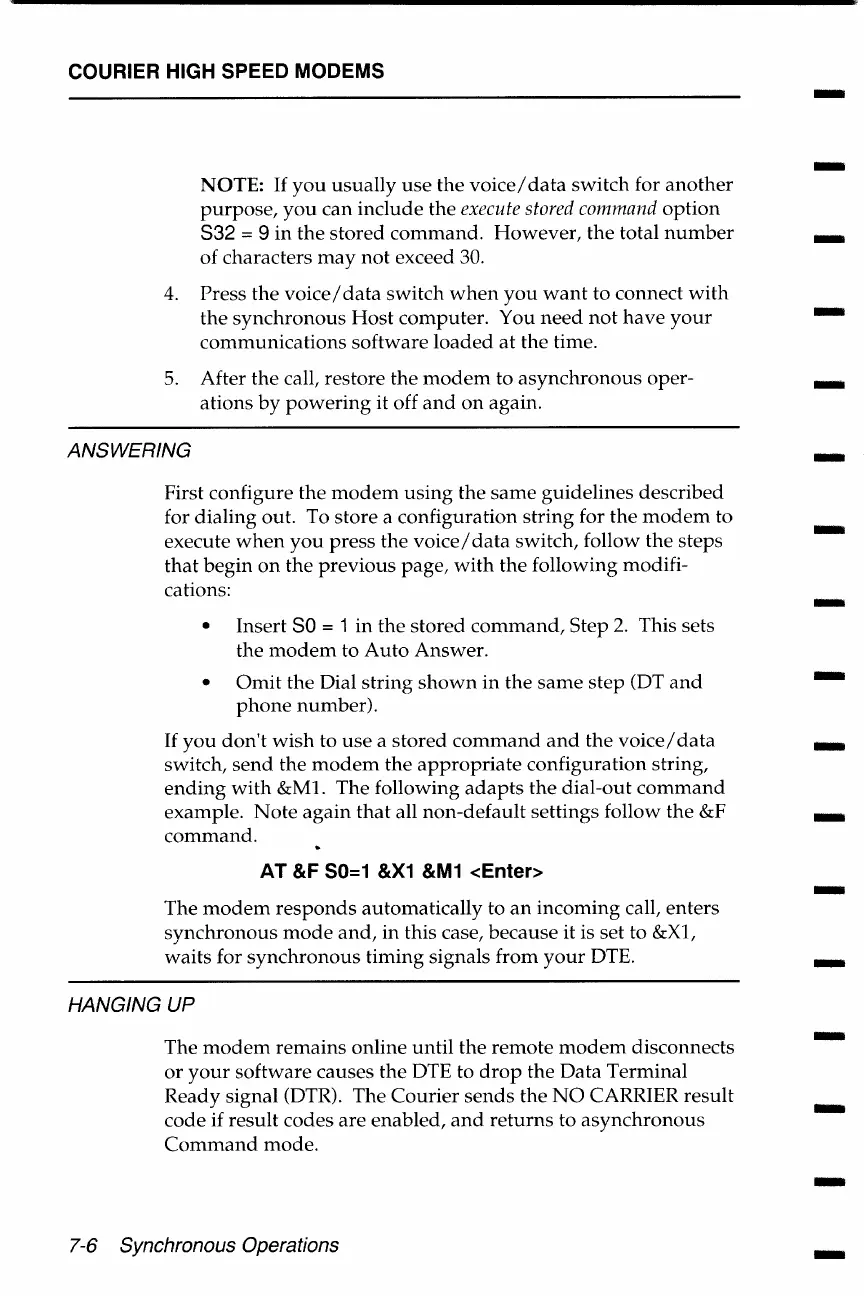
NOTE:
If
you
usually
use
the
voice/
data
switch
for
another
purpose,
you
can
include
the execute
stored
command
option
832
= 9 in
the
stored
command.
However,
the
total
number
of
characters
may
not
exceed 30.
4.
Press
the
voice/
data
switch
when
you
want
to connect
with
the
synchronous
Host
computer.
You
need
not
have
your
communications
software
loaded
at
the time.
5.
After
the
call, restore
the
modem
to
asynchronous
oper-
ations
by
powering
it off
and
on
again.
ANSWERING
First configure the
modem
using
the
same
guidelines
described
for dialing out. To store a configuration
string
for
the
modem
to
execute
when
you
press
the
voice/
data
switch, follow
the
steps
that
begin
on
the
previous
page,
with
the
following modifi-
cations:
Insert
SO
= 1
in
the
stored
command,
Step
2.
This sets
the
modem
to
Auto
Answer.
Omit
the Dial
string
shown
in
the
same
step
(OT
and
phone
number).
If
you
don't
wish
to
use
a
stored
command
and
the
voice/
data
switch,
send
the
modem
the
appropriate
configuration string,
ending
with
&ML
The following
adapts
the
dial-out
command
example.
Note
again
that
all
non-default
settings follow
the
&F
command.
AT
&F 50=1
&X1
&M1
<Enter>
The
modem
responds
automatically to
an
incoming
call, enters
synchronous
mode
and,
in this case, because it is set
to
&Xl,
waits
for
synchronous
timing
signals from
your
DTE.
HANGING UP
The
modem
remains
online
until
the
remote
modem
disconnects
or
your
software causes
the
DTE to
drop
the
Data
Terminal
Ready
signal (DTR). The
Courier
sends
the
NO
CARRIER result
code
if
result codes
are
enabled,
and
returns
to
asynchronous
Command
mode.
7-6 Synchronous Operations
-
-
-
-
-
-I
-
-
-
-
-
-
-
-
-
-
-

Table of Contents

Related product manuals