EasyManua.ls Logo

US Robotics COURIER - Page 145

US Robotics COURIER
216 pages
Print Icon
To Next Page IconTo Next Page
To Previous Page IconTo Previous Page
Loading...
COURIER HIGH SPEED MODEMS
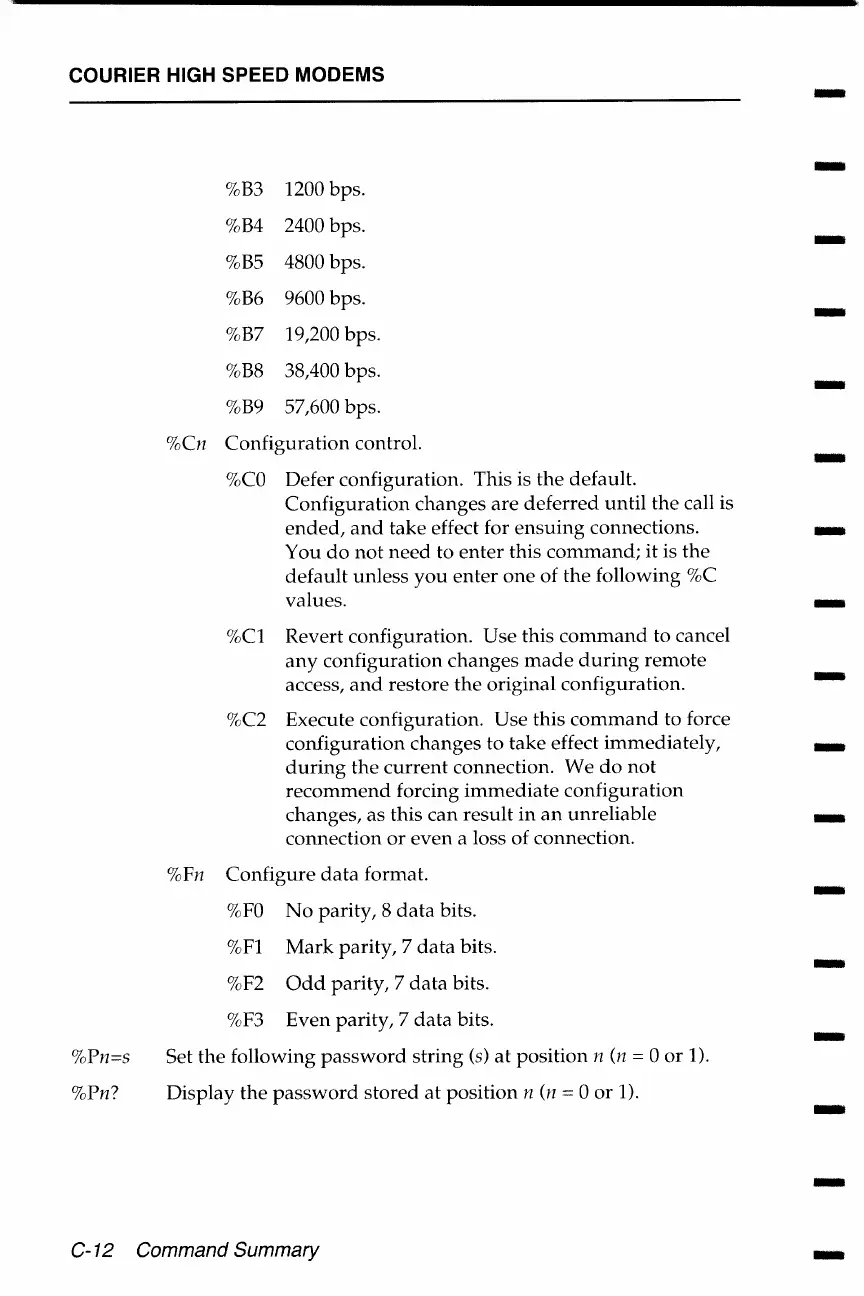
%Pn=s
%Pn?
%B3
1200 bps.
%B4
2400 bps.
%BS
4800 bps.
%B6
9600 bps.
%B7
19,200 bps.
%B8
38,400 bps.
%B9
57,600
bps.
%Cn
Configuration
control.
%CO
Defer configuration. This is
the
default.
Configuration
changes
are
deferred
until
the
call is
ended,
and
take
effect for
ensuing
connections.
You
do
not
need
to
enter
this
command;
it is
the
default
unless
you
enter
one
of
the
following
%C
values.
%Cl
Revert configuration.
Use
this
command
to cancel
any
configuration
changes
made
during
remote
access,
and
restore
the
original configuration.
%C2 Execute configuration. Use this
command
to force
configuration
changes
to
take
effect
immediately,
during
the
current
connection.
We
do
not
recommend
forcing
immediate
configuration
changes, as this
can
result
in
an
unreliable
connection
or
even
a loss of connection.
%Fn
Configure
data
format.
%FO
No
parity,
8
data
bits.
%Fl
Mark
parity,
7
data
bits.
%F2
Odd
parity,
7
data
bits.
%F3
Even
parity,
7
data
bits.
Set
the
following
password
string
(s)
at
position
n (n = 0
or
1).
Display
the
password
stored
at
position
n (n = 0
or
1).
C-12 Command Summary
-
-
-
-
-
-
-
-
-
-
-
-
-
-
-
-
-

Table of Contents

Related product manuals