EasyManua.ls Logo

US Robotics COURIER - High Speed;Low Speed Protocol Explained

US Robotics COURIER
216 pages
Print Icon
To Next Page IconTo Next Page
To Previous Page IconTo Previous Page
Loading...
-
I~
-
-
COURIER HIGH SPEED MODEMS
HIGH SPEED/LOW SPEED PROTOCOL
OVERVIEW
This
appendix
explains
how
an
answering
Courier
modem
switches its
link
rate
to
match
the
rate
of
a calling
modem.
It
may
be
of
help
also to
those
users
who
want
to
try
programming
their
computers
to
switch
bit
rates
to
match
the
Courier's
connection rate. The
material
here
applies
only
when
the
modem
is set for
variable
rates
at
both
the
DTE
(computer)
and
link
interfaces,
&BO
and
&NO,
respectively.
In
both
Originate
and
Answer
modes,
if
the
link
rate
is
set
to
&NO,
the
Courier
negotiates
with
the
remote
modem
to connect
at
the
highest
possible rate.
In
addition,
if
the
modem
is set to
Extended
or
Advanced
result
codes
(Xl
or
higher) it
signals
the
DTE
with
one
of
the
following
result
codes
or
the
optional
result
codes selected
with
the
&An
command.
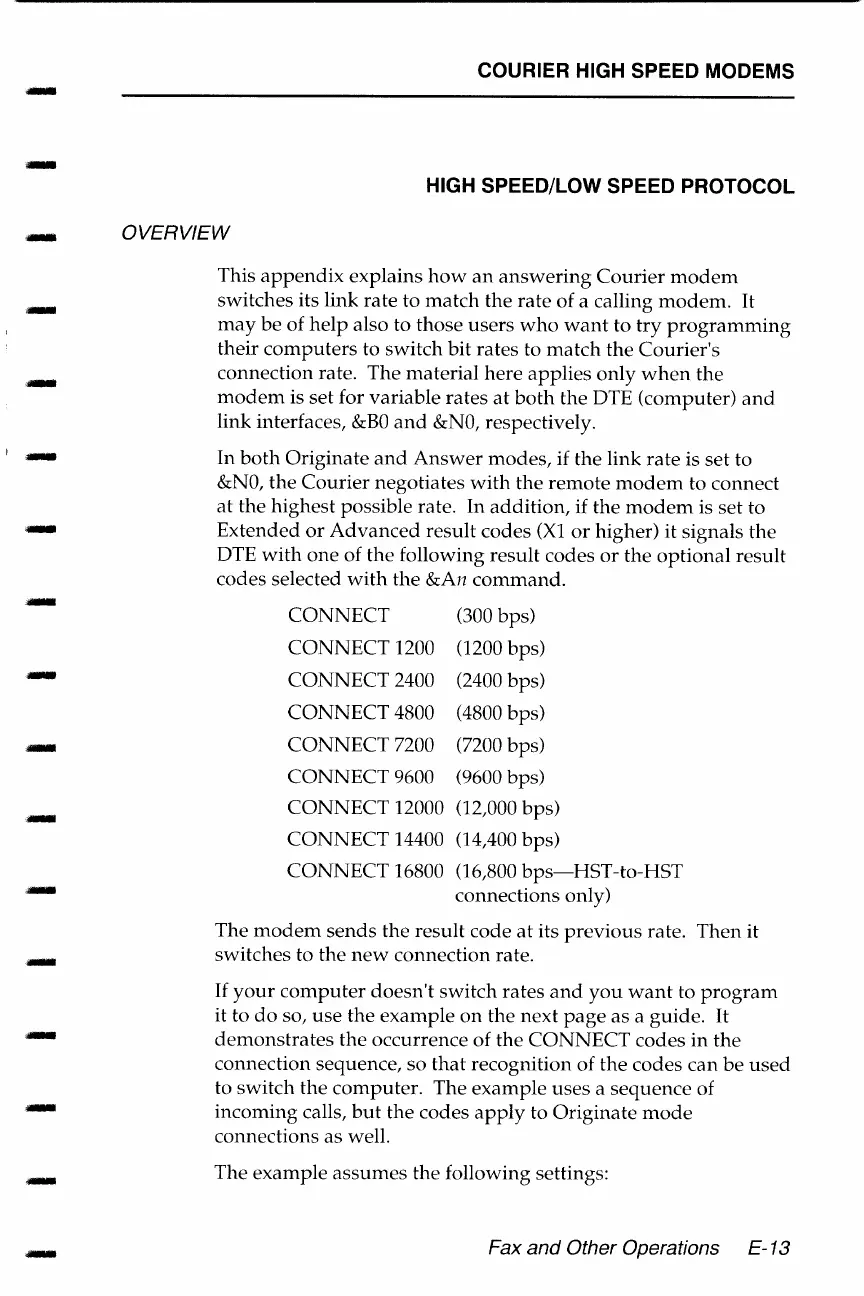
CONNECT
(300 bps)
CONNECT
1200 (1200 bps)
CONNECT
2400 (2400 bps)
CONNECT
4800
(4800
bps)
CONNECT
7200
(7200
bps)
CONNECT
9600 (9600 bps)
CONNECT
12000 (12,000
bps)
CONNECT
14400 (14,400
bps)
CONNECT
16800 (16,800
bps-HST-to-HST
connections only)
The
modem
sends
the
result
code
at
its
previous
rate.
Then
it
switches
to
the
new
connection
rate.
If
your
computer
doesn't
switch
rates
and
you
want
to
program
it to
do
so,
use
the
example
on
the
next
page
as
a
guide.
It
demonstrates
the
occurrence of
the
CONNECT
codes
in
the
connection sequence,
so
that
recognition
of
the
codes
can
be
used
to
switch
the
computer.
The
example
uses
a
sequence
of
incoming
calls,
but
the
codes
apply
to
Originate
mode
connections
as
well.
The
example
assumes
the
following settings:
Fax and Other Operations E-13

Table of Contents

Related product manuals