EasyManua.ls Logo

US Robotics COURIER - Page 65

US Robotics COURIER
216 pages
Print Icon
To Next Page IconTo Next Page
To Previous Page IconTo Previous Page
Loading...
COURIER HIGH SPEED MODEMS
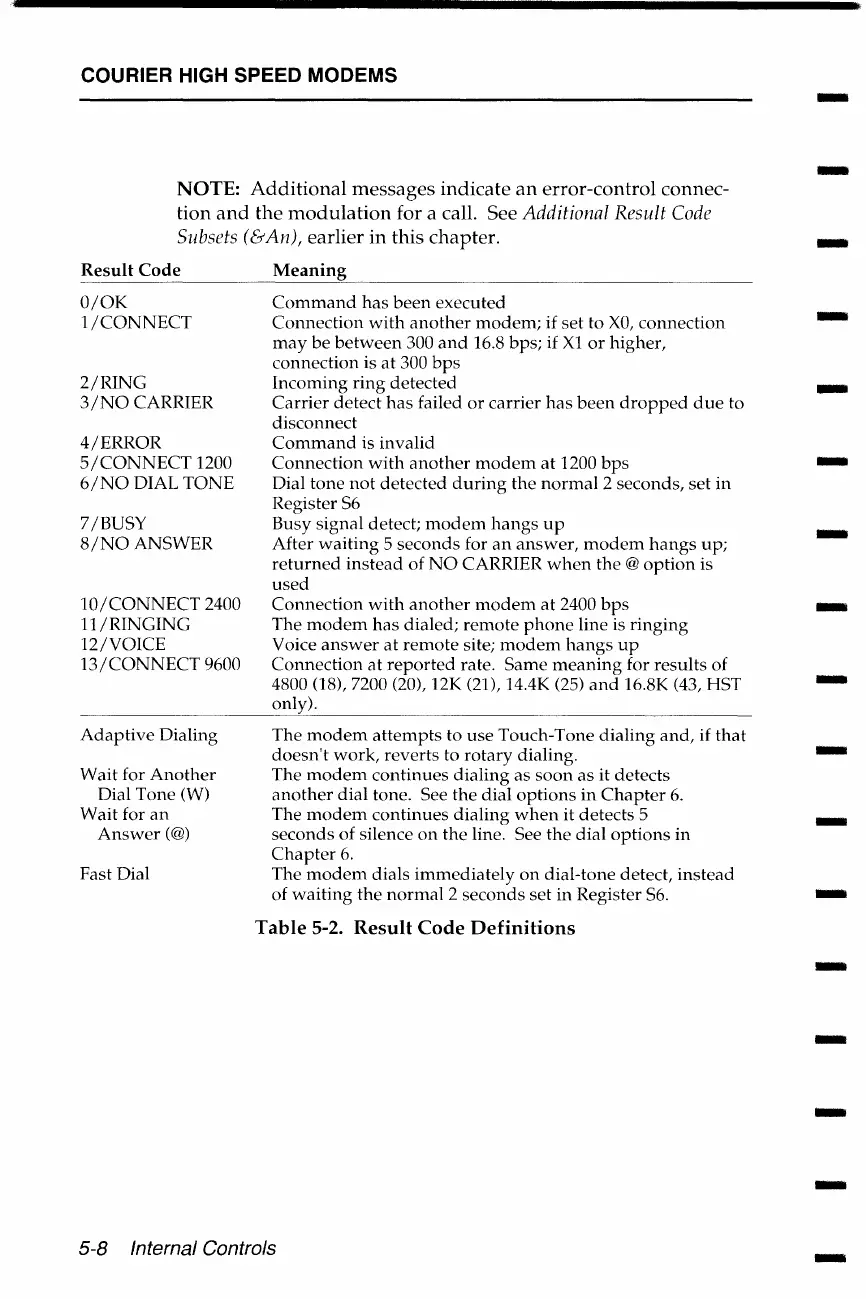
NOTE:
Additional
messages
indicate
an
error-control connec-
tion
and
the
modulation
for a call. See Additional Result
Code
Subsets (&An), earlier
in
this chapter.
Result
Code
0/0K
1/CONNECT
2/RING
3/NO
CARRIER
4/ERROR
5/CONNECT
1200
6/NO
DIAL
TONE
7 /BUSY
8/NOANSWER
10/CONNECT
2400
11/RINGING
12/VOICE
13/CONNECT
9600
Adaptive
Dialing
Wait
for
Another
Dial Tone (W)
Wait
for
an
Answer(@)
Fast Dial
Meaning
Command
has
been
executed
Connection
with
another
modem;
if set to
XO,
connection
may
be
between
300
and
16.8 bps; if Xl
or
higher,
connection is
at
300
bps
Incoming
ring
detected
Carrier
detect
has
failed
or
carrier
has
been
dropped
due
to
disconnect
Command
is invalid
Connection
with
another
modem
at
1200
bps
Dial
tone
not
detected
during
the
normal
2 seconds,
set
in
Register S6
Busy signal detect;
modem
hangs
up
After
waiting
5
seconds
for
an
answer,
modem
hangs
up;
returned
instead
of
NO
CARRIER
when
the
@option
is
used
Connection
with
another
modem
at
2400
bps
The
modem
has
dialed;
remote
phone
line is
ringing
Voice
answer
at
remote
site;
modem
hangs
up
Connection
at
reported
rate.
Same
meaning
for
results
of
4800 (18), 7200 (20), 12K (21), 14.4K (25)
and
16.8K (43, HST
only).
The
modem
attempts
to
use
Touch-Tone
dialing
and,
if
that
doesn't
work,
reverts
to
rotary
dialing.
The
modem
continues
dialing
as
soon
as it detects
another
dial
tone. See
the
dial
options
in
Chapter
6.
The
modem
continues
dialing
when
it detects 5
seconds
of
silence
on
the
line. See
the
dial
options
in
Chapter
6.
The
modem
dials
immediately
on
dial-tone detect,
instead
of
waiting
the
normal
2
seconds
set
in Register S6.
Table
5-2.
Result
Code
Definitions
5-8 Internal Controls
-
-
-
-
-
-
-
-
-
-
-
-
-
-
-
-
-

Table of Contents

Related product manuals