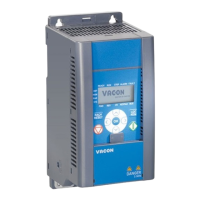
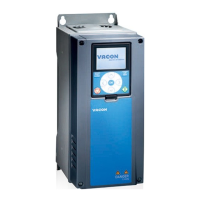
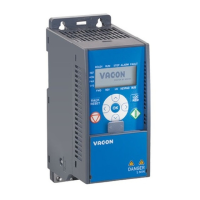
control panel vacon
•
59
7
NOTE! The status of all the 9 buttons are available for application program!
Symbol Button Name Function Description
Start Motor START from the panel
STOP Motor STOP from the panel
OK
Used for confirmation.Enter edit mode
for parameter. Alternate in display
between the parameter value and
parameter code.
Reference frequency value adjusting no
need to press OK-button to confirm.
Back / Reset
Cancels edited parameter
Move backwards in menu levels
Reset fault indication
Up and Down
Select root parameter number on root-
parameter list, Up decrease / Down
increase parameter number, Up
increase / Down decrease parameter
value change.
Left and Right
Available in REF,PAR and SYS menu
parameter digit setting when changing
value.
MON,PAR and SYS can also use left and
right button to navigate the parameter
group, like e.g.,in MON menu use right
button from V1.x to V2.x to V3.x.
Can be used to change direction in REF
menu in local mode:
-Right arrow would mean reverse (REV)
-Left arrow would mean forward (FWD)
Loc / Rem Change control place
Table 7.1: Keypad Function


 To Next Page