Managing Access and Passwords
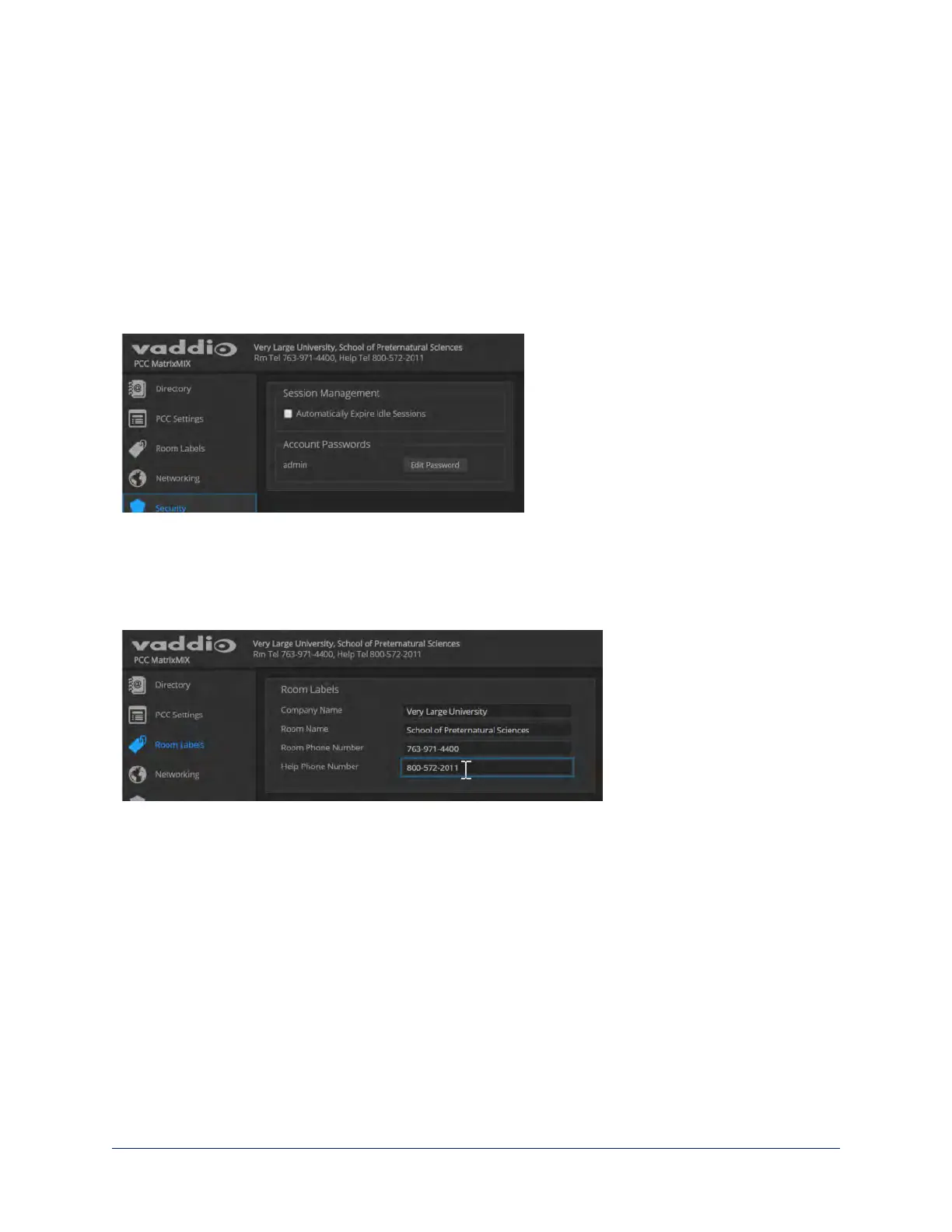
SECURITY PAGE
Set up the appropriate level of security to conform to your organization's requirements.
Idle session time-out – check the box labeled Automatically Expire Idle Sessions to automatically log you
out of the web interface after 30 minutes without interaction.
Change the password – Select Edit Password to open the Edit Password dialog box.
Note
For best security, Vaddio strongly recommends changing the admin password. Using the default
password leaves the product vulnerable to tampering.
Adding Room Information
ROOM LABELS PAGE
Enter information about the location of the equipment and the local IT or A/V help line. This information will
be displayed on all pages of the web interface.
14
Integrator's Complete Guide to the PCC MatrixMIX Live Production Controller



 To Next Page