Exporting and Importing Configuration Data
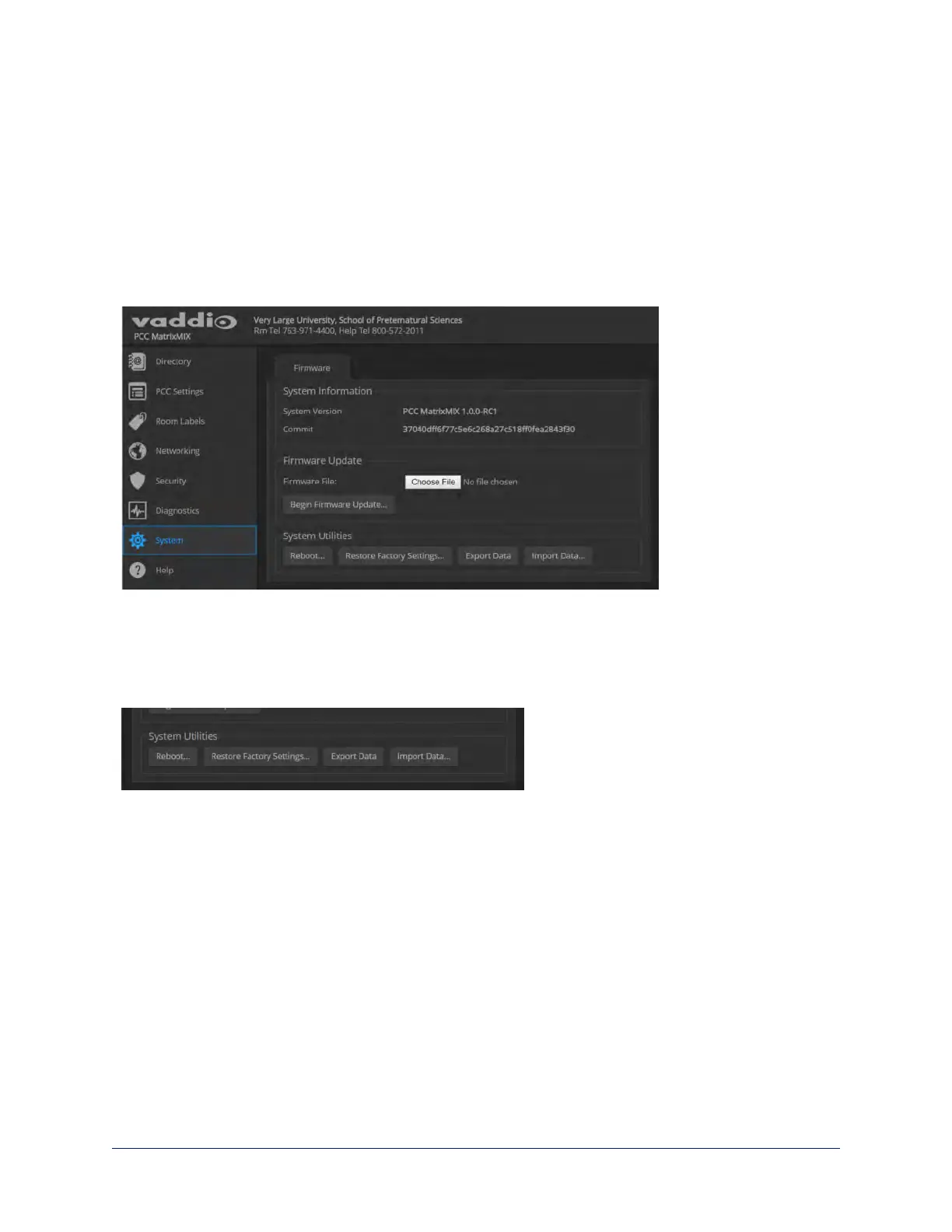
SYSTEM PAGE
If your organization uses several of the same product, you may choose to configure one of them, verify that
the configuration is good, and then copy it to the others. Most Vaddio professional AV products and
cameras have this capability.
Note
Currently, Vaddio products cannot import a configuration file that was exported from a different version of
firmware.
To export a configuration:
To save a copy of the current configuration, select Export Data.
The configuration exports as a .dat file and downloads to your default file download location. The filename
is the unit's hostname followed by the .dat file extension. If you only need to back up the configuration,
you're done.
Note
This operation does not copy device-specific data such as hostname or sensitive data such as passwords.
To import a configuration:
1. Select Import. The Import Data box opens.
2. Select Choose File, and browse to the .dat file to be imported.
3. Select Begin Importing Data. When the import is complete, the device reboots and you will need to log
in again.
Note
Currently, Vaddio products cannot import a configuration file that was exported from a different version of
firmware.
15
Integrator's Complete Guide to the PCC MatrixMIX Live Production Controller



 To Next Page