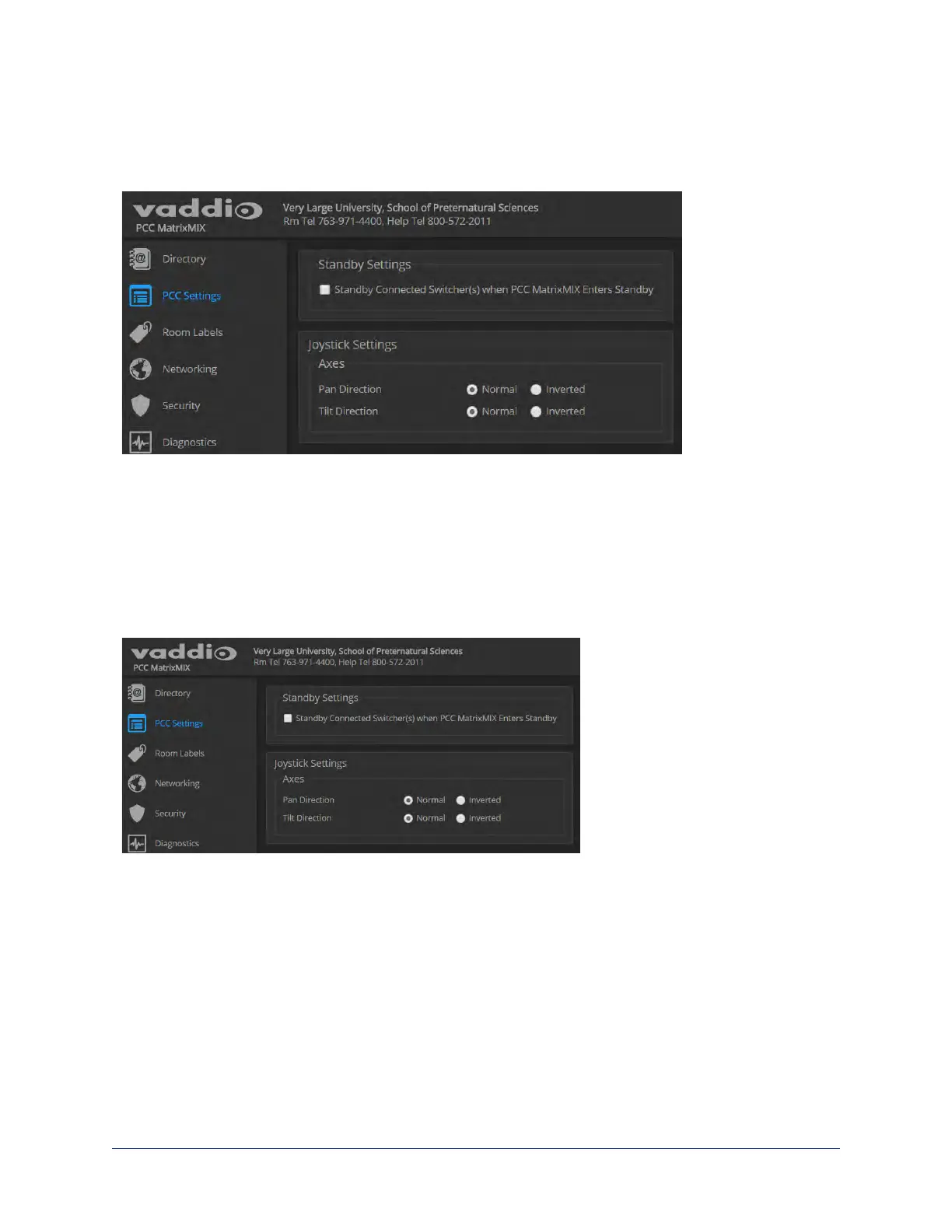
Configuring Joystick Behavior
PCC SETTINGS PAGE
Select Normal or Inverted for joystick pan and tilt axes.
The operator can also do this from the controller's Settings > Device screen.
Configuring Standby Behavior
PCC SETTINGS PAGE
To place the associated switcher(s) in standby mode along with the camera controller, check the box
marked "Standby Connected Switchers when PCC Enters Standby."
Leave this check box unchecked if all switchers (and their cameras)should remain powered up when the
camera controller goes to standby mode.
This setting is also available to the operator, on the Settings screen of the touch-panel display. It is on the
Device tab.
20
Integrator's Complete Guide to the PCC MatrixMIX Live Production Controller



 To Next Page