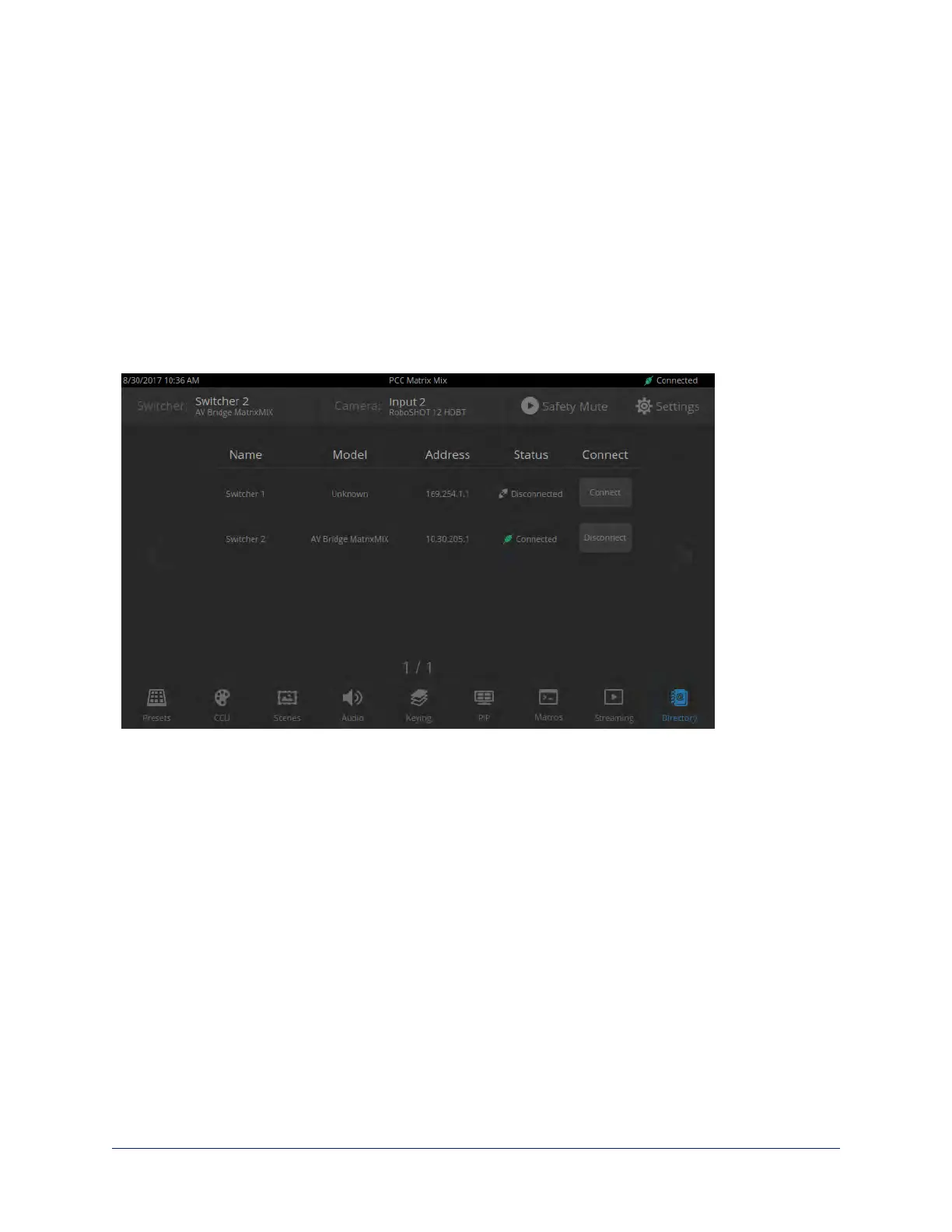
Selecting a Switcher from the Directory
DIRECTORY SCREEN (TOUCH-PANEL)
The controller must connect to a switcher to control the equipment connected to it. The top part of the
touch-panel displays the name of the selected switcher (if any). You will also need a way to view the
switcher's multiviewer output. The TeleTouch 27 USB multiviewer is recommended; however, for remote
operation you can view the multiviewer output as a stream.
Note
A switcher may be in more than one controller's directory, and may be controlled in other ways as well. If
more than one operator has control of a switcher, unexpected behavior may result.
With a TeleTouch 27 USB multiviewer:
On the Directory screen, tap the Connect button associated with the switcher if its status is Disconnected.
24
Integrator's Complete Guide to the PCC MatrixMIX Live Production Controller



 To Next Page