Working with Audio
AUDIO SCREEN (TOUCH-PANEL)
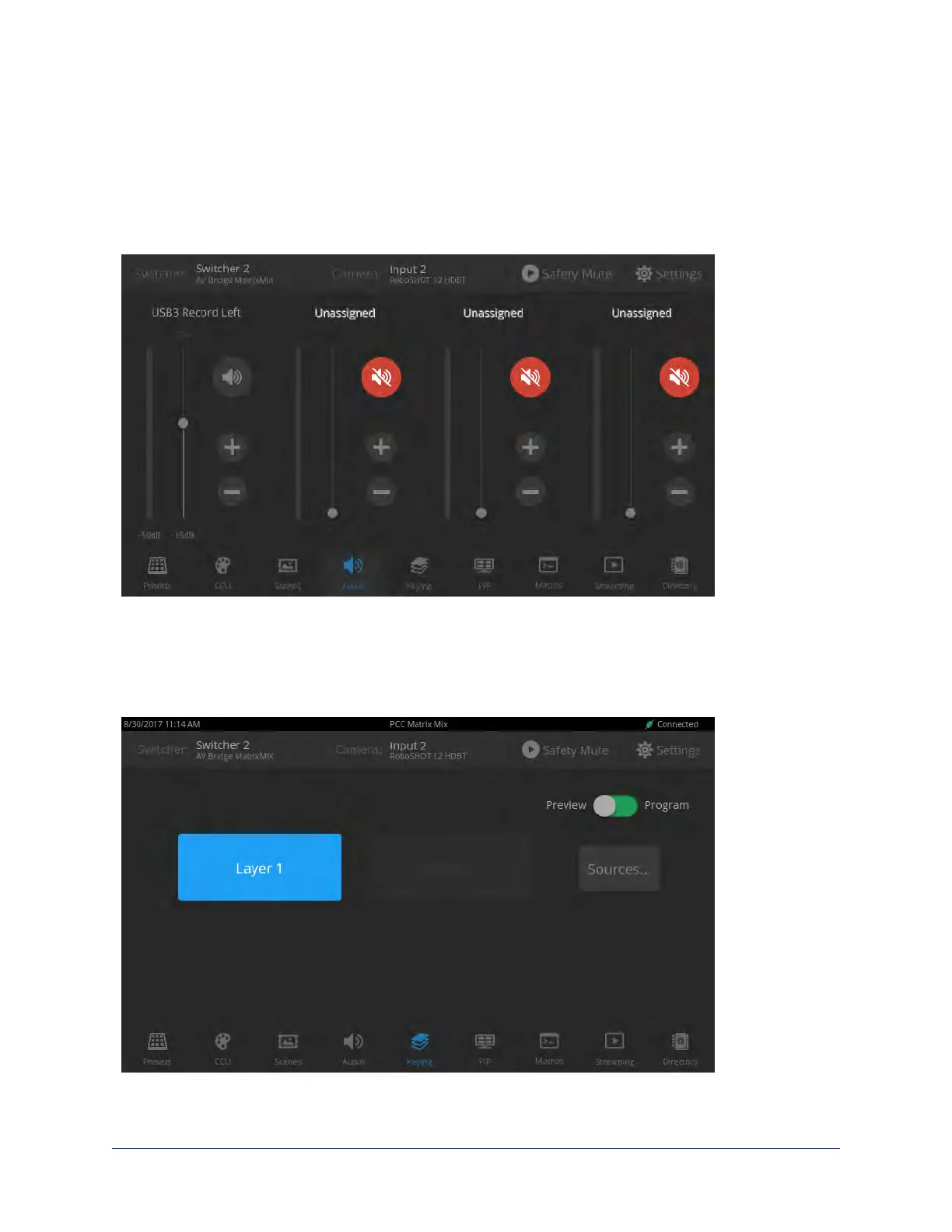
Up to four audio channels may be available on the Audio screen. Each provides a mute/unmute button,
volume read-out, and volume slider control.
The audio channels available on the Audio screen depend on how the connected switcher is configured.
Changing this requires administrative access to the switcher's web interface.
Working with On-Screen Graphics
KEYING SCREEN
Select the output to work with – Preview or Program.
To add or remove an existing graphic, select or deselect the Layer button associated with it.
34
Integrator's Complete Guide to the PCC MatrixMIX Live Production Controller



 To Next Page