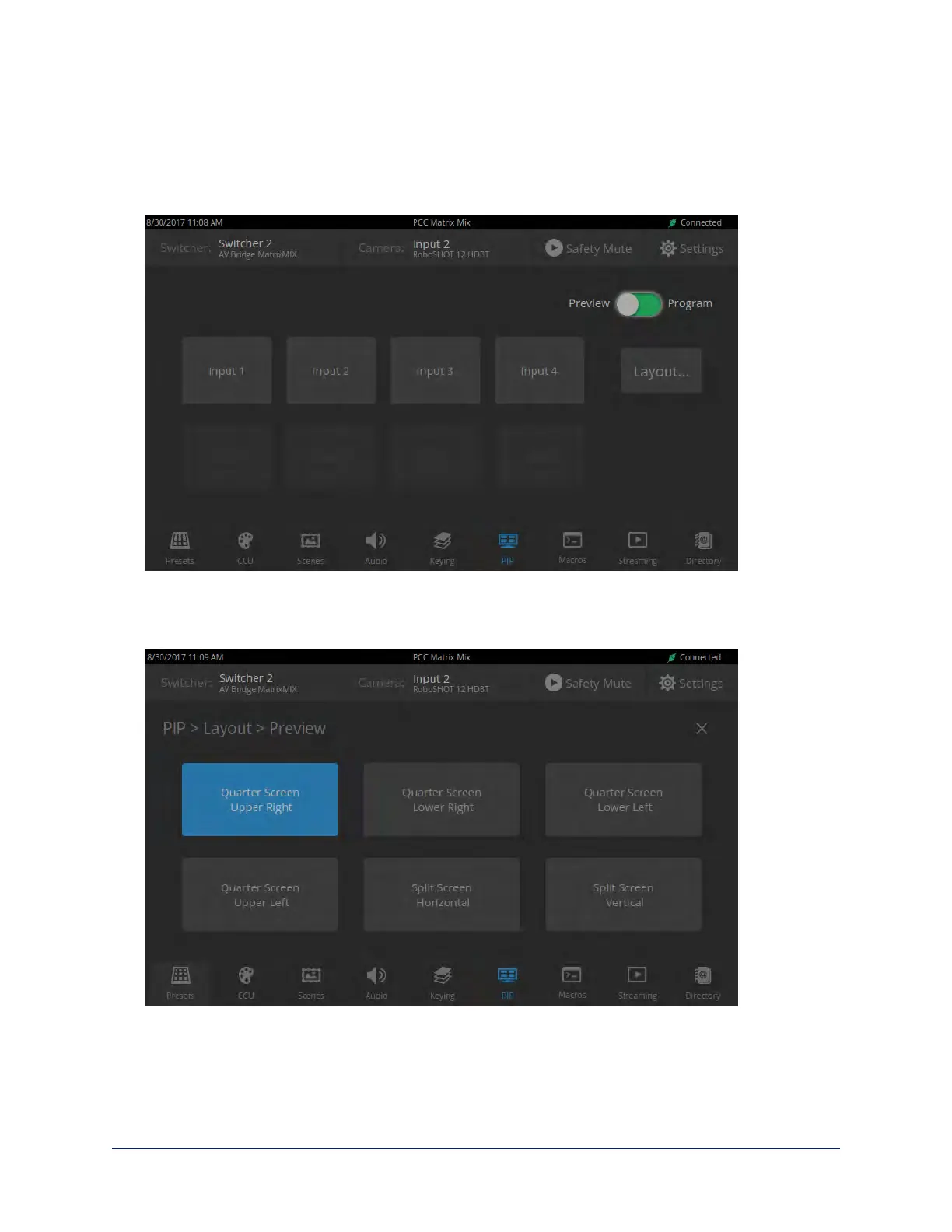
Selecting a PIP Source and Layout
PIP SCREEN
1. Select the output to work with – Preview or Program.
2. Select the camera or other video source to use as the PIP source.
3. Select Layout to open the layout selection box.
4. Select the desired screen layout.
5. Select the X in the upper right corner to return to the PIP source selection screen.
36
Integrator's Complete Guide to the PCC MatrixMIX Live Production Controller



 To Next Page